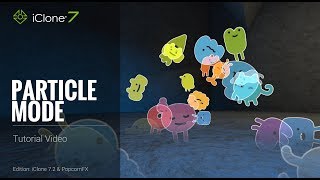
iClone 7.2 Tutorial - PopcornFX Super Tools Particle Mode
Explore PopcornFX Super Tools' texture emitter in iClone 7.2. Learn to modify particle mode settings for visually striking effects, including blend modes, sprite atlas, and animation sequences.

iClone 7.2 Tutorial - Creating Floating Dust and God Rays with PopcornFX Super Tools
Learn to create realistic floating dust and heavenly god rays using iClone 7.2's PopcornFX Super Tools. Master texture emitter techniques for stunning visual effects in your 3D animations.
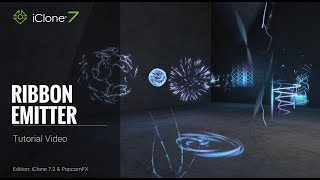
iClone 7.2 Tutorial - PopcornFX Super Tools Ribbon Emitter
Explore the Ribbon Emitter in iClone's PopcornFX, covering basic settings, circulation, appearance, and forces. Master this tool to create stunning particle effects for your 3D animations.
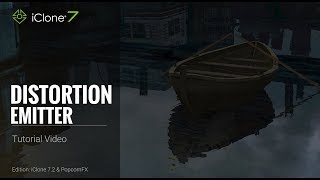
iClone 7.2 Tutorial - PopcornFX Super Tools: Distortion Emitter
Learn to create realistic water ripples, wave effects, boat wakes, and heat waves using iClone's PopcornFX Distortion Emitter. Master professional-level visual effects for enhancing your 3D animation projects.

iClone 7.2 Tutorial - Controlling Particle Appearance with Texture in PopcornFX Super Tools
Learn to customize particle effects in iClone using PopcornFX Super Tools. Master mesh sampling, color mapping, lifetime control, and texture-based emission for enhanced visual production.
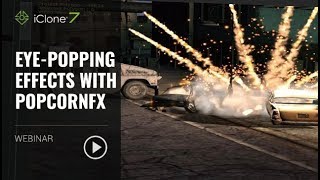
Eye-popping Effects with PopcornFX - January 23, 2018
Learn to create stunning visual effects using PopcornFX plugin for iClone 7. Master customization techniques, explore sample libraries, and integrate effects into your projects for professional-looking results.
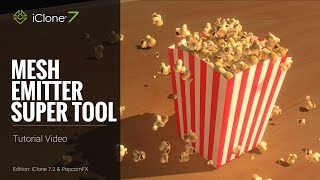
iClone 7.2 Tutorial - PopcornFX Super Tools - Mesh Emitter
Explore iClone's PopcornFX Mesh Emitter tool to enhance 3D projects with dynamic particle effects. Learn UI, mesh replacement, material settings, physics, color, rotation, and environmental forces.

iClone 7.2 Tutorial - PopcornFX Super Tools: Texture Emitter Advanced Techniques - Part 2
Explore advanced PopcornFX particle effects in iClone, including initial speed, particle life, rotation, and color changes, to enhance visual appeal in 3D projects.
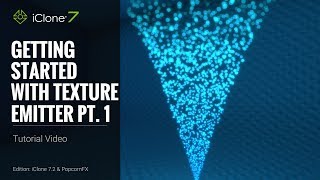
iClone 7.2 Tutorial - Getting Started with PopcornFX Texture Emitter - Part 1
Explore PopcornFX Texture Emitter in iClone: learn folder structure, change particle textures, adjust distribution, spread, volume, and emit position for enhanced visual effects.

iClone 7.2 Tutorial - PopcornFX Text Emitter Super Tool
Learn to create dynamic text effects using PopcornFX Super Tools in iClone 7.2. Master input modes, line display, text styling, animation, and font changes for professional-looking visual enhancements.
iClone 7.1 Curve Editor Tutorial - Animating Props and Characters
Explore iClone 7's curve editor for precise motion control. Learn to animate props, fine-tune characters, and combine timeline features for enhanced 3D animations.

iClone 7.2 Tutorial - PopcornFX Particle Types
Explore different particle effect types in PopcornFX for iClone 7.2, including texture emitters, ribbon particles, and mesh particles. Learn to create stunning visual effects for your 3D animations.
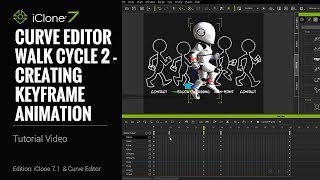
iClone 7.1 Tutorial - Creating a Walk Cycle Using Curve Editor
Learn to create a realistic walk cycle animation using iClone 7.1's Curve Editor. Master key techniques like torso twisting, mirroring poses, and adjusting body parts for smooth, natural-looking character movement.
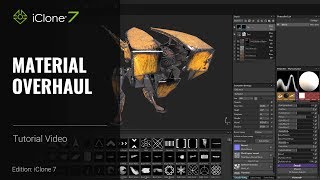
iClone 7 and Substance Painter Tutorial - Material Overhaul
Learn to modify textures and materials in iClone using Substance Painter. This beginner-friendly tutorial covers painting techniques, creating decals, emissive materials, and exporting textures for enhanced 3D visuals.
CrazyTalk Animator 2 Tutorial - Customize Animation Templates for PowerPoint-Keynote
Learn to customize CrazyTalk Animator 2 templates for presentations, including character swapping, text editing, animation customization, and logo addition for enhanced visual impact.
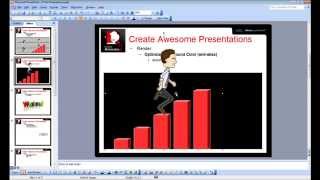
CrazyTalk Animator 2 Tutorial - Capture PNG and AniGIF for PowerPoint-Keynote
Learn to capture and export transparent PNGs and animated GIFs in CrazyTalk Animator 2 for use in presentations. Covers Windows and Mac environments, export range adjustment, and image quality optimization.
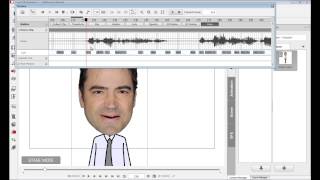
CrazyTalk Animator 2 Tutorial - Face - Audio Lip-Sync
Learn automatic lip-syncing techniques in CrazyTalk Animator 2, including audio recording, text-to-speech, phoneme mapping, and custom lip-sync creation for efficient character animation.
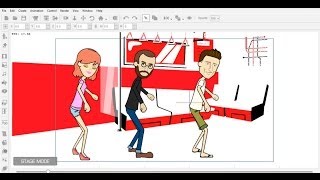
Importing External 3D Motions to CrazyTalk Animator
Learn to import, convert, and edit 3D motions for 2D characters in CrazyTalk Animator, enhancing animation possibilities and creative freedom for your projects.
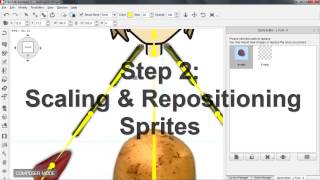
CrazyTalk Animator 2 Tutorial - Basic Character Body Creation
Learn to create basic character bodies in CrazyTalk Animator 2, covering sprite replacement, scaling, bone transformation, and angle copying for 3-profile characters compatible with front-facing animations.

Importing iClone Motions to CrazyTalk Animator 2
Learn to import and customize iClone motions in CrazyTalk Animator 2, enhancing 2D characters with 3D animations. Master sprite refinement, layer adjustments, and motion editing for optimal results.
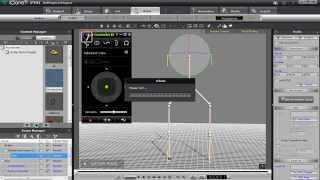
iClone Avatar Toolkit 2 Tutorial - Constructing Avatar Puppet Accessories
Learn to create custom avatar accessories using primitive shapes, define puppet controls, and assemble complex structures in iClone 6's Avatar Builder for enhanced character animation.