Photo Painting Tutorial - Photoshop, Topaz Studio 2, and Luminar 4
Transform photos into stunning paintings using Photoshop, Topaz Studio 2, and Luminar 4. Learn advanced techniques like AI enhancement, object selection, and blending multiple filters for unique artistic results.
Photo Art Tutorial - Using Photoshop and Topaz Studio 2
Transform photos into art using Photoshop and Topaz Studio 2. Learn techniques like layer masking, texture application, and AI-powered effects to create stunning digital artwork from your photographs.
Flower Photography Workflow Tutorial - Lightroom, Photoshop, and Topaz Studio 2
Learn to enhance flower photos with a dreamy, ethereal look using Lightroom, Photoshop, and Topaz Studio 2. Master techniques for soft backgrounds, noise reduction, and sharpening in macro photography.

Topaz Remask AI Tutorial - Masking Techniques for Photo Editing
Learn to use Topaz Remask AI for efficient photo editing. Explore mask modes, background removal, edge recovery, and adjustments in this comprehensive tutorial.

Dodging and Burning Techniques in Topaz Studio 2 and Photoshop
Learn effective dodging and burning techniques in Photoshop and Topaz Studio 2 to enhance landscape images and make them stand out. Discover similar methods in both applications for improved photo editing skills.

Topaz Studio 2 - The Impression Filter Tutorial
Transform photos into digital art with the Impression Filter in Topaz Studio 2. Learn techniques inspired by Bob Ross to create expressive, painterly effects and unleash your creativity.

Topaz Studio 2 Tutorial - Using the Edges Filter
Comprehensive tutorial on using the Edges Filter in Topaz Studio 2, covering its functionality and practical application through step-by-step demonstrations and real-world examples.

Topaz Studio 2 Tutorial - The Channel Mixer Filter
Explore the Channel Mixer filter in Topaz Studio 2 to enhance your photo editing skills. Learn techniques for adjusting color channels and creating monochrome images with real-world examples.

Secret Tips for Generative Fill in Photoshop
Discover advanced techniques for Photoshop's Generative Fill tool, including layer blending, context enhancement, depth of field creation, intensity adjustment, and seamless pattern generation.
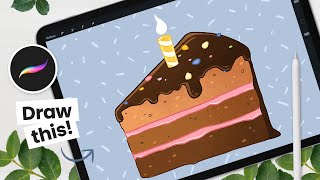
How to Draw a Cake With Animated Flame - Procreate Tutorial
Learn to create a vibrant cake slice with an animated flame in Procreate. This step-by-step tutorial covers sketching, coloring, detailing, shading, and animation techniques for digital artists.
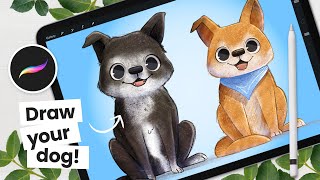
The Cutest Way to Draw a Dog - Procreate Tutorial
Learn to draw and color adorable cartoon dogs using Procreate. Master simple yet effective techniques for creating cute, expressive illustrations perfect for children's books and beginner artists.
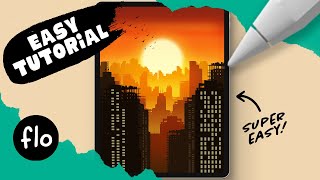
Draw This Sunset City Skyline in Procreate
Learn to create a stunning sunset city skyline in Procreate with step-by-step guidance. Master digital drawing techniques like gradients, layering, and detailing to bring your urban landscape to life.

Draw This Love Bear in Procreate
Step-by-step tutorial for beginners to draw a cute teddy bear in Procreate. Learn digital drawing techniques like symmetry tool, curves, and layer clipping mask while creating a lovable bear illustration.
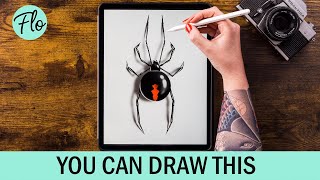
Draw a Spider in Procreate
Step-by-step tutorial for drawing a realistic spider in Procreate, covering body structure, leg details, highlights, patterns, and shadow effects to create a lifelike digital illustration.
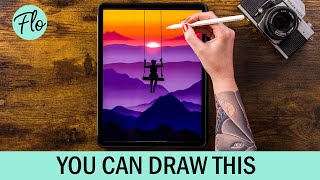
Draw This Sunset Landscape in Procreate
Step-by-step tutorial for creating a stunning sunset landscape in Procreate, covering techniques from basic mountains to adding mist and clouds for a realistic digital artwork.

Let's Draw Comics
Comprehensive tutorial on comic drawing using Krita, covering sketching, inking, shading, coloring, and special effects. Learn digital art techniques and workflow from start to finish.
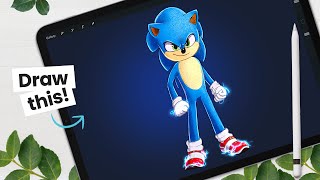
How to Draw Sonic - Movie Version - Character Breakdown
Learn to draw the movie version of Sonic The Hedgehog with step-by-step guidance. Master sketching, shading, and digital art techniques while exploring character design principles and Procreate tools.
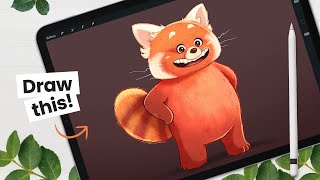
How to Draw the Red Panda from Turning Red - Character Breakdown
Learn to draw the red panda from "Turning Red" with step-by-step instructions. Master sketching, shading, and digital art techniques using Procreate on iPad Pro. Ideal for character design enthusiasts and aspiring animators.
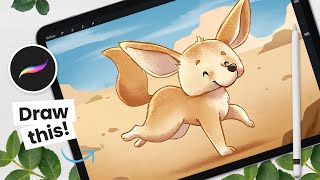
How to Draw a Cute Fennec - From Sketching to Shading - Procreate Tutorial
Step-by-step Procreate tutorial for drawing a cute fennec fox, covering sketching, coloring, outlining, shading, and background creation. Includes digital art tips and character design strategies.

How to Draw Your Fantasy Animal - From Sketching to Shading
Learn to create a fantasy animal in Procreate with step-by-step guidance on sketching, shading, and digital art techniques. Master clipping masks, blending modes, and texturing for a unique, stylized creature.
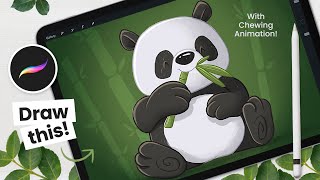
How to Draw and Animate a Panda - Procreate Tutorial
Step-by-step tutorial for drawing and animating a cute chewing panda using Procreate on iPad. Covers sketching, painting, shading, and basic animation techniques for digital artists.