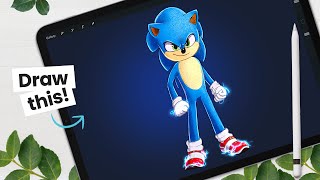
How to Draw Sonic - Movie Version - Character Breakdown
Learn to draw the movie version of Sonic The Hedgehog with step-by-step guidance. Master sketching, shading, and digital art techniques while exploring character design principles and Procreate tools.
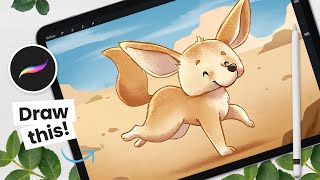
How to Draw a Cute Fennec - From Sketching to Shading - Procreate Tutorial
Step-by-step Procreate tutorial for drawing a cute fennec fox, covering sketching, coloring, outlining, shading, and background creation. Includes digital art tips and character design strategies.

How to Draw Your Fantasy Animal - From Sketching to Shading
Learn to create a fantasy animal in Procreate with step-by-step guidance on sketching, shading, and digital art techniques. Master clipping masks, blending modes, and texturing for a unique, stylized creature.
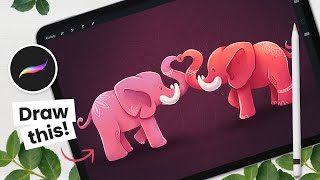
How to Draw Love Elephants Using Symmetry - Procreate Tutorial
Learn to draw adorable love elephants using Procreate's symmetry tool. Master sketching, shading, and digital art techniques while creating a charming Valentine's Day illustration with step-by-step guidance.
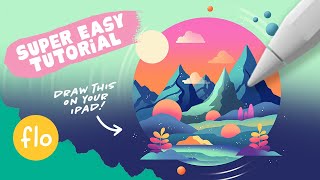
Easy Procreate Drawing Tutorial - Stylized Landscape Illustration Tutorial
Step-by-step guide to create a stylized landscape illustration in Procreate, covering essential techniques like gradients, alpha lock, clipping masks, and blending modes for beginners.

Tips & Tricks All InDesign Users Should Know
Discover 15 essential InDesign tips to enhance your skills, from generating QR codes and creating interactive popups to mastering data merging and designing fillable forms.
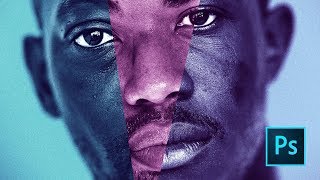
Moonlight Movie Poster Photoshop Tutorial
Learn to recreate the Moonlight movie poster using advanced Photoshop techniques like gradient maps, liquify tool, and blur gallery. Master compositing skills applicable to various design projects.
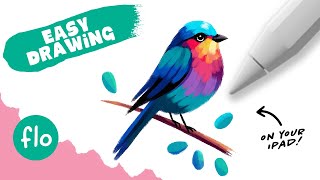
Colorful Bird Drawing Tutorial in Procreate - Easy Step-by-Step Guide
Learn to create a vibrant bird illustration in Procreate with simple steps. Perfect for beginners, this tutorial covers basic features and techniques for painterly digital art on iPad.
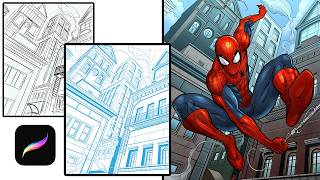
Tips on Drawing a Detailed Comic Scene in Procreate
Learn to create detailed comic scenes in Procreate with perspective guides, layer grouping, and clipping masks for coloring. Enhance your digital illustration skills for efficient and effective comic art production.
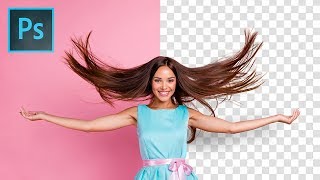
Precisely Cut Out Hair Using Color Range in Photoshop
Learn precise hair selection techniques in Photoshop using Color Range. Master background removal, mask refinement, edge fringe elimination, and clean compositing for professional-looking results.
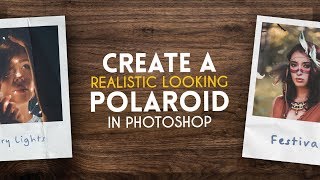
Create a Realistic Polaroid - Photoshop Tutorial
Learn to create a realistic Polaroid photograph in Photoshop with step-by-step guidance on image manipulation, texturing, and finishing touches for an authentic vintage look.
Clipping Masks, Gradients & More - Photoshop Elements Tutorial 2022
Learn to create dynamic designs in Photoshop Elements with techniques like image cutting, drop shadows, bevels, strokes, text effects, filters, and clipping masks in this step-by-step tutorial.
Digital Painting Basics for Beginner Digital Artists - Essential Tools, Workflow, Layers & More
Learn essential digital painting tools, techniques, and workflow for beginners. Covers workspace setup, canvas creation, brushes, layers, blending modes, and a step-by-step artwork example.
Procreate Painting Brushes and Tips
Explore favorite Procreate painting brushes, learn their uses, and discover tips for color blocking, layering, shading, and airbrushing in digital art creation.

The Right Way to Place Objects on Grass for Photo Manipulation in Photoshop
Learn realistic photo compositing techniques in Photoshop, focusing on placing objects on grass. Master selection refinement, clipping masks, brush manipulation, and shadow creation for seamless integration.

How to Create Photo Album Templates From Scratch in Photoshop
Learn to create custom photo album templates in Photoshop using clipping masks. Master design techniques for beautiful layouts, and easily drag-and-drop images into placeholders for efficient album creation.
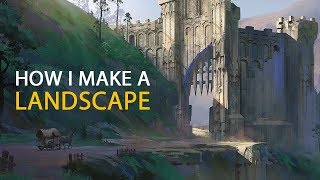
How I Make a Landscape - Concept Art Process
Explore digital landscape concept art techniques, from block-out to atmosphere, with custom shapes, color, and texture. Learn professional workflow for creating stunning environments.
Compositing and Background Replacement in Photoshop
Master essential Photoshop techniques for background replacement and compositing, including gradient creation, blending modes, object selection, and clipping layers for enhanced post-production workflow.