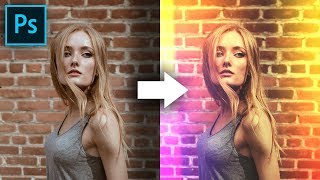
Build Creative Light Overlays and Presets in Photoshop
Create stunning light overlays in Photoshop using gradients, clipping masks, and blend modes. Learn to make customizable presets for light leaks and flares, plus add texture and color grading to enhance your images.
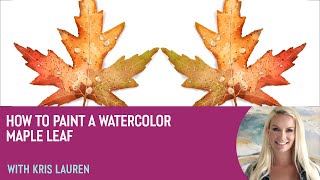
How to Paint a Watercolor Maple Leaf With Kris Lauren
Learn to paint a vibrant watercolor maple leaf in Procreate with artist Kris Lauren. Master techniques for color, texture, and detail to create stunning digital artwork using the Living Watercolor pack.
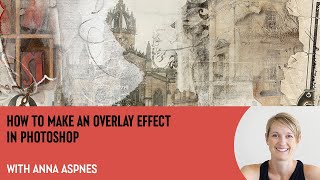
How to Make an Overlay Effect in Photoshop With Anna Aspnes
Learn to create seamless overlays in Photoshop with expert Anna Aspnes. Master techniques for dynamic digital art, including clipping masks, transfers, brushes, and layering to elevate your storytelling and artistic expression.
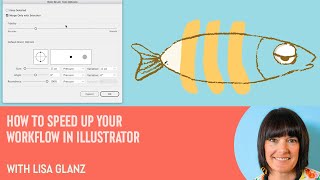
How to Speed Up Your Workflow in Illustrator With Lisa Glanz
Illustrator expert Lisa Glanz shares time-saving techniques, including shortcuts, workspace optimization, toolbar customization, and efficient use of layers, actions, image trace, and clipping masks.

Anyone Can Draw This Iris in Procreate
Step-by-step tutorial for beginners to draw a realistic iris using Procreate on iPad. Learn techniques like feathering, smudging, layer masks, and perspective blur with free brushes.
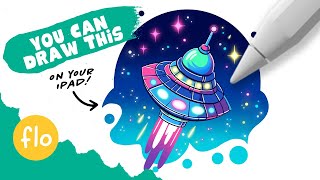
Easy Drawing for Beginners - Creating a Colorful UFO in Procreate
Step-by-step guide to create a colorful UFO illustration in Procreate, covering basic features and techniques for beginners. Learn to draw, add effects, and use tools like symmetry and clipping masks.
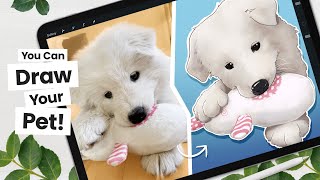
How to Cartoon Your Pet From a Picture - Procreate Tutorial
Learn to transform pet photos into cartoons using Procreate. Master line art, coloring, shading, and digital art techniques. Create unique illustrations with professional tips and tricks for a polished finish.
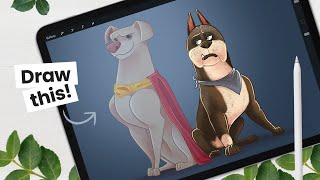
How to Draw Ace From The League of Super-Pets - Character Breakdown
Learn to draw Ace from DC's Super-Pets movie with step-by-step instructions. Master sketching, shading, and digital art techniques using Procreate on iPad Pro, applicable to various drawing tools.
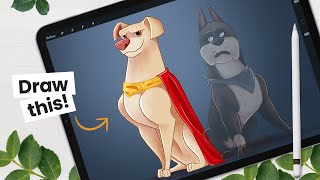
How to Draw Krypto from The League of Super-Pets - Character Breakdown
Learn to draw Krypto from DC's League of Super-Pets with step-by-step instructions. Master sketching, shading, and digital art techniques using Procreate on iPad Pro, applicable to various drawing tools.
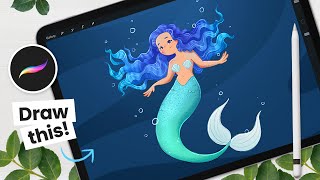
How to Draw a Mermaid - Mermay Illustration Tutorial
Learn to draw a mermaid using Procreate with step-by-step guidance on sketching, line art, coloring, and shading. Master digital art techniques like clipping masks and blending modes for stunning illustrations.

How to Replace a Sky in Photoshop
Master sky replacement in Photoshop with expert techniques for selecting, blending, and matching new skies. Learn to enhance images realistically by considering lighting, focus, and color harmony.

Adobe Photoshop CC 2020 Crash Course for Absolute Beginners
Learn to create a movie poster from scratch using Photoshop CC 2020. Master essential tools, layers, adjustments, and techniques to kickstart your graphic design journey and apply skills to future projects.
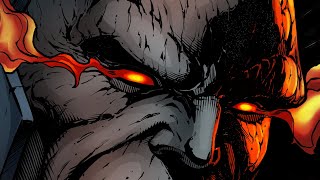
How to Color Comic Art with the Procreate App
Learn to color comic art using Procreate on iPad Pro. Master flatting, blending modes, clipping masks, and more in this real-time tutorial for creating vibrant, professional-looking comic illustrations.
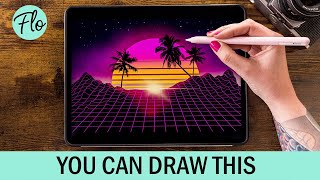
Retrowave Landscape in Procreate
Step-by-step tutorial for creating a retrowave landscape in Procreate, featuring free brushes and beginner-friendly techniques. Learn digital drawing skills while crafting a vibrant, nostalgic illustration.
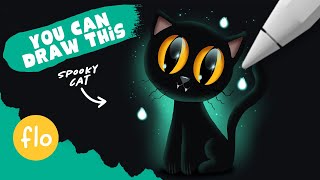
You Can Draw This Cat in Procreate
Learn to draw a black cat step-by-step in Procreate with easy-to-follow techniques. Includes layer blending, clipping masks, and a free brush to enhance your digital art skills.
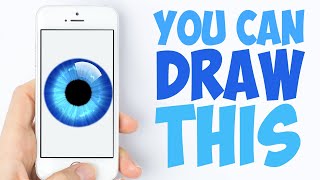
You Can Draw This Iris in Procreate Pocket
Step-by-step tutorial for drawing an iris using Procreate Pocket on iPhone. Learn digital art techniques like symmetry tool and clipping masks while creating a beautiful flower illustration.

You Can Draw This Iris in Procreate
Step-by-step tutorial for drawing a realistic brown iris using Procreate on iPad. Learn digital art techniques like symmetry tools and clipping masks to create stunning eye artwork.
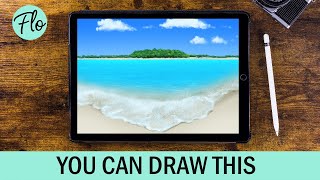
Beach Landscape Drawing in Procreate - Easy Tutorial
Learn to paint a beach landscape in Procreate with easy-to-follow steps. Master techniques like clipping masks, layer masks, and gaussian blur using free brushes included in the app.
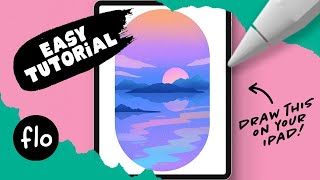
Drawing on Your iPad in Procreate - You Can Draw This
Step-by-step tutorial for beginners to create a landscape drawing using Procreate on iPad. Learn essential techniques and tools for digital art creation with guided instruction.
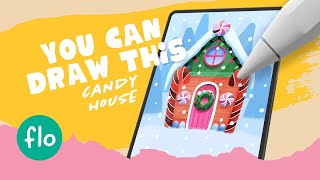
Drawing a Gingerbread House in Procreate - Easy Beginner Tutorial
Step-by-step guide to create a charming gingerbread house digital illustration using Procreate. Learn essential techniques like selection tools, clipping masks, and textured brushes for beginners.
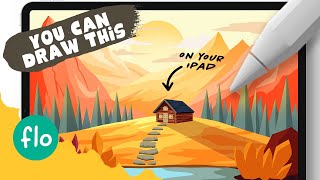
Draw a Mountain Landscape with a Cabin in Procreate - Step by Step Tutorial
Learn to create a stunning mountain landscape with a cozy cabin in Procreate. Master techniques like clipping masks, Alpha lock, and perspective grid while unleashing your creativity step-by-step.