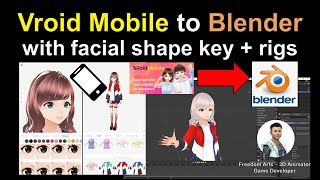
Vroid Mobile to Blender - Facial Shape Key and Rig Tutorial
Learn to export Vroid Mobile manga characters to Blender with facial expressions and full skeleton, enabling 3D animation. Step-by-step guide for creating facial and body animations in Blender.
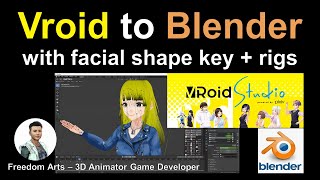
Vroid to Blender Tutorial: Importing Characters with Facial Expressions and Skeleton Bones
Step-by-step guide for exporting Vroid Studio characters to Blender, including facial expressions and skeleton setup. Learn to create facial and body animations in Blender for manga-style characters.
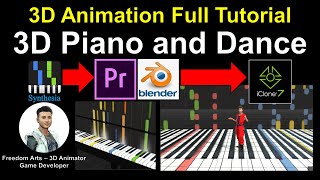
How to Create 3D Piano and Dance Animation - Full Tutorial
Learn to create a 3D animated piano and dance sequence using Blender, iClone, and video editing software. Master modeling, texturing, and animation techniques for realistic musical performances.
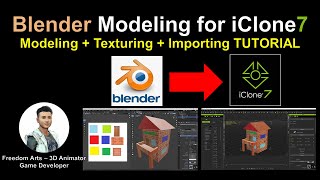
Blender Modeling for iClone - Tutorial
Learn to create custom 3D props in Blender, add textures, and import them into iClone for animation. Step-by-step guide covers modeling, UV mapping, and file conversion for seamless integration.
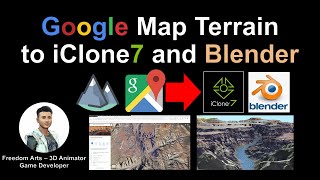
Google Map Terrain to iClone and Blender
Learn to extract 3D terrain from Google Maps and import it into iClone and Blender for 3D animation and game development. Step-by-step guide with real-time demonstrations using the Grand Canyon Skywalk.
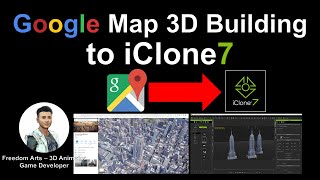
Extracting Empire State Building 3D Model from Google Maps for iClone
Learn to extract 3D building models from Google Maps and import them into iClone for animation projects. Step-by-step guide covers necessary tools and processes for accurate model extraction.
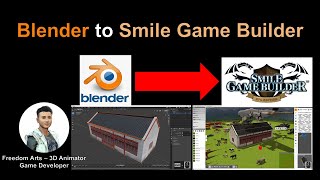
Blender to Smile Game Builder: Optimizing 3D Models for Game Development
Learn to optimize 3D models in Blender for game development, including face reduction, mesh merging, and texture baking. Export game-ready assets to Smile Game Builder for codeless game creation.
Character Creator 3 to FBX - 3D Modeling Animation and Game Development Tutorial
Learn to create and export 3D human characters from Character Creator 3 as FBX files with full rigging and facial shapekeys, compatible with various 3D modeling and game development software.
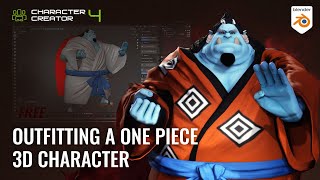
Outfitting a One Piece 3D Character - Jinbe Using Blender and Character Creator
Learn efficient 3D character outfitting techniques using Blender and Character Creator. Master mesh updates, texture baking, sculpting, and brush creation to streamline your workflow and create impressive character designs.
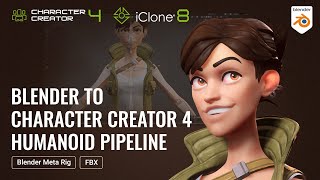
Fastest Turnaround from Static Mesh to Fully Animated Character - Blender-Character Creator Pipeline
Learn to transform static 3D models into fully animated characters using Blender and Character Creator 4. Master rigging, facial morphs, and animation techniques for a seamless workflow between Blender and iClone.

RBF Drivers - Rigging Addon Review & Quick Start Guide - Blender 2.9
Explore RBF Drivers for complex Blender rigging interactions. Learn intuitive workflows for character animation and automation in this quick start guide and review.
Learn Rigging in Blender
Comprehensive guide to Blender rigging tutorials and courses, covering free and paid options for beginners to advanced users. Includes official resources, popular YouTubers, and specialized topics.
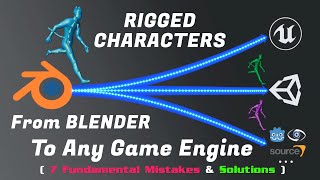
Blender - The Fundamentals of Exporting Rigged Characters to Unreal, Unity, or Any Game Engine
Learn to export rigged characters from Blender to game engines. Covers fundamental concepts, common issues, and practical solutions for seamless integration of 3D models into various game development platforms.
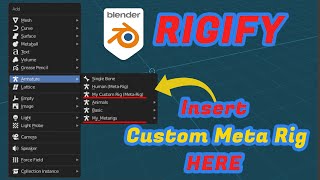
Blender - How to Save Custom Metarigs for Rigify
Learn to create and save custom meta rigs for Blender's Rigify addon, exploring manual techniques and using an addon for efficient workflow. Enhance your rigging skills and streamline character setup.
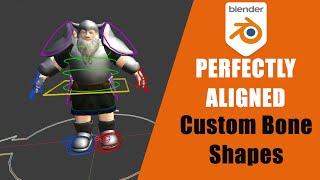
Blender - How to Create Perfect Custom Bone Shapes
Learn to create and perfectly align custom bone shapes in Blender 2.8/2.9, enhancing your rigging skills with manual and addon-based techniques for improved 3D character animation workflows.
Creating a Wool Cat Animation: Blender to Cartoon Animator Workflow
Learn to create a charming wool cat animation using Blender and Cartoon Animator. This step-by-step guide covers 3D to 2D conversion, spring dynamics, free-form deformation, and video compositing.
Create Unlimited Characters with ActorCore and Blender
Explore ActorCore character creation, material editing in Substance Player, and rendering in Blender. Learn to combine ActorCore motions with facial mocap for quick scene creation in iClone.
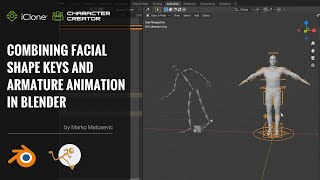
Combining Facial Shape Keys and Armature Animation in Blender with Auto-Rig Pro - Part 4
Learn to combine facial shape keys and armature animation in Blender using Auto-Rig Pro. This tutorial covers exporting, importing, rigging with Auto-Rig Pro, merging armatures, and applying motions for efficient character animation.

Character Creator to Blender Pipeline with Auto-Rig Pro - Part 1
Learn to export characters from Character Creator to Blender, set up materials, and rig with Auto-Rig Pro. Reduce animation production time significantly with expert tips and techniques.
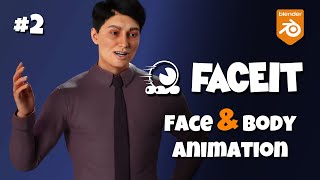
FaceIt Tutorial - Body Rigs + FaceIt Mocap - Blender
Comprehensive tutorial on integrating FaceIt with body rigs in Blender, covering setup, expressions, mocap, and compatibility with various character creation tools. Ideal for 3D animators and riggers.
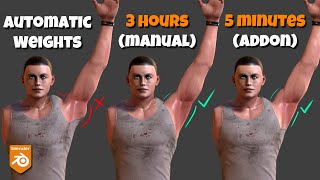
Corrective Smooth Baker, Blender Addon - AKA Delta Mush
Learn to bake smooth corrective modifier effects to vertex weights in Blender, enabling export of rigged meshes with improved deformations. Explore workflows for complex rigs and efficient addon usage.