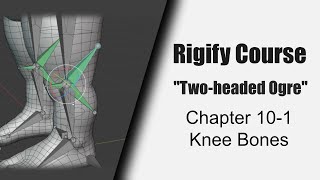
Custom Knee Bones for Ogre Rig - Rigify Course Chapter 10-1
Create custom knee bones for advanced leg rigging in Blender's Rigify. Enhance leg deformations, fix volume loss, and prevent intersections during bending.
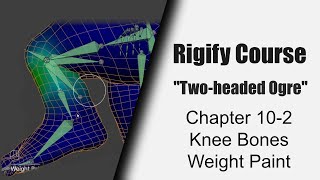
Knee Weight Painting for Two-headed Ogre Rig - Part 10-2
Master weight painting techniques for rigging knees in Blender's Rigify system through hands-on demonstration and practical application.
Rigify Color Sets in Blender 4.0 - Custom Control Coloring - Part 7-2
Learn to color code rig controls using Rigify's Color Sets in Blender 4.0. Explore standard and custom color options, manage collections, and customize finger colors for improved rig organization and usability.

Blender Skeleton Hand Rigging Tutorial
Master skeleton hand rigging in Blender using the Rigify addon to create fully articulated hand armatures with professional-grade control systems and templates.

Rigging a Two-headed Ogre with Rigify: Knee Finishing Touches - Part 10.3
Master advanced knee rigging techniques in Blender's Rigify system through fine-tuning adjustments and customizations for creating more realistic and controllable character animations.
Custom Rigify Rigs in Blender 4.0 - Theory and Practice - Part 6-2
Learn to create custom Metarigs in Blender 4.0's Rigify, covering spine, limbs, head, tentacles, and more. Gain practical skills in building complex character rigs from scratch with troubleshooting tips.
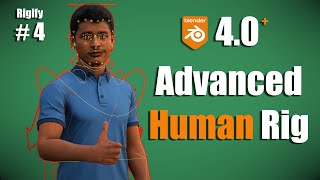
Complex Human Rigging in Blender 4.0 with Rigify - Face and Fingers - Lecture 4
Learn to create a complex human rig with facial features in Blender 4.0 using Rigify. Master meta-rig alignment, weight painting, and troubleshooting for professional character animation.
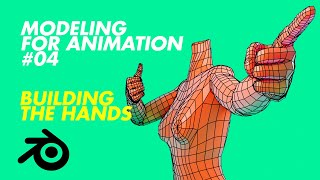
Modeling for Animation - Building the Hands - Part 4
Learn to model realistic hands for animation, from palm and finger construction to thumb modeling and rigging. Includes testing with Rigify and integration with Mixamo.

How to Use Free Motion Capture Files, Animation Retargeting Tools and Rigs in Blender
Learn to utilize free motion capture files, animation retargeting tools, and rigs in Blender. Discover techniques for importing, retargeting, and cleaning up animations using various tools and resources.
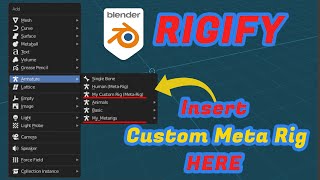
Blender - How to Save Custom Metarigs for Rigify
Learn to create and save custom meta rigs for Blender's Rigify addon, exploring manual techniques and using an addon for efficient workflow. Enhance your rigging skills and streamline character setup.
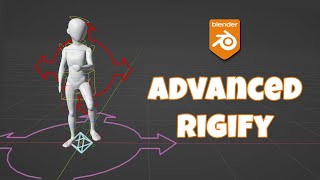
Advanced Rigify - Custom Root and Multiple Root Controls
Learn advanced Rigify techniques for custom root controls and multiple root setups in Blender. Enhance your character rigging skills with practical solutions and time-saving scripts for complex rig structures.
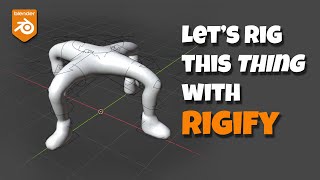
Let's Rig Something Weird With Rigify - Blender Tutorial
Learn to rig unconventional characters in Blender using Rigify. Master techniques like aligning bones, copying limbs, fixing misalignments, and adding body controls for efficient and flexible character rigging.

Easy Rigging and Animation Using AccuRig & Mixamo
Learn to rig and animate 3D characters using AccuRig and Mixamo. Covers rigging, importing to Blender, downloading animations, retargeting, and tweaking for professional results.
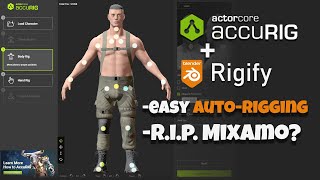
AccuRig - Easy Auto-Rigging
Learn to auto-rig characters using AccuRig, export to Blender, convert to Rigify, and retarget animations. Covers custom character setup, joint tweaking, texture reassignment, and weight painting.
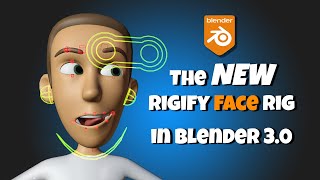
The New Rigify Face in Blender 3+
Learn to use Blender 3+'s improved Rigify face rig. Covers creation, alignment, generation, binding, features, widgets, properties, and troubleshooting for effective 3D character facial rigging.
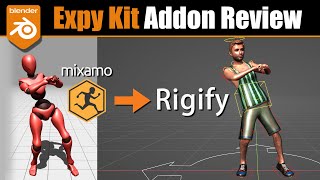
Blender Expy Kit Addon - Mixamo to Rigify
Learn to convert Mixamo rigs to Rigify in Blender using the Expy Kit addon. Explore workflows for retargeting animations, batch renaming, and efficiently working with Mixamo animation packs.
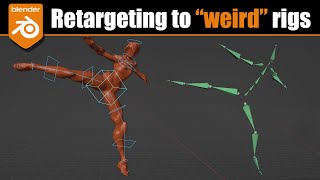
Blender - Retargeting to "Weird" Rigs
Learn advanced retargeting techniques for custom rigs in Blender. Covers understanding complex rigs, creating intermediate rigs, FK/IK retargeting, and action baking for seamless animation transfer.
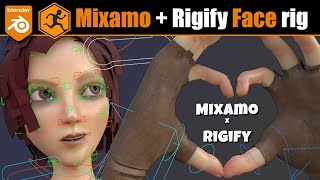
Blender - Mixamo Control Rig + Rigify Face Rig
Learn to add a Rigify face rig to Mixamo-rigged characters in Blender. Covers mesh prep, bone alignment, weight assignment, and animation retargeting for enhanced character facial expressions and game exports.

Retargeting - Remap Using Auto-Rig Pro - Complete Guide - Blender
Comprehensive guide to retargeting animations in Blender using Auto-Rig Pro. Learn to apply motion capture data to various rig types, including custom rigs, with advanced techniques for both FK and IK setups.
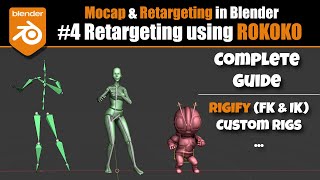
Retargeting Using Rokoko - Complete Guide - Blender
Comprehensive guide on retargeting in Blender using Rokoko addon, covering various techniques for FK and IK rigs, auto-scaling, and adapting to different rig structures for both beginners and advanced users.
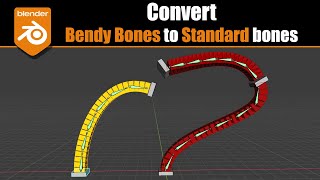
Blender 2.9-3.0 - Convert Bendy Bones to Regular Bones
Learn to convert Blender's bendy bones to regular bones using constraints. Discover the setup process, explore B-Bone controls, and see a practical application with Rigify in this informative tutorial.