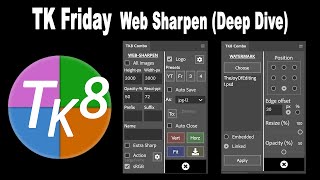
TK8 Web-Sharpen Panel Deep Dive - Photoshop Tutorial
Explore TK8 Web-Sharpen Panel for Photoshop, including techniques for image sharpening and adding watermarks. Learn to enhance your photos for web display with professional tools and methods.
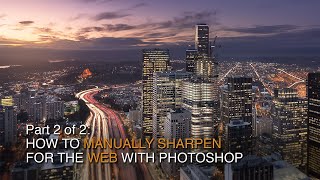
How to Manually Sharpen Images for the Web in Photoshop - Part 2
Learn manual image resizing and sharpening techniques in Photoshop to optimize your photos for web platforms like Instagram, Facebook, and blogs, ensuring they look crisp and professional online.
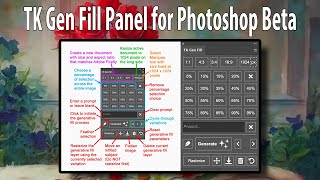
TK GEN FILL Panel for Photoshop Beta's Generative Fill
Streamline your Generative Fill workflow with the TK GEN FILL PANEL for Photoshop Beta. Transform photos into stunning art effortlessly, maximizing efficiency and creativity in photo editing.
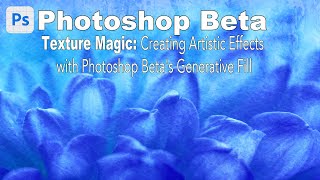
Texture Magic: Creating Artistic Effects with Generative Fill in Photoshop Beta
Explore Photoshop Beta's Generative Fill to create stunning artistic textures. Learn step-by-step techniques for enhancing your artwork with AI-powered effects, suitable for all skill levels.
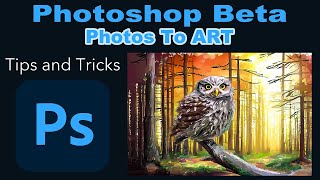
Photoshop Beta: Turning Photos into Art with Generative Fill - Tips and Tricks
Transform photos into stunning artwork using Photoshop Beta's Generative Fill feature. Learn tips, tricks, and a time-saving action to elevate your photo editing skills.
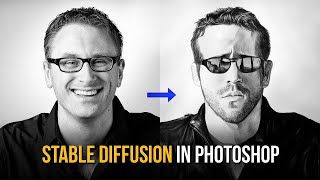
Creating AI Art with Stable Diffusion in Photoshop
Discover how to generate and enhance AI art using Stable Diffusion within Photoshop, exploring text-to-image creation and image enhancement techniques for stunning visual results.

Machine Learning and Artificial Intelligence for App Performance - Innovation Track
Discover how developers leverage ML and AI to enhance app performance, improve onboarding, boost engagement, and reduce churn. Learn from real-world examples and expert advice.
Integrating Android Apps with the Google Assistant
Learn to enhance Android apps with Google Assistant integration, enabling conversational features, custom grammars, and participation in vertical programs for improved user reach and engagement.
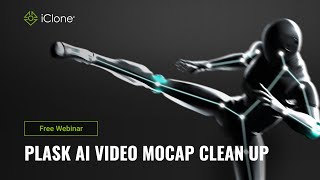
Plask AI Video Mocap Clean Up in iClone 8 - Webinar
Explore AI video motion capture cleanup using Plask and iClone 8. Learn techniques to enhance mocap data quality, integrate with other tools, and optimize your animation workflow.
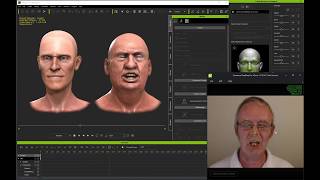
iClone 7 Facial Motion Capture Webinar - Live Demo and Q&A
Explore iClone 7's facial mocap system: cost-effective, markerless tracking for professional character animation. Learn setup, best practices, and live demonstrations for efficient, high-quality facial animation production.
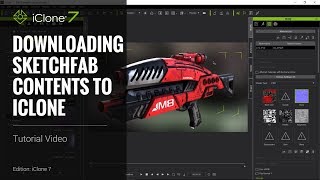
Three PBR Workflows for Sketchfab in iClone 7 - Tutorial
Learn to adapt three PBR workflows from Sketchfab to iClone 7's metallic/roughness system. Covers file conversion, material adjustments, and practical examples using various 3D models.
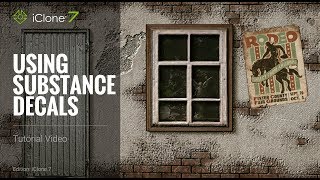
iClone 7 Tutorial - Using Substance Decals
Learn to apply and manipulate Substance decals in iClone 7, covering base materials, blending, positioning, opacity maps, poster decals, and optimization techniques.
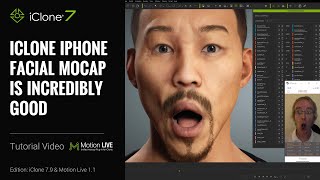
Getting the Best iPhone Mocap in iClone - Advanced Techniques and Features
Learn advanced iPhone facial motion capture techniques for iClone, including live smoothing, multitrack recording, data mapping, and new clip functions to enhance animation quality and efficiency.
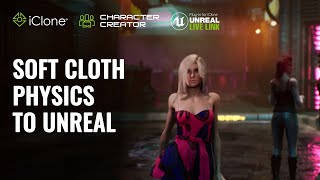
Cloth and Hair Simulations in Unreal with iClone - Part 1: Soft Cloth Physics
Learn to create realistic digital human animations using iClone Soft Cloth Physics and Unreal Engine, focusing on character setup, physics adjustments, and live linking for enhanced cloth simulations.
Facial Mocap Tips and Techniques for iClone 7
Learn facial motion capture techniques for iClone 7, including setup, capturing, editing, and reusing animations. Explore combining mocap with traditional lip-sync methods for character monologues.
Cartoon Animator 4 Tutorial - Advanced Leap Motion Controller Setup
Learn advanced hand motion capture techniques for Cartoon Animator 4 using Leap Motion controller, including customization, refinement, and application in various character animation scenarios.
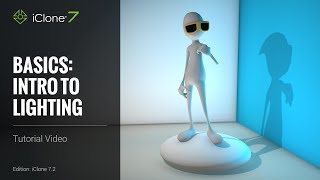
iClone 7 Basics Tutorial - Introduction to Lighting
Learn essential lighting techniques in iClone 7 to transform scenes from drab to visually stunning. Explore image-based, ambient, directional, spotlight, and point lights to set the perfect mood for your 3D projects.
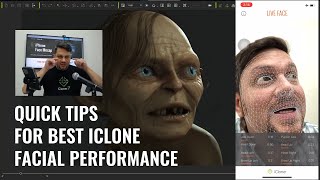
Quick Tips for the Best Facial Animation Performance with iPhone Mocap
Discover essential tips for creating professional facial animations using iPhone mocap, including avoiding common mistakes like dead eyes and jerky neck movements, and improving overall performance quality.
Mocap Editing Pipeline with Unreal Live Link
Learn to combine motions from various sources into a customized character animation and stream it live into Unreal Engine 4 using iClone's Live Link plug-in. Covers motion import, editing, facial capture, and Unreal integration.

Run Linux Desktops in Your Browser with Docker and Webtops
Learn to run Linux desktops in your browser using Docker and Webtops, enabling remote access to full desktop environments and applications like GIMP through containerization technology.
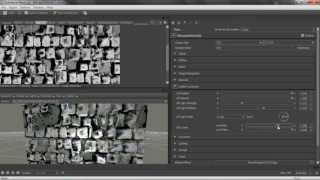
Creating Seamless Bitmap2Material Textures for iClone
Learn to create seamless textures using Bitmap2Material for iClone scenes. Explore texture map parameters and their effects on various texture types in this quick, practical tutorial.