Luminar 4 Tutorial - Creative Color Effects for Images
Explore creative color effects in Luminar 4 to enhance your images. Learn techniques for adding vibrant and unique color adjustments to transform your photography.
Luminar 4 Tutorial - Single Image Edit from RAW File
Learn to enhance RAW photos using Luminar 4's powerful tools. Master single-image editing techniques to transform your photographs with professional-quality results.
Lightroom, Photoshop, and Topaz Studio 2 - Full Edit Floral Image Tutorial
Learn advanced photo editing techniques for floral images using Lightroom, Photoshop, and Topaz Studio 2 in this comprehensive tutorial.
Luminar 4 Tutorial: Adjusting Luminosity Values for Enhanced Contrast
Discover innovative techniques for enhancing image luminosity and contrast using Luminar 4's color and black & white conversion tools, without affecting color balance.
Topaz Studio 2 Tutorial - Working with Textures
Discover the power of textures in Topaz Studio 2. Learn to enhance images using texture overlays, blend modes, and layer masking for artistic expression and creative photo editing.
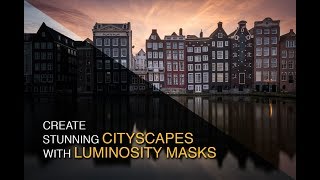
Creating a Stunning Cityscape in Photoshop - Luminosity Masks Workflow for Amsterdam
Create stunning cityscapes using luminosity masking in Lightroom and Photoshop. Full workflow demonstration on an Amsterdam image, from RAW processing to final edits with Lumenzia.
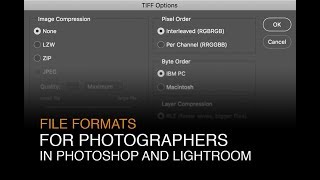
File Formats for Photographers in Lightroom and Photoshop
Learn optimal file formats, bit-depths, and color spaces for Lightroom and Photoshop. Discover essential settings to enhance your digital photography workflow and image quality.
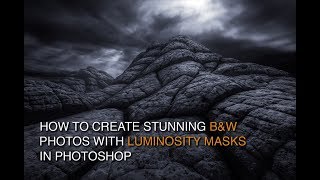
How to Edit Black and White Images with Luminosity Masks
Master black and white image editing with luminosity masks in Photoshop. Learn dodging, burning, contrast enhancement, and toning techniques to create stunning, mood-rich photographs.
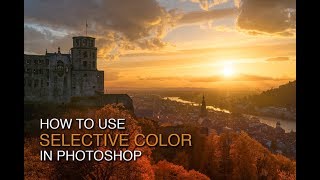
How to Enhance Color with Selective Color in Photoshop
Learn to transform green trees into vibrant autumn hues using Photoshop's Selective Color tool. Master CMYK color theory, luminosity masks, and vignettes for stunning photo enhancements.
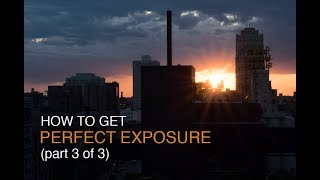
How to Get Proper Exposure - Part 3: Reviewing RAW Images on Your Computer
Learn to evaluate RAW images in Lightroom and Photoshop to improve field exposure settings and determine when multiple exposures are needed for capturing full dynamic range.

Creating Epic Seascapes in Photoshop - Blending Waves Tutorial
Learn to blend multiple wave exposures in Photoshop to create stunning seascape images. Master techniques for aligning, manually adjusting, and combining exposures for epic ocean photography.
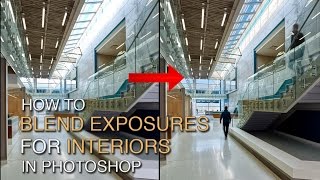
How to Blend Exposures for Interiors in Photoshop Using Luminosity Masks
Learn advanced Photoshop techniques for blending interior and exterior exposures using luminosity masks. Master BlendIf masking and painting through luminosity selections to achieve stunning results in architectural photography.
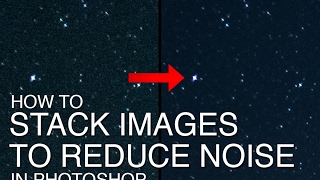
How to Stack Multiple Images to Reduce Noise in Starry Night Skies
Learn to reduce noise in starry night sky photos by stacking multiple exposures using Starry Landscape Stacker. Covers RAW processing, exposure stacking for stars and ground, and final blending in Photoshop.
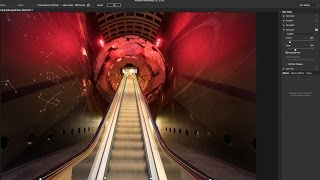
Using Path Blur Filter in Photoshop to Create Dynamic Photos
Learn to create dynamic motion effects in photos using Photoshop's Path Blur filter. Master techniques for realistic movement, exposure blending, and artifact removal to enhance your visual storytelling.
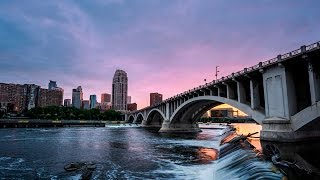
Restoring Sunset Colors with Luminosity Masks in Photoshop
Enhance dull sunset photos using luminosity masks in Photoshop. Learn techniques to add vibrant colors, control intensity, and create natural-looking results for stunning sky transformations.
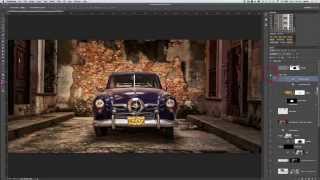
Photoshopping an Old Car in Havana with Luminosity Masks
Learn advanced photo editing techniques to transform an old car image in Havana using luminosity masks, Nik software, and textures. Enhance details, add contrast, and create a nostalgic atmosphere in your photography.
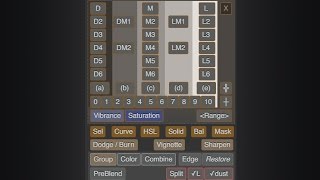
Lumenzia - Luminosity Masking Panel for Photoshop
Simplify luminosity masking in Photoshop with Lumenzia panel. Create custom masks, select zones visually, and achieve professional results effortlessly. Includes tools for vignettes and sharpening.
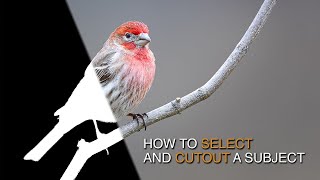
How to Select and Cut Out Subjects Using Lumenzia
Learn advanced techniques for selecting and cutting out subjects, enhancing details, and guiding viewer focus using Lumenzia's luminosity masking tools in Photoshop.
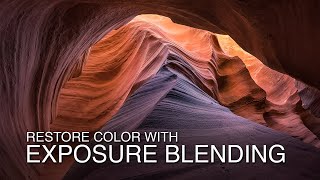
Exposure Blending Techniques for High Contrast Scenes - Restoring Color and Detail
Restore color and detail in high-contrast scenes using exposure blending with luminosity masks. Learn RAW processing techniques to enhance dynamic range in challenging photography situations.

Talent Can Only Get You So Far - Building a Successful Music Career
Explore how talent alone isn't enough for success in music. Learn strategies for brand partnerships, media relations, and building a strong support system to maximize your potential.

Talking Podcasts - The Power of Digital Audio Storytelling
Explore the impact of podcasting in journalism, learn best practices for engaging audio content, and discover strategies for brand building and audience engagement through digital storytelling.