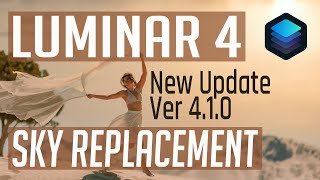
Luminar 4 Sky Replacement Tutorial - Four Different Images
Explore Luminar 4's Sky Replacement Tool with new Atmospheric Haze Slider. Learn to create realistic sky replacements across four diverse images, enhancing your photo editing skills.
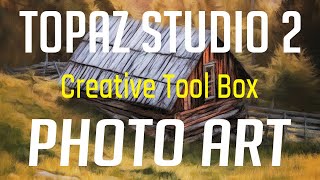
Topaz Studio 2 Tutorial - Creative Toolbox for Photo Art
Explore photo art creation using Topaz Studio 2 as a Photoshop plugin. Learn techniques for transforming images into unique artistic pieces with the "Creative Toolbox" approach.
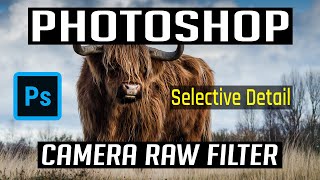
Photoshop Tutorial: Adding Selective Detail with Camera Raw Filter
Learn to enhance image details using Photoshop's Camera Raw Filter. Master local adjustments, selective texturing, and various selection techniques to create visually striking and attention-grabbing photographs.
Lightroom to Luminar 4 Workflow Tutorial
Learn efficient Lightroom to Luminar 4 workflow, exploring RAW and TIFF image transfer methods for enhanced photo editing without Photoshop. Optimize your process and elevate your photography skills.
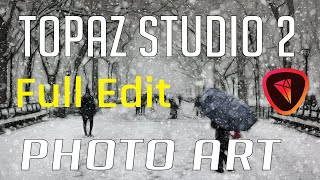
Topaz Studio 2 Photo Art - Winter Scene Full Edit Tutorial
Create a winter scene photo art using Topaz Studio 2 filters. Learn Photoshop tips and Studio 2 techniques to transform a stock image into a painting-like "Winter in Paris" with glow, impression, and AI effects.
Lightroom, Photoshop, and Luminar 4 Workflow Tutorial - Sky Replacement in Cityscape Photography
Comprehensive photo editing workflow using Lightroom, Photoshop, and Luminar 4, featuring sky replacement techniques for cityscape images and tips for achieving optimal results.
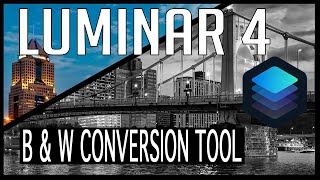
Luminar 4 Tutorial - Black and White Conversion Tool
Explore Luminar 4's Black and White Conversion Tool to transform color images into stunning monochrome masterpieces, with additional techniques for enhancing your final result.
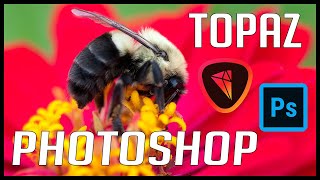
Photoshop and Topaz Photo Editing Tutorial: Full Edit of a Bee on Flower
Comprehensive macro photo editing tutorial using Lightroom, Photoshop, and Topaz plugins to enhance a bee on flower image, featuring noise reduction, sharpening, and vignette techniques.
Luminar 4 and Photoshop Tutorial - Editing Geese in Flight Image
Learn to enhance a "Geese in Flight" photo using Luminar 4 as a Photoshop plugin. Master tools, techniques, and luminosity layer masking for stunning wildlife imagery.
Photoshop and Topaz Studio 2 Tutorial - Creating Cascading Water Photo Art
Transform drab images into vibrant photo art using Photoshop and Topaz plugins. Learn techniques to enhance flat lighting and add creative, artistic effects to breathe new life into your photographs.
Photoshop Flower Editing Tutorial - Using Topaz Plugins and Luminar 4
Comprehensive flower editing workflow using Lightroom, Photoshop, Topaz, and Luminar 4. Learn advanced techniques like Object Selection Tool and Lens Blur Filter to enhance white orchid photos.
Photoshop Waterfall Editing Tutorial - Full Workflow with Multiple Software
Comprehensive waterfall photo editing tutorial using multiple software tools, covering advanced techniques for enhancing landscape images and improving overall workflow.
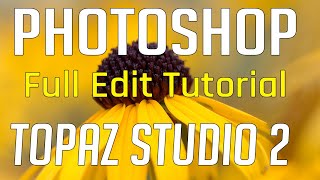
Photoshop Tutorial - Full Flower Edit Using Topaz Plugins and TK7 Rapid Mask Panel
Comprehensive flower editing tutorial using Topaz plugins, TK7 Rapid Mask Panel, and Photoshop techniques for artistic expression and non-destructive adjustments.
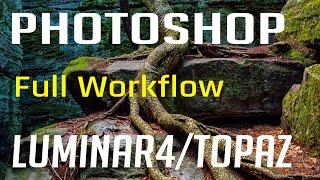
Photoshop, Lightroom, Topaz Studio 2, and Luminar 4 - Full Image Editing Tutorial
Comprehensive photo editing workflow using Lightroom, Photoshop, Topaz Studio 2, and Luminar 4. Learn advanced techniques to enhance images from raw format to polished final product.
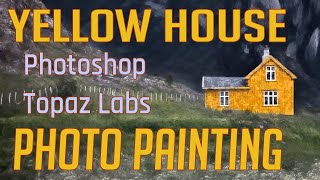
Photo Painting Tutorial: Yellow House with Photoshop and Topaz Labs Plugins
Transform a photo into a stunning painting using Photoshop and Topaz Labs plugins. Learn techniques like dodging, burning, and applying artistic filters to create a unique masterpiece from a simple image.
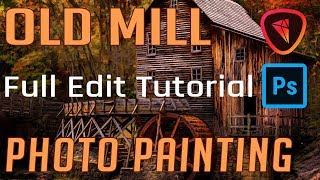
Old Mill Photo Painting - Full Editing Tutorial
Transform a photo of an old mill into a painting using Photoshop and Topaz Studio 2. Learn various editing techniques in this comprehensive tutorial that guides you through every step of the process.

Topaz Mask AI Tutorial - Creating Perfect Masks for Image Editing
Learn to create perfect masks for background replacement and specific image adjustments using Topaz Mask AI, enhancing your photo editing skills in Photoshop or Affinity Photo.

Topaz ReStyle Tutorial - Color Grading and Mood Alteration for Images
Learn to enhance image mood and color grading with Topaz ReStyle. Discover techniques to add flavor and alter the atmosphere of your photos in this practical editing tutorial.

Topaz Studio 2 Tutorial - Texture Filter
Explore the Texture Filter in Topaz Studio 2 to enhance your images with creative textures. Learn techniques for adding depth and visual interest to your photographs through this powerful editing tool.

Topaz Studio 2 - The Radiance Filter Tutorial
Explore the unique Radiance Filter in Topaz Studio 2 to transform images by adding luminous effects to edges and contours, creating distinctive artistic results.

Topaz Studio 2 Tutorial - The Digital Frame Filter
Learn to create unique digital frames for your images using Topaz Studio 2's Digital Frame Filter. Enhance your photos for websites and social media with this detailed tutorial.