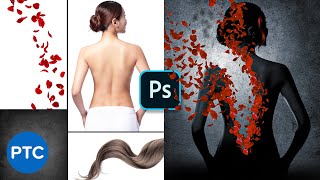
Recreate the "Perfume" Poster in Photoshop - Copycat
Learn advanced Photoshop techniques to recreate the "Perfume" movie poster, including masking, adjustment layers, and compositing. Perfect for enhancing photo manipulation skills.

How to Match a Subject Into Any Background in Photoshop - Compositing Tutorial
Learn professional techniques for realistic Photoshop compositing, including masking, matching perspective, color, and brightness to seamlessly blend subjects into new backgrounds.
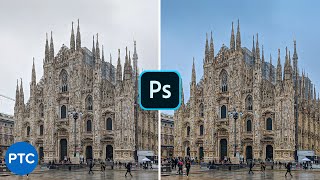
Turn a White-Gray Sky Into a Blue Sky in Photoshop
Learn techniques to transform dull skies into vibrant blue using HSL adjustments, channel masking, gradient fills, and Camera Raw filters in Photoshop. Enhance your photo editing skills.

Create a Beautiful Color Grade in Photoshop Using Selective Color
Learn to create stunning color grades in Photoshop using Selective Color. Master cool blue and warm orange effects, skin tone preservation, background darkening, and solar flare creation for enhanced photo aesthetics.
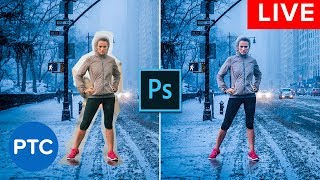
Photoshop Compositing Secrets - Blend Images Together Like a Pro - Live Presentation
Learn advanced Photoshop compositing techniques, including perspective matching, masking, color matching, blending modes, and creating cohesive images. Master the art of seamlessly blending multiple photos together.
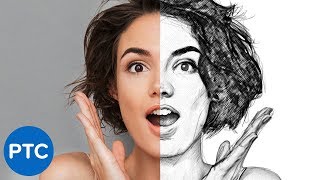
Easy Steps to Create a Realistic Line Drawing From a Photo in Photoshop
Learn to transform photos into realistic pencil drawings using Photoshop. Master techniques like smart objects, filters, and blending modes to create stunning line art effects in just 5 easy steps.
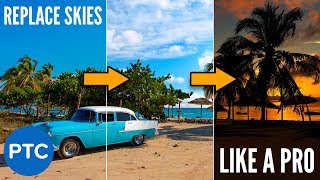
How to Replace the Sky in Any Photo in Photoshop Like a Pro
Learn to replace skies in photos using Photoshop. Master masking, color matching, and perspective adjustment techniques for seamless and professional-looking sky replacements in any image.
Must-Know New Features in Adobe Photoshop CC 2019
Explore new features in Photoshop CC 2019, including Content-Aware Fill, Frame Tool, and Symmetry Tool. Learn modern interface updates and productivity enhancements for efficient digital image editing.

Amazing Photoshop Tips, Tricks, and Hacks
Discover 19 advanced Photoshop techniques to enhance your editing skills, from color selection and blending modes to nondestructive masking and custom templates.

Disintegration Effect - Dispersion Effect - Photoshop Tutorial
Learn to create the popular disintegration effect in Photoshop using brushes and patterns. Master techniques for custom brushes, seamless cracks, dust layers, and final adjustments for stunning results.
Black Panther Text Effect in Photoshop - How to Use Layer Styles Like a Pro
Learn to recreate the Black Panther movie poster text effect in Photoshop using advanced layer styles, textures, and effects to achieve a professional, eye-catching result.
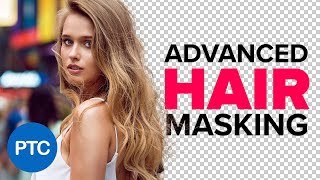
Advanced Hair Masking in Photoshop - Mask Hair from Busy Backgrounds
Master advanced hair masking techniques in Photoshop, from basic layer masks to creating custom hair brushes. Learn to extract hair from busy backgrounds and recreate realistic strands for professional-quality results.
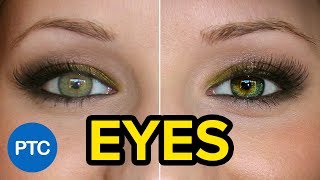
Techniques to Create Amazing Eyes in Photoshop - Eye Enhancement Photoshop Tutorial
Learn seven non-destructive techniques to enhance eyes in Photoshop, including retouching, sharpening, adding highlights, changing color, and creating multi-colored effects for stunning results.
Learn How to Use Adobe Dimension CC - Crash Course
Aprenda a criar imagens 3D fotorrealistas de alta qualidade sem experiência prévia usando Adobe Dimension CC. Domine ferramentas, materiais, iluminação e renderização para projetos impressionantes.
Lightroom CC for Beginners - Lightroom CC 2018 Tutorials
Comprehensive tutorial on Lightroom CC, covering importing, interface, editing tools, and exporting. Learn to enhance photos using various panels and features for optimal results.
Three Masking Tricks and Composite Critique
Discover advanced masking techniques and gain valuable insights through composite critiques in this interactive Photoshop livestream.

Blending Modes Explained - Complete Guide to Photoshop Blend Modes
Comprehensive guide to Photoshop blend modes, covering history, application, categories, and effects. Includes practical examples and keyboard shortcuts for efficient workflow.
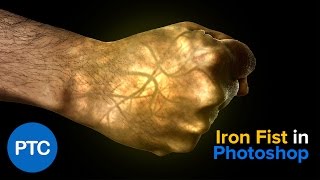
Iron Fist Effect - Glowing Hand - Photoshop Tutorial
Learn to create a glowing fist effect in Photoshop, mastering techniques like blending modes, filters, adjustment layers, and masks. Gain versatile skills applicable to various projects.
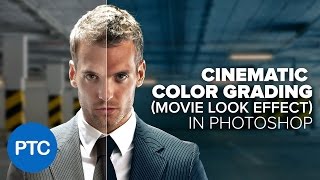
Cinematic Color Grading in Photoshop - Comprehensive Photoshop Tutorial
Learn to create cinematic teal-orange color grading in Photoshop. Master color theory, correction techniques, and various adjustment layers to achieve stunning movie-like effects in your photographs.
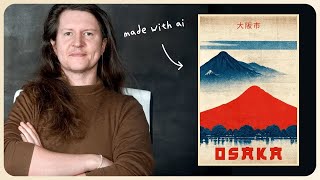
Create Vintage Posters in Midjourney - Perfect for Print on Demand
Learn to create vintage travel posters using Midjourney AI. Master techniques for designing, upscaling, and adding text to produce unique, marketable artwork for print-on-demand or digital sales.
Make Videos With AI in Minutes - ChatGPT, Midjourney, InVideo
Learn to create engaging YouTube videos using AI tools like ChatGPT, Midjourney, and InVideo. Discover techniques for generating ideas, improving content, conducting keyword research, and editing without showing your face.