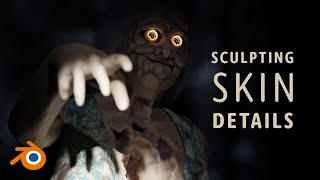
Sculpting Skin on a Totally Normal Character
Learn advanced skin sculpting techniques for character design, focusing on facial details, body textures, and custom brush creation in this comprehensive tutorial.
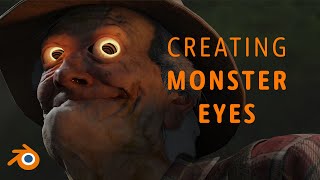
Remodeling "Witness" Eyes Using Blender Assets
Learn to create realistic eye models in Blender using asset files. Master techniques for modeling, linking, and texturing to enhance your 3D character designs.
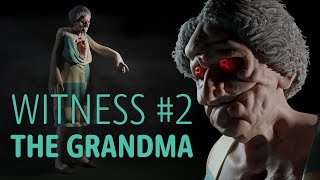
Sculpting Grandma - A Horror Game Monster
Learn to sculpt a horror game monster, focusing on arms, face, and intricate details. Gain skills in digital sculpting for creating eerie characters in video games.
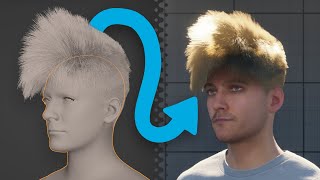
Using Any Blender Hair in Unreal Engine 5
Learn to seamlessly transfer any Blender hairstyle to Unreal Engine 5 characters, complete with physics and full attachment, in this easy-to-follow tutorial.

MetaHuman Creator Got Updated
Explore the latest updates to MetaHuman Creator, including face shaping, texturing, hair customization, and integration with Unreal Engine 5 and Blender for advanced character creation.
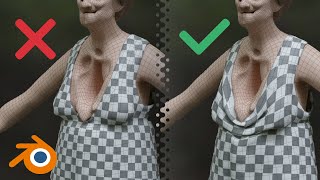
How to Not Sculpt Clothing in Blender
Learn efficient techniques for sculpting clothing in Blender, including quad remeshing, UV unwrapping, and dress sculpting, with a focus on avoiding common pitfalls and streamlining your workflow.
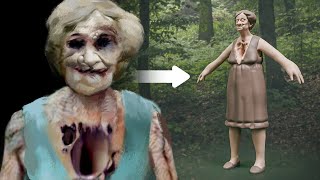
Second Witness - Horror Character 3D Sketch
Learn to create a haunting 3D horror character sketch, focusing on anatomy, unique features, and eerie details for a chilling "Second Witness" design.
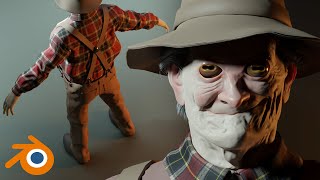
Texturing Stupidly Is Hard
Explore advanced texturing techniques, from roughness painting to hole texturing, in this comprehensive tutorial on overcoming common challenges in 3D asset creation.
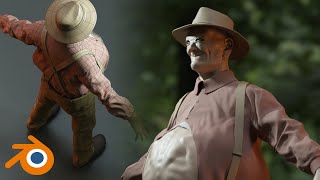
The First Witness - Tips on Cloth Wrinkles
Learn techniques for creating realistic cloth wrinkles in 3D modeling, including fixing eyes, adding a tank top, using cloth brushes, and working on details for enhanced character design.
The First Witness - Modeling Clothes for a Game
Learn to model and separate game character clothing, focusing on suspenders and shirts, with techniques for creating clean, professional-looking 3D garments.
Lighting Photos in Adobe Camera Raw - Photoshop 2020
Enhance photos with lighting effects in Adobe Camera Raw. Learn to transform day to night, add dramatic illumination, and create eye-catching visual impact using Photoshop or Lightroom.

Image Processing Magic - Improving Photos in 3 Clicks + Textured Overlays
Discover quick photo enhancement techniques, learn to combine Lightroom and Photoshop for lighting control, and explore creative texture overlays to add personality to your images.
How to Use Color for Mood and Effect in Photoshop
Learn to enhance photos and composites with dramatic color effects in Photoshop. Master color theory, blending modes, and advanced techniques for impactful visual storytelling.

Photoshop 2020 - How to Move Your Presets to a New Version of Photoshop
Learn to manage, migrate, and sync presets in Photoshop 2020. Discover how to export, import, and manually transfer presets, as well as work with plugins and shared folders for efficient workflow.
What You Should Do in Photoshop to Make Your Photos Look Better
Discover a proven 4-step process to enhance your photos: composition, luminosity, color, and finishing touches. Learn time-saving techniques for stunning results in photo editing.
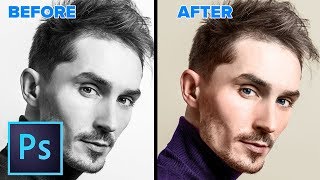
How to Change a Black and White Photo to Color in Photoshop
Learn to realistically colorize black and white photos in Photoshop with step-by-step techniques for skin, eyes, and clothing. Master this transformative skill in just 28 minutes.

How to Use 3D in Photoshop - Ultimate in Depth Tutorial
Comprehensive guide to Photoshop's 3D features, covering models, textures, lighting, rendering, and animation. Learn to create and manipulate 3D elements for stunning visual effects.
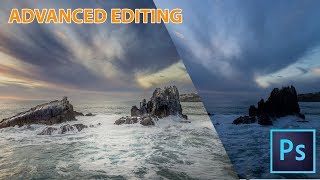
How to Make Landscape Photos Look a Lot Better in Photoshop
Comprehensive workflow for enhancing landscape photos using advanced Photoshop techniques, including exposure blending, dodge and burn, Camera Raw adjustments, and non-destructive sharpening.
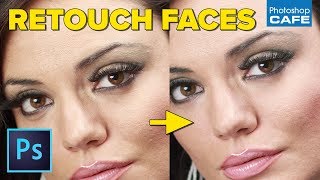
Pro Skin and Eye Retouching in Photoshop
Learn professional skin and eye retouching techniques in Photoshop for natural-looking results. Master dodge and burn, blemish removal, and eye whitening without relying on frequency separation or blurring.

Vikings Poster with Photoshop - Combining Stock Photos to Make a Cool Composite
Create a Vikings-inspired composite using stock photos in Photoshop CC. Learn techniques for blending images, adding visual interest, and enhancing atmosphere through color toning and shadows.
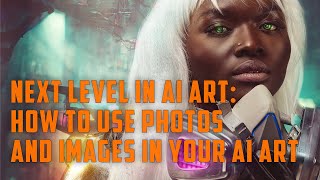
Next Level in AI Art - How to Use Photos and Images in Your AI Art
Enhance AI art creation by incorporating photos and images as references, improving prompt accuracy and achieving desired results across various AI generators.