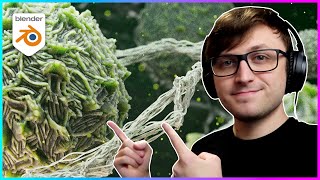
How I Created Microbial Effects in Blender
Learn to create stunning microbial effects in Blender 3.0 using advanced techniques like displacement, fresnel, subsurface scattering, and geometry nodes. Discover how to craft realistic microbe materials and swarms.
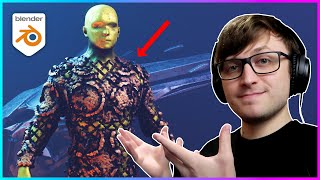
Generative Modeling Crash Course for Blender - Geometry Nodes
Explore advanced geometry nodes techniques for generative modeling in Blender, covering displacement, mapping, texturing, and mesh manipulation for creating complex 3D designs efficiently.
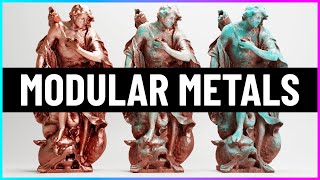
Modular Metals for Blender
Explore Blender's Modular Metals pack: create realistic, customizable metal textures with varying complexity levels, from simple rust to intricate copper corrosion, using node-based shaders and presets.

How to Make Money with Blender
Explore diverse income streams using Blender: freelancing, content creation, course development, and more. Learn pricing strategies, marketing tips, and how to build a sustainable career in 3D design.
How Canva Can Help Web Designers and Clients - Canva Tutorial - Graphics Online Tool
Comprehensive tutorial on Canva for web designers: create logos, infographics, and presentations. Learn about templates, animations, background removal, and creative design techniques.
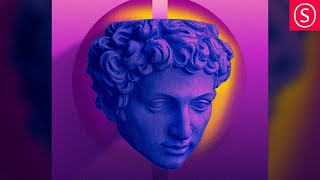
Portrait Art Style Inspired by Magdiel Lopez - Affinity Photo Tutorial
Learn to create stunning portrait art inspired by Magdiel Lopez using Affinity Photo. Master duotone coloring, texturing, background design, and blending techniques for eye-catching results.
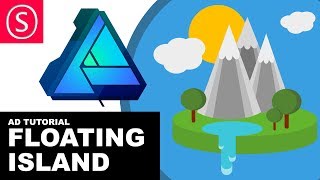
Affinity Designer - Floating Island Tutorial - Beginner Vector Design
Create a floating island using basic vector shapes in Affinity Designer. Learn 3D-like effects, shape manipulation, and layering techniques to build imaginative landscapes and biomes.
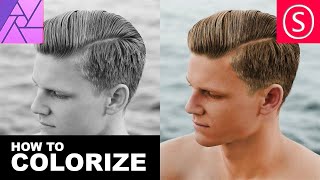
Affinity Photo - BW Colorization Intro
Learn to colorize black and white photos using Affinity Photo. Master techniques for realistic skin tones, hair, and features through hands-on exercises with a color-to-BW-to-color approach.
Organization Tips for MidJourney AI Art Tutorial - MidJourney Master Class - Art Organization 101
Learn effective organization techniques for MidJourney AI art projects, including folder structures, image saving, and creating a Discord server for streamlined workflow and collaboration.
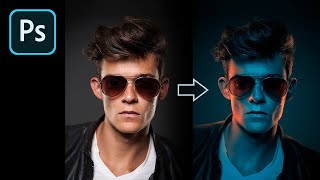
How to Fake Color-Gel Lighting in Photoshop
Learn to simulate multi-colored lighting in Photoshop using Gradient Maps. Master controlling brightness and color of light sources, creating dramatic highlights, and adding shine for stunning photo effects.
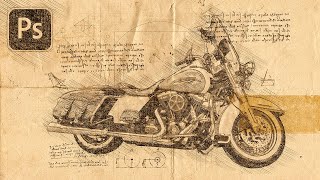
Turn Your Photo to a Sketch by Da Vinci - Photoshop Action Review
Transform photos into Da Vinci-style sketches using a Photoshop action. Learn installation, customization, and troubleshooting techniques to achieve Renaissance-inspired artwork from your images.
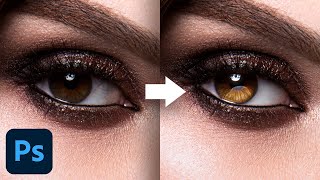
Advanced Techniques to Make Eyes Sparkle - Photoshop Tutorial
Learn advanced Photoshop techniques to enhance eye aesthetics, including light shaping, detail creation, reflection addition, and eye white cleanup. Master blending modes, curves, and masking for stunning results.

My Favorite Plug-In to Add Overlays in Photoshop
Discover the Infinite Texture Panel for Photoshop, featuring AI-powered texture selection and thousands of pre-masked overlays to enhance your images with high-quality effects and creative compositing.
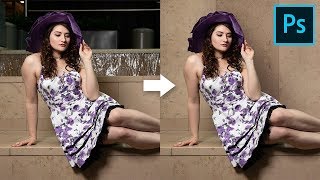
How to Cover Distracting Background in Photoshop
Learn to extend walls and cover distracting background elements using Content-Aware, Manual Selections, Cloning, and Curves in Photoshop. Create clean, natural-looking results with realistic shadows.
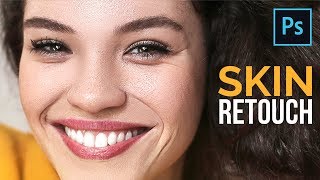
The Most Important Skin Retouching Trick in Photoshop
Learn a powerful Photoshop technique for skin retouching, including fixing discoloration, removing imperfections, and sculpting skin without affecting texture. Ideal for portrait photographers and retouchers.
Why Society Hates Creative People and What to Do About It
Explores societal challenges for creatives, discussing the tension between innovation and conformity, and offering insights on navigating these obstacles in professional and personal spheres.
Why a Great Design Portfolio Is Not Enough
Discover essential job-hunting strategies for industrial designers beyond portfolio creation. Learn about mindset, networking, humility, and creative approaches to stand out in the competitive design industry.
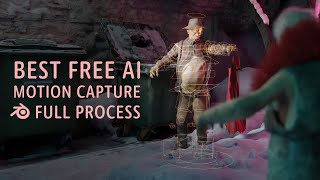
Animating in Blender With AI
Experience a week-long journey of AI-assisted animation in Blender, from 3D scanning to VR performance capture, culminating in a unique and entertaining final animation.
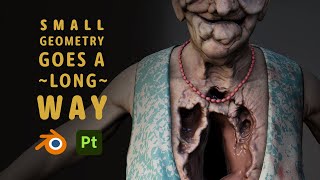
These Details Brought My Horror Character to Life
Learn techniques to enhance horror character designs, from planning to texturing, with a focus on adding new geometry and using Substance for realistic details.
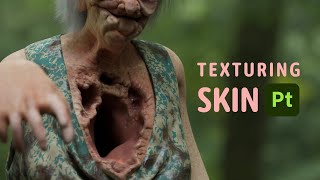
Texturing Skin of Horror Character in Substance
Learn advanced techniques for texturing realistic horror character skin in Substance, including normal map usage, layering, and detailing for a grotesque, lifelike appearance.
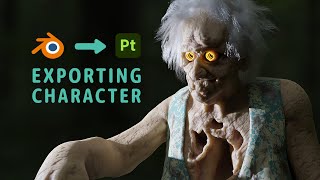
Blender to Substance - It Was a Journey
Explore the process of exporting a character from Blender to Substance Painter, including UV mapping, manual mesh export, texture baking, and troubleshooting common issues.