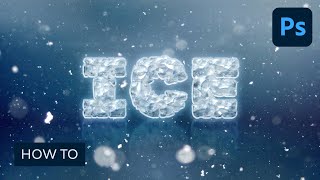
How to Create an Easy Ice Text Effect in Adobe Photoshop
Learn to create an eye-catching ice text effect in Photoshop using layer styles, shapes, and textures. Master techniques for adding depth, shine, and realistic icy details to your designs.
Creative Compositing in Adobe Photoshop
Master creative compositing in Adobe Photoshop by combining 3D assets and stock images to create a post-apocalyptic robot scene. Learn composition, scale, and lighting techniques to enhance your image manipulation skills.
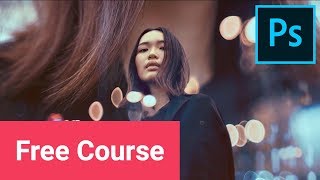
Create Double Exposure Effects in Adobe Photoshop
Master three distinct double exposure techniques in Adobe Photoshop: cityscape, duotone, and surreal-inspired concepts. Learn essential tips for creating high-quality, visually striking results in this hands-on tutorial.
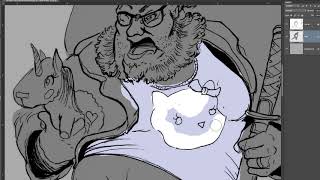
Intro to Adobe Photoshop - Digital Illustration Methods
Learn digital illustration techniques in Photoshop, from importing line art to finalizing comic-style coloring. Master tools like magic wand and hue shifting, and explore light, shadow, and detail brushes for professional results.

Intro to Photoshop for Beginners - The Basics
Learn Photoshop basics for digital drawing and painting. Explore interface, tools, layers, selections, and color techniques to kickstart your digital art journey.
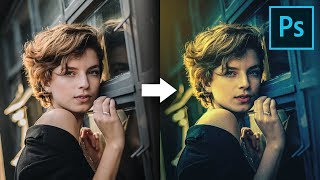
Simple Ways to Color Grade Like a Pro in Photoshop
Discover simple techniques for professional color grading in Photoshop using Adobe Camera RAW, curves, and gradients. Learn to create dramatic, moody looks and enhance lighting effects in your images.

The Best Tool for Black & White Conversions in Photoshop
Unlock the potential of black and white photography in Photoshop with the Infinite Black and White Panel. Learn techniques for depth, drama, and stunning film looks through non-destructive editing.
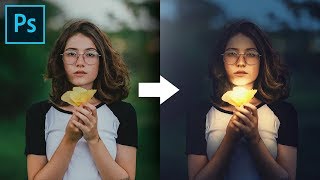
Shape the Light with Creative Color Grading in Photoshop
Master creative color grading in Photoshop to transform light and atmosphere. Learn curves, masks, and blend modes to enhance drama and create stunning visual effects in your images.
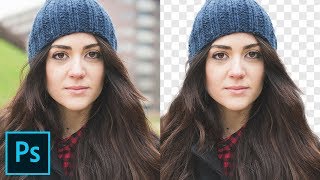
Cut Out Hair with Very Busy Background in Photoshop
Advanced hair masking technique for complex backgrounds using custom brushes and painting methods to achieve natural-looking results in Photoshop.
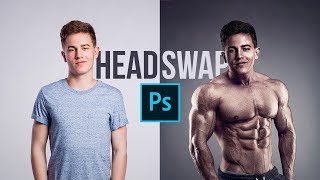
Make the Perfect Head Swap in Photoshop
Master head swapping in Photoshop with techniques for perfect placement, brightness matching, color adjustment, and lighting refinement. Learn to seamlessly blend faces onto new bodies for realistic results.
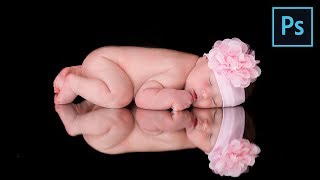
How to Retouch Newborn Photos in Photoshop
Learn comprehensive newborn photo retouching in Photoshop: from Camera Raw adjustments to skin softening, color correction, and advanced sharpening techniques for stunning results.
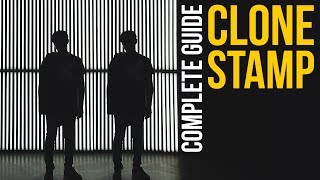
Complete Guide to Clone Stamp Tool in Photoshop
Comprehensive tutorial on Photoshop's Clone Stamp Tool, covering basics to advanced techniques. Learn to remove distractions, tattoos, and facial hair while mastering blend modes and the Clone Source panel.
Photoshop Masterclass - Creating a Beautiful Surreal Scene Using Blending Modes
Learn to create surreal scenes in Photoshop using blending modes, adjustment layers, and distortion tools. Master professional techniques to bring your imagination to life with expert guidance from Jesús Ramirez.
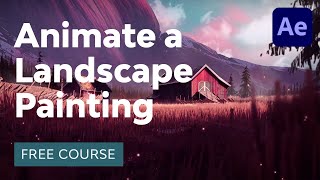
How to Animate a Landscape Painting in Adobe After Effects
Learn to bring digital paintings to life in Adobe After Effects. Master techniques for animating grass, sunlight, particles, clouds, and creating seamless loops, enhancing your digital art skills.

Photoshop Tutorial Web Design for Amazon Presentation
Learn to design an Amazon product presentation in Photoshop, covering layout, product showcasing, textures, and features for a professional e-commerce design.
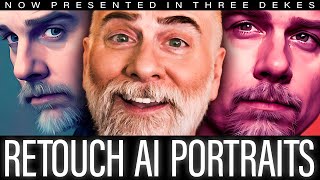
AI Portrait - Flattering or Flawed? Fix It in Photoshop
Learn advanced Photoshop techniques to enhance and perfect AI-generated portraits, covering healing, cloning, colorizing, and fixing common flaws for professional-looking results.
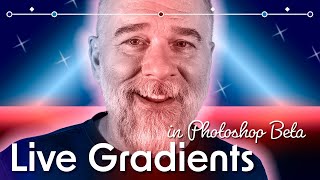
Make the Best Art of Your Life With Gradients
Explore advanced gradient techniques in Photoshop, including Live Gradients, new Methods, and pixel-based masks. Learn to create stunning visual effects and enhance your digital artwork.
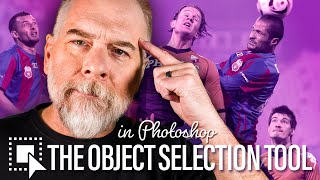
Just Select Stuff
Explore Photoshop's Object Selection tool to efficiently select and manipulate recognizable objects in photographs, with tips on various selection techniques and tool options.
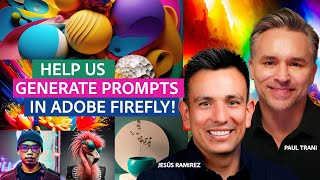
Compositing Competition Using Adobe Firefly and Photoshop
Watch a thrilling Photoshop compositing battle featuring Jesús Ramirez and Paul Trani, where audience-generated Adobe Firefly prompts fuel creative designs in real-time.
Photoshop Animation Water Splash
Learn to create a hand-drawn water splash animation in Photoshop, focusing on timing, overlapping actions, and frame exposures to achieve fluid and visually interesting results.
Photoshop Animation Eases
Master frame-by-frame animation easing techniques in Photoshop to create smooth, realistic movements and bring your animations to life with professional-quality motion and timing.