Couch to Photoshop - Learn the Photoshop Interface in This Beginner Tutorial
Learn Photoshop's interface, workspaces, and layers in this beginner-friendly tutorial tailored for photographers. Quickly grasp essential tools and start editing your own photos.
Capture One - Catalog or Session?
Explore the differences between Capture One catalogs and sessions, focusing on stability, backup strategies, and organizational approaches for efficient image management.
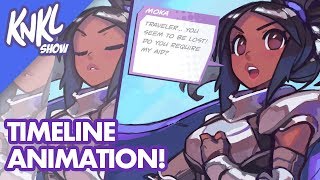
Mobile Game Animation Tutorial - Using Timeline in Photoshop to Bring Your Characters to Life
Learn to animate game characters using Photoshop's timeline feature, covering techniques for eye blinks, mouth movements, and visual effects to bring your designs to life.
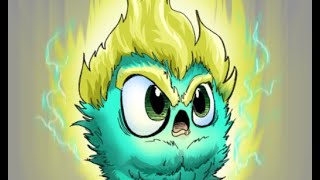
Basic Comic Coloring Process
Learn essential comic coloring techniques in Photoshop, including layer management, brush settings, edge control, and a specialized COLOR FLATS workflow for efficient and professional results.
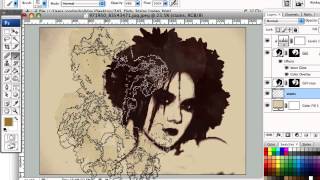
Creating Dirty Stains Design in Photoshop - Grunge Effects Tutorial
Learn to create eye-catching grunge designs using stain-based techniques in Photoshop. Transform photos with filters, brushes, and textures for unique monochromatic effects in this hands-on tutorial.
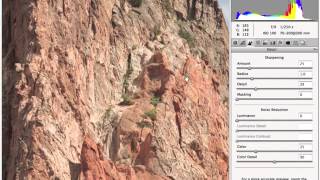
Professional Sharpening Techniques in Photoshop
Master professional image sharpening techniques in Photoshop, from capture to output, enhancing your post-production skills for print and online media.

Flyer Design in Photoshop - Create Music Festival and Art Deco Party Invitations
Learn to create stunning party flyers using Photoshop tools, stock items, and 3D assets. Master flyer sizes, organization, and design two eye-catching examples: a music festival flyer and an Art Deco invitation.

Blend Modes - Photoshop for Beginners
Explore essential Photoshop blend modes with practical examples. Learn to enhance images using Normal, Multiply, Screen, Overlay, Soft Light, and Color modes for retouching, compositing, and special effects.
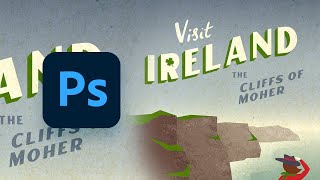
How to Design a Vintage Travel Poster in Adobe Illustrator and Photoshop
Learn to create a vintage "Visit Ireland" travel poster using Illustrator for crisp illustrations and Photoshop for authentic textures. Master gradient backgrounds, typography, and digital drawing techniques.
Adobe Photoshop's New Generative Fill AI Feature - Tutorial and Demonstration
Explore Photoshop's revolutionary Generative Fill feature, an AI-powered tool that enhances image editing capabilities beyond traditional Content-Aware Fill, transforming your workflow and creative possibilities.
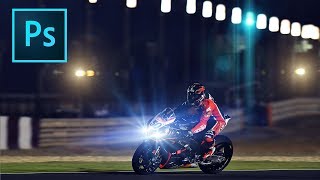
How to Add Lens Flares in Photoshop
Learn to enhance photos with realistic lens flares in Photoshop, adding depth and atmosphere to your images. Master techniques for creating stunning visual effects in digital photography.
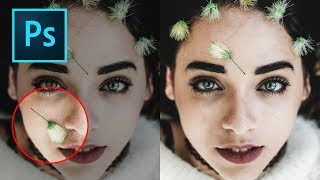
How to Remove Objects in Photoshop Using Content-Aware Fill
Master the updated Content-Aware Fill tool in Photoshop 2019 to seamlessly remove unwanted elements from images. Learn comprehensive settings, toggles, and buttons for optimal results.
Photoshop Shortcuts - The 30 Most Useful Ones to Get You Started
Learn 30 essential Photoshop shortcuts for efficient workflow, including tool selection, layer manipulation, color filling, and canvas navigation. Master these time-saving techniques to enhance your design skills.
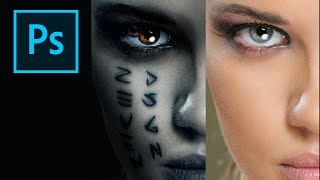
How to Create the Mummy Poster in Photoshop
Learn to recreate the iconic Mummy movie poster using Photoshop techniques. Master digital art skills and enhance your graphic design abilities in this step-by-step tutorial.
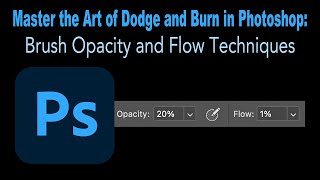
Master the Art of Dodge and Burn in Photoshop - Brush Opacity and Flow Techniques
Enhance your photo editing skills with advanced Dodge and Burn techniques in Photoshop, focusing on brush opacity and flow for precise image adjustments and professional results.
TK8 Dodge and Burn Workshop - Photoshop Techniques with Downloadable PDF Notes
Comprehensive workshop on dodging and burning techniques using TK8 plugin for Photoshop, with downloadable PDF notes for reference. Explores various methods to enhance image quality and contrast.
The Art of Color Grading - TK Friday Tutorial
Explore color grading techniques for enhancing images using TK8 plugin. Practice on provided stock photos to develop your artistic eye and create stunning visual effects.
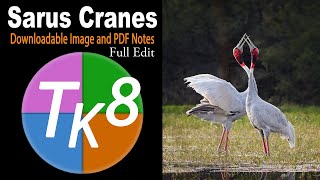
Full Edit of Sarus Cranes Image - TK Friday
Step-by-step tutorial on advanced photo editing techniques for enhancing wildlife photography, focusing on Sarus Cranes image using TK8 plugin and various software tools.
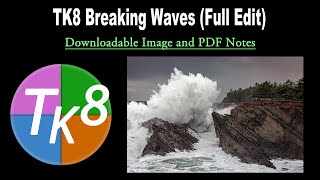
TK Friday: Breaking Waves Image Full Edit - Downloadable Resources Included
Comprehensive tutorial on editing a breaking waves image using TK8 plugin for Photoshop. Includes downloadable materials and step-by-step guidance for enhancing coastal photography.
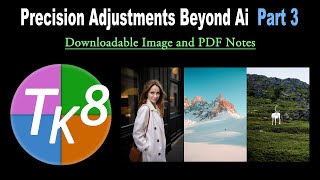
Precision Adjustments Beyond AI - Part 3
Learn advanced precision adjustment techniques in Photoshop using the TK8 plugin, with downloadable resources for hands-on practice. Enhance your photo editing skills beyond AI-powered tools.
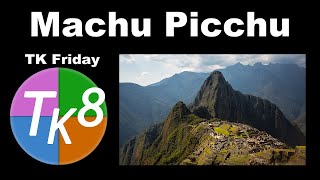
Full Edit of Machu Picchu Image - TK Friday
Comprehensive Photoshop editing tutorial for Machu Picchu image using TK8 plugin, with downloadable resources and step-by-step guidance for enhancing landscape photography.