Photoshop's Color Balance is a Scam
Uncover the truth about Photoshop's Color Balance tool, its mechanisms, and optimal usage. Learn alternative techniques for precise color adjustments in your digital images.
Reasons to Never Use Levels in Photoshop
Discover why Curves outperforms Levels in Photoshop, offering superior control over brightness, contrast, and color manipulation for more efficient and versatile image editing.
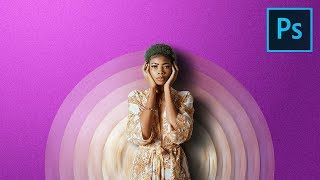
Make Your Portraits Stand Out with Abstract Designs - Photoshop Tutorial
Learn to create eye-catching abstract portrait designs using Photoshop's Blur Filters and Masking techniques. Discover how to craft twisted circular backdrops and align them into elegant discs for unique composites.
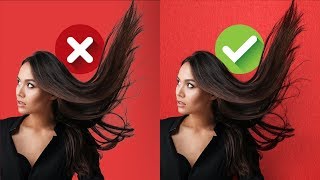
Blend Modes for Realistic Hair Masking in Photoshop
Master realistic hair masking in Photoshop using blend modes. Remove edge fringe, match hair with new backgrounds, and create textures with gradients and filters for professional-looking results.

Colorize Black and White with Realism in Photoshop
Learn realistic techniques for colorizing black and white images in Photoshop, focusing on natural skin tones using color palettes, Hue/Saturation adjustments, and Blend-If for seamless application.
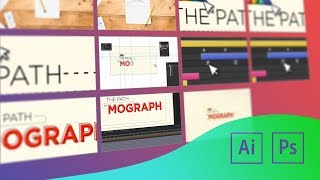
Working with Artboards in Photoshop and Illustrator
Learn to use artboards in Photoshop and Illustrator for efficient multi-frame design. Enhance animations by creating and managing multiple canvases within a single document, streamlining your workflow for motion graphics projects.
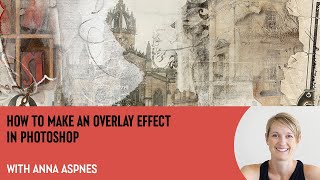
How to Make an Overlay Effect in Photoshop With Anna Aspnes
Learn to create seamless overlays in Photoshop with expert Anna Aspnes. Master techniques for dynamic digital art, including clipping masks, transfers, brushes, and layering to elevate your storytelling and artistic expression.
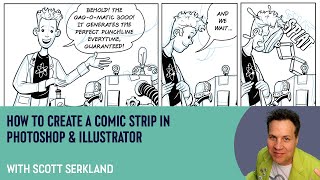
How to Create a Comic Strip in Photoshop and Illustrator with Scott Serkland
Learn to create comic strips using Photoshop and Illustrator with Scott Serkland. Explore panel layouts, digital tools, and techniques for crafting engaging visual narratives in a retro-future style.
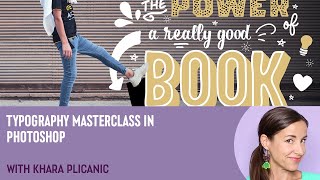
Typography Masterclass in Photoshop with Khara Plicanic
Elevate your Photoshop typography skills with expert techniques on ligatures, contextual alternates, swashes, and more. Learn to create visually striking designs through advanced font manipulation and layout strategies.
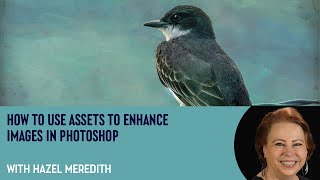
How to Use Assets to Enhance Images in Photoshop with Hazel Meredith
Learn to enhance images in Photoshop using textures, overlays, and masks with award-winning photographer Hazel Meredith. Discover techniques for adding drama, lighting effects, and borders to create unique and captivating visuals.
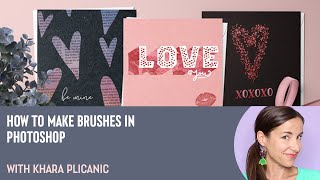
How to Make Brushes in Photoshop with Khara Plicanic
Learn to create custom Photoshop brushes using various techniques, from basic shapes to text and photographs. Master effects, color dynamics, and textures to enhance your digital artwork and design projects.
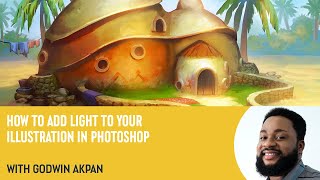
How to Add Light to Your Illustration in Photoshop with Godwin Akpan
Learn to enhance illustrations with light in Photoshop. Master techniques like cast shadows, field light, bounce light, ambient occlusion, and specular lighting to bring your artwork to life.
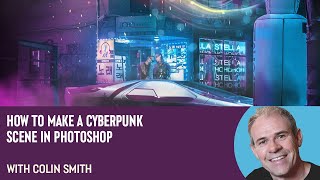
How to Make a Cyberpunk Scene in Photoshop with Colin Smith
Learn to create a stunning cyberpunk scene in Photoshop with expert Colin Smith. Master techniques for backgrounds, neon effects, lighting, and atmosphere in this comprehensive tutorial.
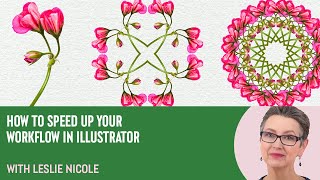
How to Create a 4 Way Mandala in Photoshop With Leslie Nicole
Learn to create a captivating 4-way mandala design in Photoshop. This tutorial covers image selection, canvas preparation, pattern creation, and mandala assembly, offering a unique blend of creativity and therapeutic design.
Capture One - Session Culling & Photo Rating Tutorial
Explore efficient photo management in Capture One, covering culling, sorting, and rating techniques. Learn about sessions vs catalogs and effective hard drive organization for streamlined workflow.
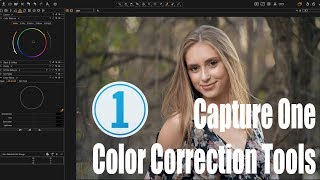
Capture One - Color Correction Tools and Tutorial
Explore powerful color correction tools in Capture One, including curves, luminosity, white balance, and advanced color editing. Learn best practices and tips for enhancing your photo editing workflow.
Capture One - Portrait Retouching Tutorial - Color Grading + Finishing Touches No Photoshop
Learn advanced portrait retouching techniques in Capture One, including color grading, exposure adjustments, and finishing touches. Master layering, masking, and color balance for polished, professional results without Photoshop.
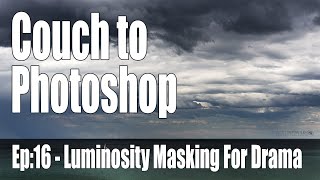
Couch to Photoshop - Luminosity Masking for Landscape Drama
Learn advanced luminosity masking techniques to enhance landscape photos, adding drama and intensity to specific areas like clouds, using targeted curve adjustments for stunning results.
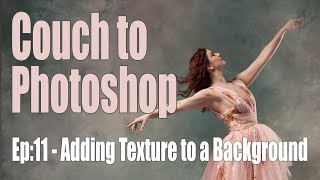
Tutorial on How to Add Texture to a Background
Learn to enhance photo backgrounds with textures in Photoshop. Master selection tools, blending modes, and perspective adjustments to create stunning, painterly effects for your images.
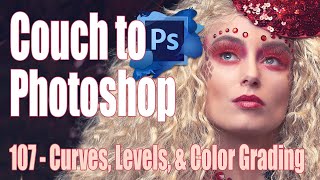
Couch to Photoshop - Curves, Levels, and Color Grading Tutorial
Master Photoshop's Curves and Levels tools for enhancing contrast and color grading. Learn essential techniques to elevate your image editing skills in this comprehensive tutorial.

Capture One - Dodge & Burn Skin Retouching Technique
Unique dodge and burn technique for skin retouching in Capture One, enhancing problem areas visibility before Photoshop editing.