
Accurate Character Rigging for Any 3D Character with AccuRIG
Learn to quickly and accurately rig 3D characters using AccuRIG, a free auto-rigging tool. Master a 5-step process for various model types and export options, streamlining character creation for games, films, and more.
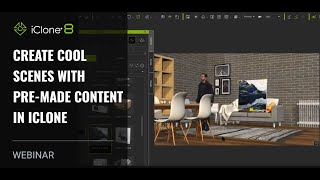
Creating Cool Scenes with Pre-made Content in iClone
Learn to create impressive 3D scenes quickly using pre-made content in iClone. Discover time-saving techniques for scene setup, animation, and production without prior modeling or rigging experience.
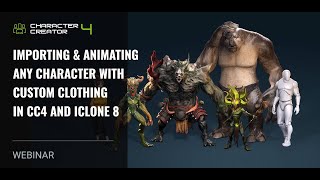
Importing and Animating Characters with Custom Clothing in CC4 and iClone 8
Learn to import, animate, and customize characters with industry-standard rigs in Character Creator 4 and iClone 8. Explore motion generation, custom clothing import, and efficient 3D character production workflows.
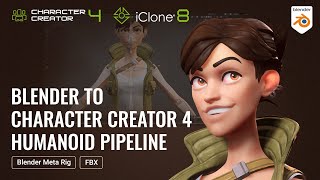
Fastest Turnaround from Static Mesh to Fully Animated Character - Blender-Character Creator Pipeline
Learn to transform static 3D models into fully animated characters using Blender and Character Creator 4. Master rigging, facial morphs, and animation techniques for a seamless workflow between Blender and iClone.
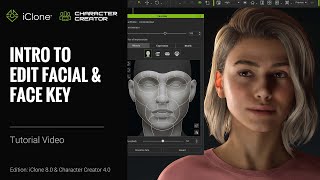
iClone 8 and Character Creator 4 Tutorial - Edit Facial and Face Key Tools
Comprehensive guide to facial editing and animation in Character Creator 4 and iClone 8, covering muscle panels, expression libraries, and Face Key techniques for creating lifelike character expressions.
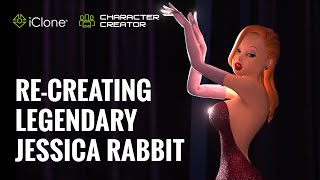
Re-creating Legendary Jessica Rabbit with iClone Character Creator Pipeline
Explore 3D character creation techniques as Jasper Hesseling recreates Jessica Rabbit using iClone, ZBrush, and other tools. Learn modeling, texturing, and animation tips for iconic character design.
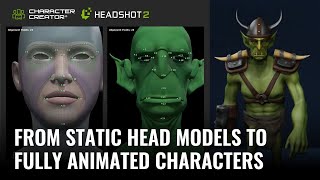
Turning Static Head Models into Fully Animated Characters with Headshot 2
Learn to transform static 3D head models into fully animated characters using Headshot 2, Character Creator, and ZBrush. Master techniques for creating unique stylized characters with expert tips and step-by-step guidance.
Creating and Animating 3D Heads with Headshot 2.0
Learn to create and animate realistic 3D heads using Headshot 2.0. Explore image and mesh workflows, facial animation tools, motion capture techniques, and skin customization with SkinGen.
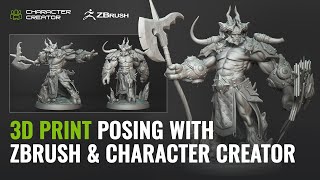
3D Printing and Character Posing with ZBrush and Character Creator - One Sculpture, Infinite Poses
Explore seamless character posing between ZBrush and Character Creator 4 with the new Pose Tools plugin. Learn to create, rig, and modify 3D characters for printing and digital art.
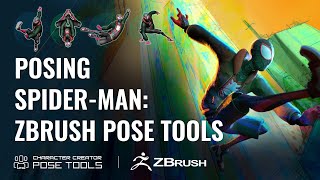
Efficient Character Posing in ZBrush - Pose Tools and Character Creator Integration
Learn efficient character posing in ZBrush using Pose Tools and Character Creator 4. Master techniques for creating, storing, and managing poses, enhancing your 3D character design workflow.
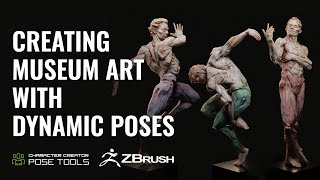
Dynamic Character Poses in ZBrush - Evoking Motion and Grace in Fine Art Sculptures
Learn to create dynamic character poses in ZBrush using CC4, guided by expert Deryck Pelegrini. Master techniques for evoking motion and grace in fine art sculptures through a unique creative workflow.
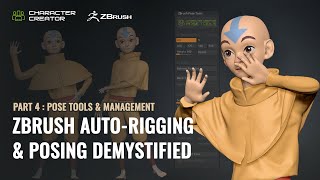
ZBrush Pose Management and Tools - Part 4: Advanced Techniques
Explore advanced ZBrush posing techniques using Pose Tools and Character Creator. Learn efficient workflows for character design, including dynamic simulations and layer management.
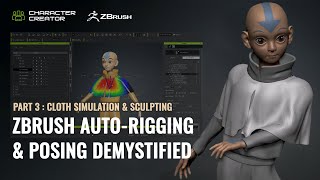
ZBrush Auto-Rigging and Posing - Part 3: Cloth Simulation and Character Creator Pose Tools
Learn advanced techniques for auto-rigging, posing, and cloth simulation in ZBrush and Character Creator. Master the motion library, GoZ workflow, and create dynamic character designs efficiently.
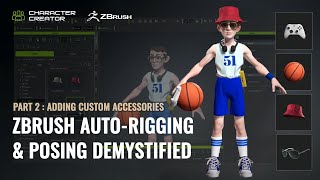
ZBrush Auto-Rigging and Posing - Custom Accessories and Character Creator Tools - Part 2
Learn advanced techniques for custom accessory creation, rigging, and posing in ZBrush and Character Creator. Master polycount optimization, texture transfer, AccuRig, and the ZBrush Pose Link plugin for enhanced 3D character design workflows.
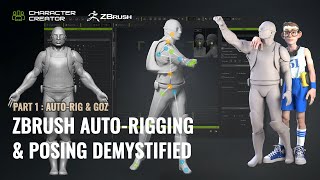
ZBrush Auto-Rigging and Posing with Character Creator - Part 1: Auto-Rig and GoZ
Learn to auto-rig and pose 3D characters using ZBrush and Character Creator. Master essential techniques like resizing, AccuRIG, and GoZ for seamless workflow between software.
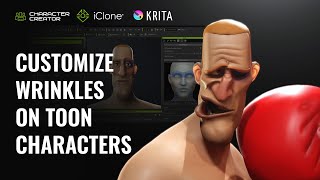
Creating Distinctive Dynamic Wrinkles for Toon Characters in Krita and Character Creator
Learn to create unique cartoon character wrinkles using Krita and Character Creator. Master customizing preset wrinkles, sculpting expressions, and combining personalized wrinkles for distinctive animated characters.
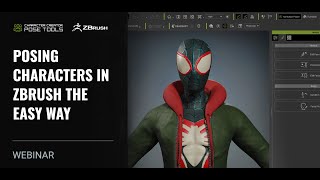
Posing Characters in ZBrush - The Easy Way with Character Creator 4
Learn advanced techniques for dynamic character posing using ZBrush and Character Creator 4. Explore pose tools, AccuRig, and Pose Link to create lifelike, expressive 3D character poses efficiently.
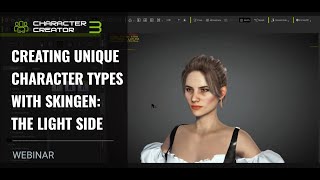
Creating Unique Character Types with SkinGen - Character Customization and Lighting
Explore SkinGen plug-in for detailed character customization, including makeup, aging, and blemishes. Learn to enhance characters with strategic lighting and facial animation in iClone.
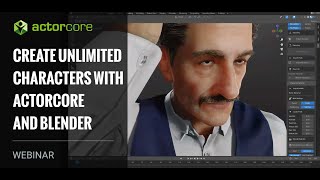
Create Unlimited Characters with ActorCore and Blender
Explore ActorCore character creation, material editing in Substance Player, and rendering in Blender. Learn to combine ActorCore motions with facial mocap for quick scene creation in iClone.
Headshot Head Generation for iClone Projects
Explore AI-powered 3D character generation with Headshot plug-in for Character Creator. Learn auto and pro modes, troubleshooting techniques, and basic facial animation tools for quick, realistic digital humans.
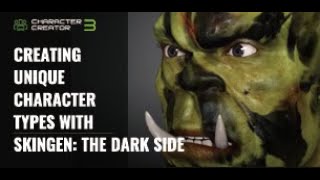
Creating Unique Character Types with SkinGen - The Dark Side
Explore advanced character creation techniques using SkinGen to craft unique, dark-themed characters with detailed skin customization and dramatic lighting in iClone.