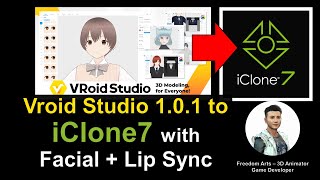
Vroid Studio to iClone 7.9 - Character Import with Facial Animation and Lip Sync Tutorial
Learn to import Vroid Studio manga avatars into iClone 7, enabling facial expressions and lip sync for 3D animation. Step-by-step guide covers essential tools, workflows, and tips for seamless integration.
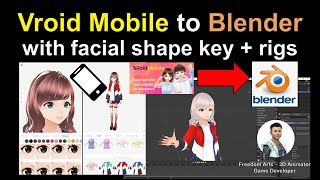
Vroid Mobile to Blender - Facial Shape Key and Rig Tutorial
Learn to export Vroid Mobile manga characters to Blender with facial expressions and full skeleton, enabling 3D animation. Step-by-step guide for creating facial and body animations in Blender.
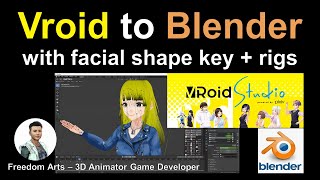
Vroid to Blender Tutorial: Importing Characters with Facial Expressions and Skeleton Bones
Step-by-step guide for exporting Vroid Studio characters to Blender, including facial expressions and skeleton setup. Learn to create facial and body animations in Blender for manga-style characters.
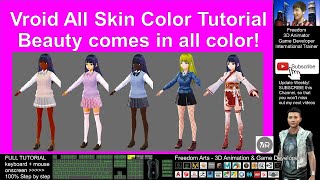
Creating Different Skin Colors in VRoid Studio - Full Tutorial
Step-by-step guide for creating diverse skin tones in Vroid Studio, enabling users to design manga characters with African, Asian, and European features for 3D animation projects.
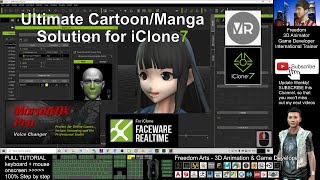
Ultimate Solution for Vroid Studio/Mobile to iClone - Full Facial, Skeleton, and Faceware Profile
Comprehensive tutorial for integrating Vroid Studio/Mobile characters into iClone with automated facial animation, skeleton rigging, and Faceware compatibility for manga-style animations.
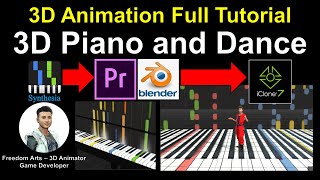
How to Create 3D Piano and Dance Animation - Full Tutorial
Learn to create a 3D animated piano and dance sequence using Blender, iClone, and video editing software. Master modeling, texturing, and animation techniques for realistic musical performances.
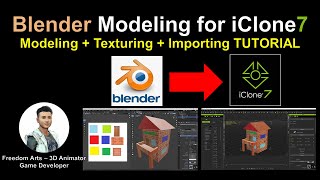
Blender Modeling for iClone - Tutorial
Learn to create custom 3D props in Blender, add textures, and import them into iClone for animation. Step-by-step guide covers modeling, UV mapping, and file conversion for seamless integration.
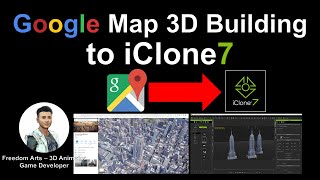
Extracting Empire State Building 3D Model from Google Maps for iClone
Learn to extract 3D building models from Google Maps and import them into iClone for animation projects. Step-by-step guide covers necessary tools and processes for accurate model extraction.
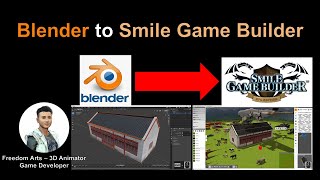
Blender to Smile Game Builder: Optimizing 3D Models for Game Development
Learn to optimize 3D models in Blender for game development, including face reduction, mesh merging, and texture baking. Export game-ready assets to Smile Game Builder for codeless game creation.
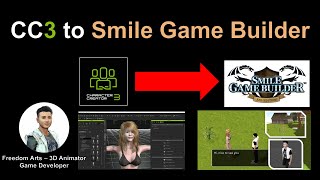
CC3 to Smile Game Builder - Maya Bone Reduction Method
Step-by-step tutorial on reducing bones in Maya for exporting CC3 characters to Smile Game Builder, with real-time demonstrations and helpful links for game development tools.
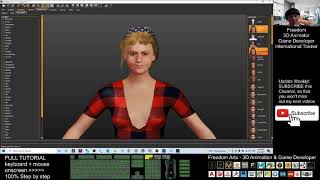
Makehuman to Unreal Engine 4.26 - Character Creation with Facial and Mouth Morphs
Learn to create custom avatars with facial expressions and mouth movements, then export them from MakeHuman to iClone 7 and finally to Unreal Engine 4.26 for use in games or animations.
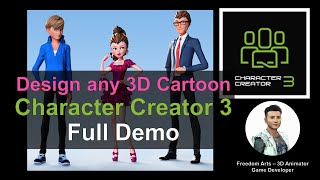
Creating Cartoon 3D Avatars in Character Creator 3 - Full Demo
Step-by-step demonstration of creating cartoon 3D avatars using Character Creator 3 software. Showcases the process of designing four unique cartoon characters in just 30 minutes, with real-time screen capture.
iClone and Character Creator 3 Animation Pipeline for Unreal Engine 4 and 5
Learn to transfer Character Creator 3 avatars with facial expressions, visemes, and body animations to Unreal Engine 4 & 5 using iClone's iMotionPlus system. Master advanced animation workflows for game development.
Fuse to Unreal Engine 5 - Full Tutorial for Character Creation and Import
Step-by-step guide to create 3D characters with Fuse and import them into Unreal Engine 5, covering installation, avatar creation, skeleton setup, exporting, and importing using Retarget Manager.
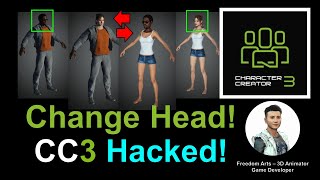
Changing Heads in Character Creator 3.4 - Step-by-Step Tutorial
Step-by-step guide for exchanging heads in Character Creator 3.4, covering essential techniques for 3D character customization in animation and game development projects.
Photo to FBX with Rig - 3D Modeling Animation and Game Dev Tutorial Using PIFuHD
Generate 3D human avatars from photos using PIFuHD and export as rigged FBX files for use in various 3D software. Learn to create unlimited characters for animation and game development projects.
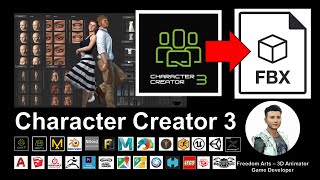
Character Creator 3 to FBX - 3D Modeling Animation and Game Development Tutorial
Learn to create and export 3D human characters from Character Creator 3 as FBX files with full rigging and facial shapekeys, compatible with various 3D modeling and game development software.
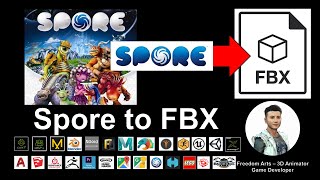
Spore to FBX - 3D Modeling Tutorial for Monster and Animal Creatures
Learn to create custom creatures in Spore and export them as FBX files for use in various 3D modeling, animation, and game development software. Step-by-step guide with real-time demonstrations.
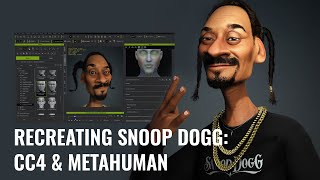
Recreating Snoop Dogg - Character Design Workflow Using Character Creator and MetaHuman
Discover how to create a stylized Snoop Dogg avatar using Character Creator 4, ZBrush, and MetaHuman Creator. Learn the process of transforming a realistic base into a captivating cartoon version.
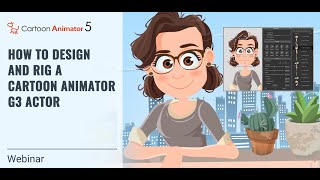
Designing and Rigging a Cartoon Animator 5 G3 Actor
Learn essential techniques for layering and rigging G3 actors in Cartoon Animator 5, including vector layers, bone pivots, custom parts, eyes for puppetry, and mouth sprites. Elevate your character animation skills.
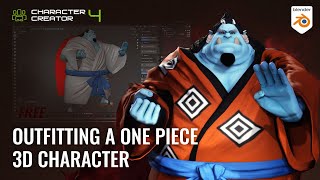
Outfitting a One Piece 3D Character - Jinbe Using Blender and Character Creator
Learn efficient 3D character outfitting techniques using Blender and Character Creator. Master mesh updates, texture baking, sculpting, and brush creation to streamline your workflow and create impressive character designs.