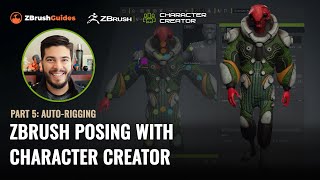
ZBrush Posing with Character Creator - Auto-Rigging and Texturing - Part 5
Master rigging and posing in ZBrush with Character Creator 4. Learn seamless GoZ round-trip process, texture handling, and advanced rigging techniques to transform 3D sculpts into animated characters.
Blender Launcher - Update Blender and Manage Multiple Builds
Learn to efficiently manage multiple Blender versions with Blender Launcher, a free tool for easy installation, updates, and organization of different Blender builds in a user-friendly interface.
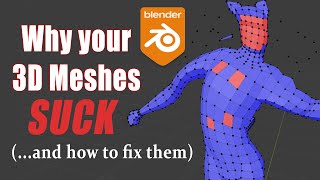
Blender 2.8-2.9 - Best 3D Modeling Practices - Why Your Meshes Suck
Learn best practices for 3D modeling in Blender, covering mesh quality, symmetry, normals, and common issues. Improve your skills to create cleaner, more efficient models for rigging and game engines.
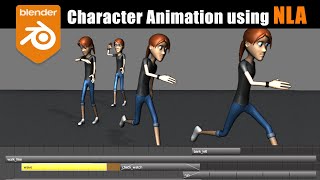
Blender Character Animation Using NLA - Nonlinear Animation
Learn character animation in Blender using the Nonlinear Animation Editor. Master complex techniques like smooth transitions, mixing IK/FK actions, and additive animations for creating dynamic and fluid character movements.
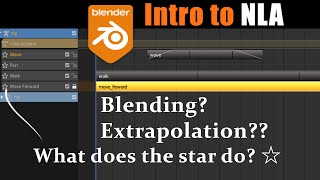
Blender 2.8-2.9 - Un-Confusing the NLA Editor - Nonlinear Animation
Comprehensive guide to Blender's NLA Editor, covering interface, key features, and common issues. Learn to effectively use tracks, blending modes, and action strips for complex animations.
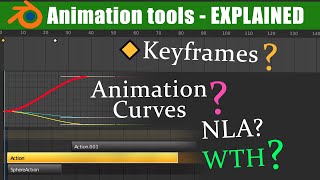
The Nuts and Bolts of Blender's Animation System
Explore Blender's animation fundamentals, including transforms, keyframes, interpolation, actions, and key editors. Gain essential knowledge for mastering the NLA editor in future lessons.
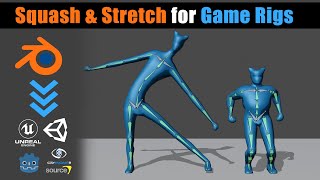
Blender - Game Ready Rigs - Squash & Stretch Solutions
Learn techniques for implementing squash and stretch in game character rigs using Blender, including flat hierarchy and bone offset methods. Discover solutions to avoid distortion and create more dynamic animations.
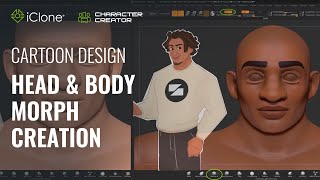
Fast Cartoon Design - Head and Body Morph Creation in Character Creator 3
Learn to create stylized cartoon characters using Character Creator and ZBrush. Master prototyping, sculpting, texturing, and morph creation for efficient 3D character design workflows.
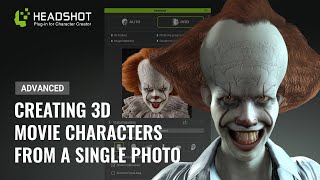
Generating a 3D Animated Pennywise from a Photo - Advanced Headshot Guide
Learn to transform a 2D Pennywise photo into a detailed 3D model using Headshot, ZBrush, and Blender. Master advanced techniques for photo preparation, mesh editing, sculpting, symmetry fixing, and hair creation.
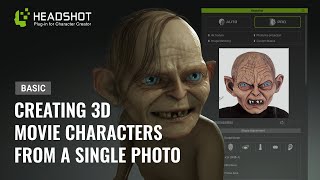
Generating a 3D Animated Gollum from a Photo - Basic Headshot Guide
Learn to create a 3D animated Gollum-like character from a photo using Headshot for Character Creator 3. Master techniques for sculpting, texturing, and customizing fantasy characters with expert tips and tools.
New Blender Addons for Summer 2024
Explore 60+ innovative Blender addons for 3D modeling, texturing, simulation, and more. Enhance your workflow with cutting-edge tools for various creative tasks.
Essential Lighting Concepts in 3D Graphics - From GI to SSS
Explore essential lighting concepts in 3D graphics: global illumination, HDRI, volumetrics, soft/hard lighting, gobos, caustics, and subsurface scattering for enhanced visual realism.

Infinite 3D Details Using One Polygon - Parallax Effect
Learn to create stunning 3D depth and detail using the parallax effect with a single polygon. Master this efficient technique to enhance your designs with rich, immersive visuals.
New Blender Addons You Probably Missed
Discover powerful new Blender addons for enhanced modeling, rendering, and productivity. Explore tools for solving, shooting, managing renders, untiling, creating stylized hair, hex tiles, sharpening corners, and more.
ZBrush Plugins for Faster Sculpting - Tools to Enhance Workflow
Discover essential ZBrush plugins to enhance sculpting efficiency, including camera control, shape manipulation, masking, and more. Boost your 3D modeling workflow with these powerful tools.
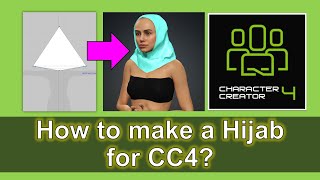
How to Create Hijab for Character Creator 4 with Marvelous Designer - Tutorial
Step-by-step guide for creating a hijab in Marvelous Designer for Character Creator 4, focusing on 3D modeling techniques for realistic cloth simulation in character design.
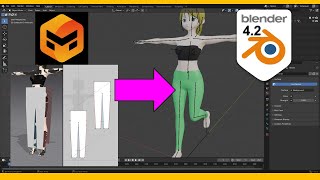
Make Pants for Blender 4.2 with Marvelous Designer - Tutorial
Step-by-step guide for creating realistic pants in Blender 4.2 using Marvelous Designer, covering 3D modeling techniques, cloth simulation, and weight painting for game development.
Camera Animation Tips in Blender
Learn essential camera animation techniques in Blender to enhance your 3D projects with dynamic and engaging shots.
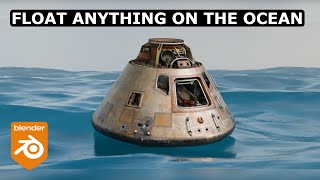
Ocean-Floating Animation in Blender 4.2 - Full Tutorial
Create an ocean-floating animation in Blender 4.2, mastering techniques to simulate realistic water movement and object interaction.
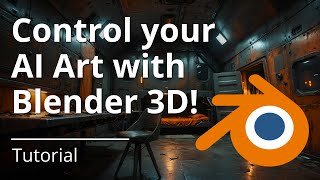
Control Your AI Art with Blender - Stable Diffusion ControlNet Tutorial 2024
Harness Blender's 3D modeling to guide AI image generation with Stable Diffusion ControlNet, enhancing creative control and achieving precise visual outcomes.

Create Easy Drag and Drop Mockup in Photoshop
Master easy drag & drop mockup creation in Photoshop. Learn to design realistic templates for t-shirts, mugs, and more using smart objects, blend modes, advanced masking, and layer styles.