SketchUp Free Tutorials - Online Version
Learn to create 3D models with SketchUp Free, covering basics, house modeling, components, materials, and advanced techniques like floor plans and rendering.
SketchUp Tutorial for Beginners
Learn essential SketchUp tools and interface elements for beginners. Master basic drawing techniques, measurement tools, and file operations to start creating 3D models confidently.
Rhino Tutorials
Learn architectural modeling techniques in Rhino, from site topography and concept diagrams to advanced facades. Covers Rhino-Revit workflow, VRay rendering, and Photoshop integration.
Using SketchUp Pro
Essential SketchUp Pro tutorials covering basics, interior design, 3D modeling, LayOut, rendering, extensions, and advanced techniques for architects and designers.

Using SketchUp Free? Watch These
Learn essential SketchUp Free tips, create floor plans and house models, and understand key differences between free and paid versions in this comprehensive tutorial series.
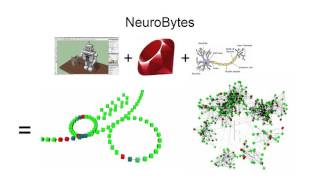
Zach Fredin - Take Your Hardware Idea Through Pilot-Scale Production
Explore hardware prototyping to pilot production with NeuroBytes, an innovative electronic system mimicking neural networks. Learn from Zach Fredin's journey in creating educational tools for understanding neuroscience.
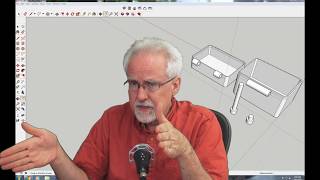
Sketchup Tutorial - Designing and Printing Box with Movable Hinges
Design a box with movable hinges using Sketchup, covering dimensions, key features, side view, wall thickness, hinge design, and 3D printing on different printers. Develop practical design skills.
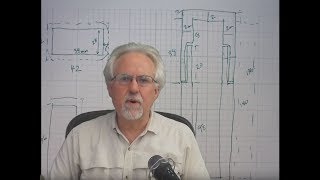
Sketchup Tutorial - Think Like a Mechanical Designer
Learn to design and fabricate 3D objects like a mechanical designer using SketchUp, from conceptualization to 3D printing, with practical examples and essential tools.

Sketchup Tutorial - Simple 3D Design Example for 3D Printing
Learn to create a simple 3D object in SketchUp for 3D printing, following the workflow from conceptual sketch to CAD design and fabrication. Includes practical design guidelines and essential tools.
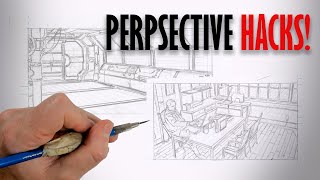
Perspective Hacks
Discover perspective techniques for artists, from traditional methods to using 3D software like SketchUp and DAZ 3D. Learn to create mathematically perfect perspective and enhance your artwork.
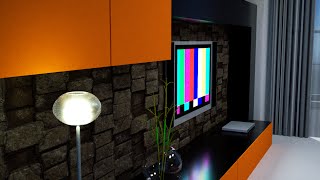
3DXchange 6 Tutorial - Rendering Sketchup Interiors in Indigo - Part 2
Learn to enhance Sketchup interiors in Indigo using 3DXchange 6. Master lighting, shaders, and materials to create stunning architectural renders with iClone and Indigo integration.
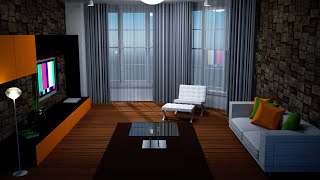
3DXchange 6 Tutorial - Optimizing Sketchup Models for Architectural Rendering
Learn to optimize Sketchup models for rendering in iClone and Indigo. Covers techniques like excluding back faces, smoothing normals, creating sub-props, merging identical meshes, and setting pivot points for efficient customization.

3DXchange 6 Tutorial - Rendering Sketchup Files in Indigo for Realistic Car Rendering
Learn to create realistic car renders using iClone 6 and Indigo. Master mesh refinement, material assignment, shader application, and subdivision techniques for high-quality 3D visualizations from Sketchup files.
SketchUp and AutoCAD Modeling for iClone - Ultimate 3D Prop Creation Tutorial
Learn to export 3D models from SketchUp and AutoCAD into iClone for animation. Master creating custom props, shapes, and geometries to enhance your 3D designs and boost creativity.
Importing 3D Models from 3D Warehouse to Smile Game Builder
Learn to import free 3D models from 3D Warehouse into Smile Game Builder for creating games without coding. Covers SketchUp Pro, 3DXchange, and Simplygon to prepare models for game development.

Breaking Down Walls - Merging Traditional Art Departments with Virtual Production
Revolutionizing film/TV art departments by integrating traditional tools with Unreal Engine for seamless asset flow, enhanced collaboration, and efficient workflows. Empowering designers to bridge the gap and unlock creative potential.