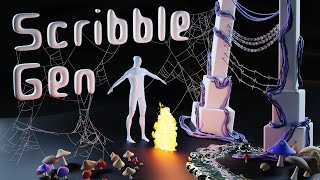
Scribble Gen for Blender - How to Use It
Learn to use Scribble Gen 0.20 in Blender, exploring new presets and tools for creating objects through drawing. Master particle emission, curve instances, fire effects, stylized water, and more.
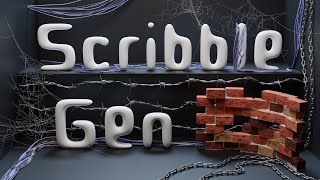
Scribble Gen for Blender - How to Use It
Learn to use Scribble Gen 0.11 in Blender for creating objects by drawing. Master tools for cables, barbed wire, chains, cobwebs, and brick walls. Explore features like collision, snap endpoints, and mesh conversion.

Cobweb Generator With Geometry Nodes - Blender
Learn to create realistic cobwebs in Blender using geometry nodes and the draw curve tool. Master techniques for branching, hanging, and layering to achieve authentic abandoned scene effects.

Frosting with Geometry Nodes, Piped Whipped Cream and Ice Cream - Blender 3.2
Learn to create realistic frosting, whipped cream, and ice cream in Blender 3.2 using Geometry Nodes. Master curve setup, displacement, materials, and sprinkle placement for stunning 3D desserts.
Curves - Geometry Nodes for Beginners
Learn to manipulate curves in Blender's Geometry Nodes: create, modify, and utilize curves for advanced 3D modeling techniques. Master essential curve operations and apply them to complex designs.
Instances - Geometry Nodes for Beginners
Learn to create complex 3D scenes efficiently using Blender's Geometry Nodes. Master instancing techniques, point distribution, transformations, and advanced features for stunning visual effects and optimized workflows.
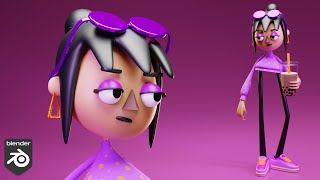
Boba Girl Character Modeling - Blender 3.1
Learn to model a stylized 'Boba Girl' character in Blender 3.1, covering mesh creation, facial features, hair, accessories, clothing, and materials. Perfect for 3D artists looking to enhance their character modeling skills.

Old Guy Character Modeling - Blender 3.1
Learn to model a detailed old guy character in Blender 3.1, covering mesh creation, clothing, accessories, materials, wrinkles, and rigging. Perfect for 3D artists looking to enhance character modeling skills.
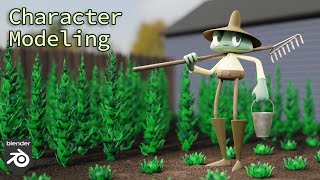
Gardener Character Modeling - Blender 3.1
Learn to model a detailed gardener character in Blender 3.1, covering base mesh creation, clothing, accessories, and materials. Perfect for 3D artists looking to enhance their character modeling skills.
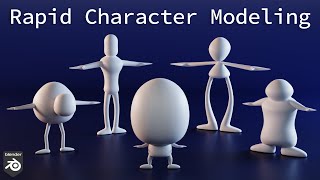
Fast Character Modeling - Base Meshes in Blender
Learn to quickly create 5 diverse base character meshes in Blender, focusing on efficient modeling techniques and creative design principles for unique and appealing 3D characters.
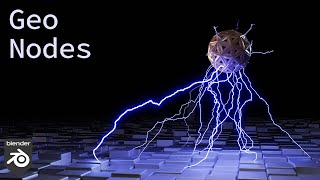
Lightning Arcs with Geometry Nodes - Blender 3.1
Learn to create dynamic lightning arcs using Blender's Geometry Nodes. Master techniques for point distribution, arc generation, distortion, and material application for realistic electric effects.
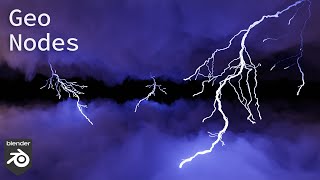
Realistic Lightning with Geometry Nodes - Blender 3.1
Learn to create realistic lightning effects in Blender 3.1 using Geometry Nodes. Master techniques for curve manipulation, branching, animation, and shading to achieve stunning, dynamic lightning visuals.
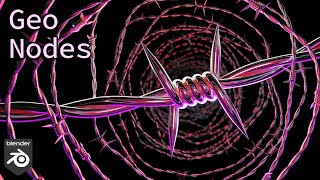
Barbed Wire with Geometry Nodes in Blender
Learn to create realistic barbed wire in Blender using Geometry Nodes. Master techniques for wire twisting, barb creation, and material application to achieve authentic-looking results.
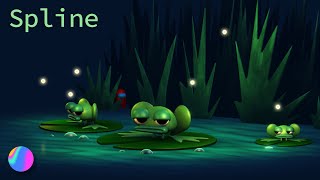
Modeling a Character Scene for Beginners with Spline 3D
Learn to create a charming 3D frog scene using Spline, covering modeling, animation, and effects. Perfect for beginners looking to explore 3D design with an intuitive, web-based tool.

Cable Generator with Geometry Nodes - Blender 3.1
Learn to create realistic cable models in Blender using Geometry Nodes, covering thickness, displacement, pinching, and material options for versatile and customizable cable designs.
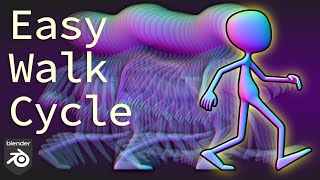
Easy Walk Cycle, Character Animation with Blender
Learn to create a realistic walk cycle animation in Blender, covering key poses, rig controls, and advanced techniques like looping and offsetting. Perfect for beginners and intermediate animators.

Easy Dancing Character Animation - Blender 2.93
Learn to create lively dancing character animations in Blender 2.93, covering rig testing, posing techniques, keyframing, graph editing, looping, and adding secondary motion for realistic results.
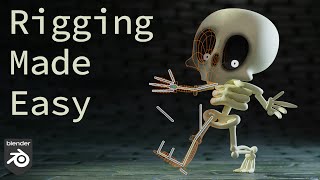
Rigging Made Easy - Skeleton Character - Blender
Comprehensive tutorial on character rigging in Blender 2.93, covering bone deformation, IK/FK systems, foot and head rigging, weight painting, and advanced techniques for creating a fully functional character rig.
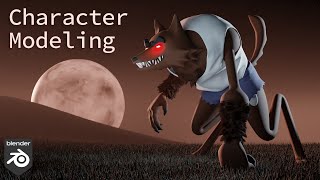
Werewolf Character Modeling with the Skin Modifier - Blender 2.93
Learn to model a detailed werewolf character in Blender 2.93, covering head, body, limbs, texturing, and hair. Ideal for intermediate users seeking to enhance 3D modeling skills.
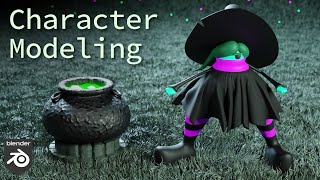
Witch Character Modeling and Rigging - Blender 2.93
Learn to model and rig a witch character in Blender 2.93, covering everything from basic shapes to complex elements like skirts and hair, plus materials and rigging techniques.

Character Modeling and Rigging - Ghost with the Skin Modifier - Blender 2.93
Learn to model and rig a ghost character in Blender using the Skin Modifier. Master techniques for creating hands, face, armature, materials, and colors in both Eevee and Cycles renderers.