
CrazyTalk Animator 2 Tutorial - Animation with Buddy's World Characters
Learn to animate Buddy's World characters, customize body and facial movements, manipulate props, and create camera animations in CrazyTalk Animator 2. Master essential techniques for engaging character-driven animations.
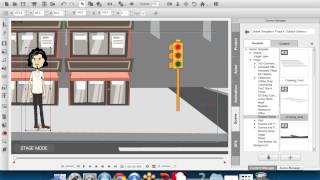
Empowering Professionals with CrazyTalk Animator 2
Explore innovative 2D animation tools in CrazyTalk Animator 2. Learn character creation, face & body animation, and scene design. Discover its advantages and applications across various industries.
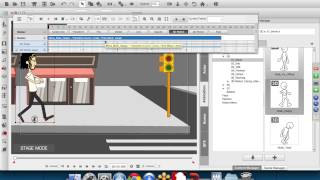
Empowering Professionals with CrazyTalk Animator 2
Explore CrazyTalk Animator 2's innovative 2D animation tools, including 3D motions for 2D characters. Learn software features, advantages, and applications through live demos and project showcases.
CrazyTalk Animator 2 - Universal Installer Demo
Explore Reallusion's new Content Downloader for CrazyTalk Animator 2, offering enhanced cross-platform access and easy installation of selected content on Windows or Mac desktops.
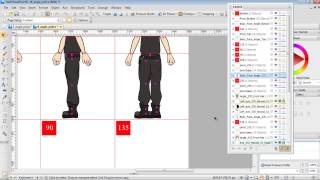
G2 Character Creation in DrawPlus - Multi-Angle Setup and Motion Editing - Part 2
Learn advanced techniques for creating multi-angle G2 characters in DrawPlus X6, including layer layout, motion editing tools, and problem-solving strategies for custom character animations in CrazyTalk Animator.
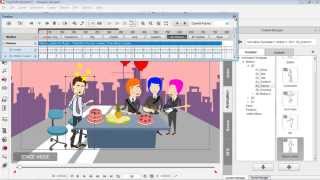
Drawing Custom Props for CrazyTalk Animator - Part 3
Learn to create and animate custom vector graphics for CrazyTalk Animator using DrawPlus. Covers shape manipulation, editing, and simple animation techniques for beginners.
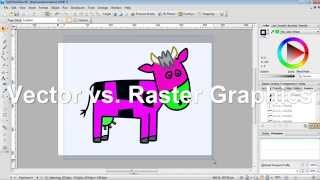
Creating CrazyTalk Animator Props from DrawPlus Graphics - Part 1
Learn to import vector graphics from DrawPlus into CrazyTalk Animator as props. Covers export setup, graphic modifications, vector vs. raster, custom prop saving, and multi-graphic exports.
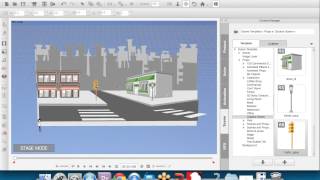
Empowering Professionals with CrazyTalk Animator 2
Explore innovative 2D animation with CrazyTalk Animator 2's new tools and 3D motions. Learn character creation, face & body animation, scene design, and discover its applications across various industries.
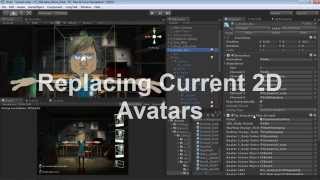
Applying 2D Talking Avatar to 3D Head in CrazyTalk and Unity
Learn to create, animate, and apply 2D talking avatar faces to 3D models using CrazyTalk 7 and Unity. Master exporting custom characters and animations for interactive projects.
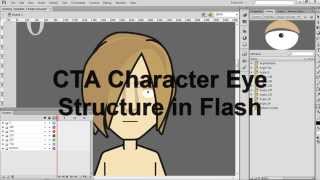
CrazyTalk Animator 2 Tutorial - Creating Eye Sprite Pose Libraries in Flash
Learn to create custom eye sprite pose libraries for CrazyTalk Animator 2 characters using Adobe Flash. Master techniques for designing, importing, and integrating eye sprites into your animations.
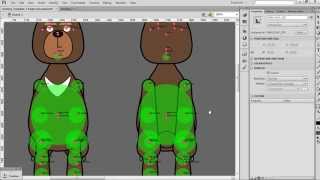
CrazyTalk Animator 2 Tutorial - Multi-Angle G2 Character Creation in Flash
Learn to create multi-angle G2 characters in Flash for CrazyTalk Animator 2. Master symbol mirroring, transferring, and modification techniques, plus importing and fine-tuning characters for 3D motion.
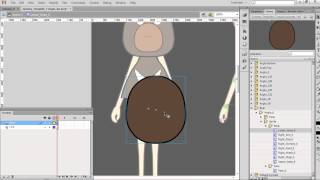
CrazyTalk Animator 2 Tutorial - Basic Character Creation in Flash
Learn to create custom characters in Adobe Flash for CrazyTalk Animator 2. Covers using G2 Character Template, replacing body parts, aligning pivots, and creating custom symbols for unique character designs.
Start Your First Project with Cartoon Animator 5
Learn to create engaging animated videos using Cartoon Animator 5. Explore the interface, discover new features, and gain tips for wowing audiences with your first animated project.
Exploring New Features in Cartoon Animator 5
Discover Cartoon Animator 5's innovative tools for dynamic character movement, exaggerated animations, and SVG asset integration. Learn practical applications through live demonstrations and project creation.
Create High Converting Commercial Animations that Drive Sales
Learn to create impactful animated commercial trailers using Cartoon Animator 4. Master planning, visualization, and animation techniques to produce attention-grabbing videos that boost sales and revenue.
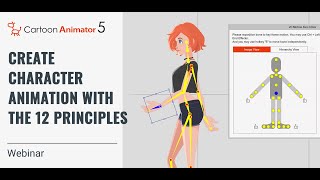
Create Awesome-Looking Character Animation with the 12 Principles of Animation
Master the 12 Principles of Animation using Cartoon Animator 5 to create lifelike, non-robotic character animations. Learn techniques from Disney's 1930s revolution applied with modern tools.
Make Animated Video with Cartoon Animator and VEGAS PRO
Learn to create and integrate 2D animations using Cartoon Animator and VEGAS Pro. Master character rigging, motion libraries, and video compositing techniques for seamless animated productions.
Create Awesome-Looking Character Animation with the 12 Principles
Learn to create captivating character animations using the 12 Principles of Animation in Cartoon Animator 4. Master techniques to bring characters to life, avoid robotic movements, and elevate your animation skills.
Facial and Puppet Animation with 360 Head Tools and Puppet Actors
Explore 360 Head Tools and Puppet Actor toolkit in Cartoon Animator 4. Learn character creation, facial mocap, and animation techniques for unique 2D characters using webcam and Leap Motion.
The Best Way to Animate Head Turns in 2D Animation
Learn techniques for smooth 2D head turn animations using Cartoon Animator 4. Covers 360 Head Creator, Facial Animation Setup, and professional workflows for consistent mass and shape in character animation.
Advanced Animation Techniques with Cartoon Animator 4
Explore advanced 2D animation techniques in Cartoon Animator 4, including transition curves, stretch bones, object interaction, and facial animation refinement for creating dynamic and expressive character movements.