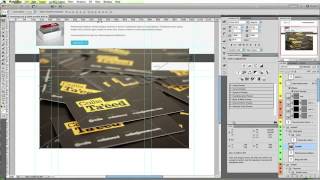
Basics: Create a Clean Magazine and Blog Theme - Day 1: Introduction
Learn to design and code a sleek magazine/blog website through a step-by-step tutorial, covering essential techniques for creating an engaging online presence.
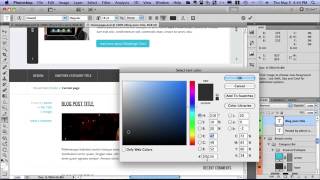
Basics: Create a Clean Magazine and Blog Theme - Coding Part 1
Learn to design and code a sleek magazine/blog website through a step-by-step tutorial, focusing on the initial coding phase.
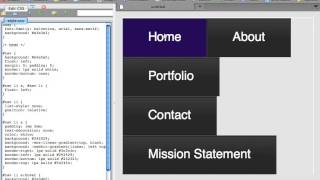
Build and Enhance a 3-Level Menu
Learn to create and improve a three-tier navigation menu, enhancing website usability and user experience through advanced menu design techniques.
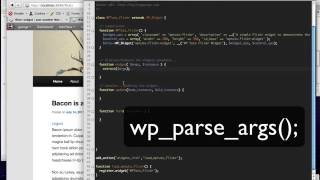
Flickr Widget Tutorial - Building and Customizing a WordPress Plugin
Create a Flickr widget for WordPress using API integration, customizable options, and responsive design techniques.
HUD Divers Mask Tutorial - Day 1
Learn to create a realistic HUD divers mask in 3D software, focusing on modeling techniques and design principles for immersive underwater visuals.
iPhone SDK: Working with UINavigationController
Learn to manage data hierarchies using UINavigationController in iOS. Master pushing, popping, and configuring view controllers for seamless navigation in your iPhone apps.
Introduction to Scripting - PhotoWall 2
Create a dynamic photo wall using scripting techniques in Photoshop. Learn to automate image placement and enhance your design workflow.
JavaScript Tutorial
Learn the fundamentals of JavaScript programming, including variables, functions, and basic syntax, to start building interactive web applications.
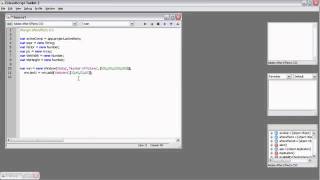
Introduction to Scripting - Photo Wall 1
Create a photo wall effect using scripting in Photoshop. Learn to automate image placement, sizing, and arrangement for efficient design workflows.
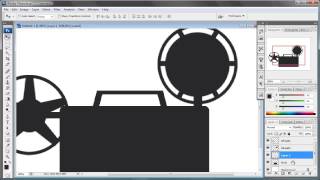
The Projector Tutorial
Learn to use Projector, a powerful design tool for creating interactive prototypes and animations. Master key features and workflows to enhance your design process.
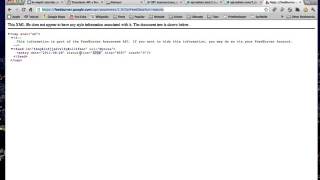
WordPress Transients API: Managing Cacheable Data
Optimize WordPress performance with WP_Transients: Learn to efficiently handle changing, cacheable data for faster, more responsive websites.
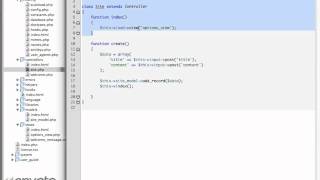
CodeIgniter from Scratch - Day 5
Learn to build dynamic web applications using CodeIgniter framework. Master essential concepts, best practices, and advanced techniques for efficient PHP development.
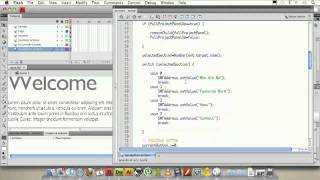
Create Full Screen, Scalable Flash Websites - Part 2.6: SWFAddress and Navigation Scaling
Learn to implement SWFAddress for bookmarkable pages and improve navigation bar scaling in Flash websites, enhancing user experience and functionality.
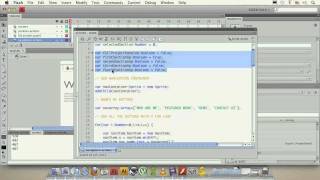
Create Full Screen, Scalable Flash Websites - Part 2.3
Learn to implement SWFAddress for bookmarkable pages and improve navigation bar scaling in Flash websites, enhancing user experience and functionality.
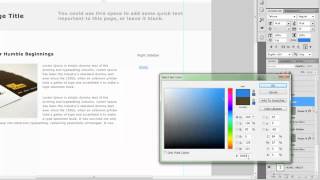
Building a Website in Progressive Steps: Page Elements
Learn to create essential web page elements, their placement, and importance in this comprehensive tutorial on building websites step-by-step.
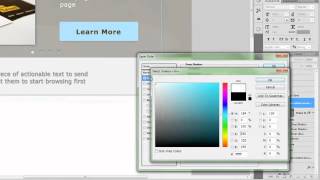
Building a Website in Progressive Steps: The Home Page
Learn to create an effective home page by focusing on featured areas, actionable content, and priority content in a strategic hierarchy for maximum impact.
Building a Website in Progressive Steps: Contact Page
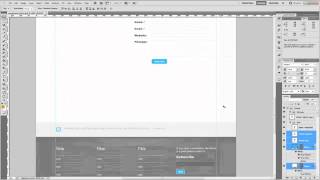
Create a contact page to build trust with website visitors, focusing on file structure and coding techniques.
Building a Simple Website With Adobe Muse
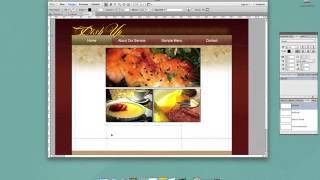
Learn to create functional websites without coding using Adobe Muse, ideal for print designers and beginners familiar with Adobe Illustrator.
Building a Website in Progressive Steps - Wireframing
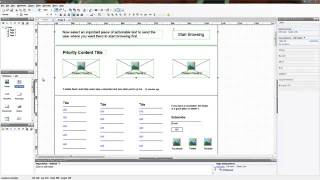
Learn essential wireframing techniques to plan and structure your website effectively, laying the foundation for a successful web design project.
How to Make AJAX Requests with JavaScript - Part 2: Database Queries and JSON Parsing
Learn to combine PHP and JavaScript for database queries and JSON parsing, advancing your AJAX skills beyond the basics.
Building a Website in Progressive Steps: Header and Footer Design
Learn to design website headers and footers in Photoshop, enhancing your web development skills through practical, step-by-step guidance.