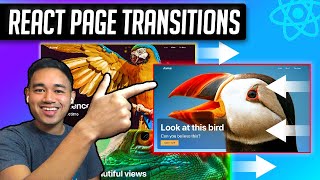
How to Make a React Website with Page Transitions Using Framer Motion
Create a React website with animated page transitions using Framer Motion, React hooks, and styled components. Learn to enhance user experience through smooth route changes and engaging animations.

Build a React Image Slider Carousel from Scratch Tutorial
Step-by-step tutorial on building a React image slider carousel with navigation arrows using hooks. Covers project setup, data creation, image display, and styling.
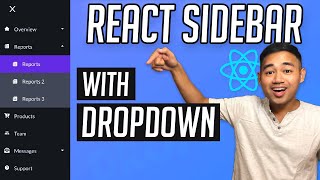
React Sidebar with Dropdown Menu Tutorial - Create Sub Navigation
Learn to build a React sidebar with dropdown menu using hooks, styled-components, and React Router. Covers component creation, data management, and page routing for an interactive sub-navigation system.
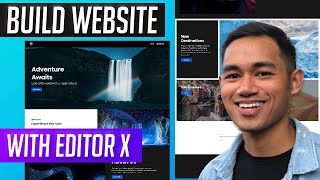
How to Make a Website Using Editor X
Learn to create a responsive travel website using Editor X's advanced design tools, including stacking, grids, and animations, without coding. Explore business solutions and custom features.
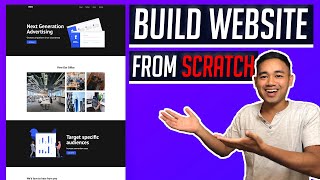
How to Make a Website from Scratch Using Webflow
Build a professional website without coding using Webflow. Learn to create navbars, logos, hero sections, image galleries, contact forms, and more in this step-by-step tutorial for beginners.
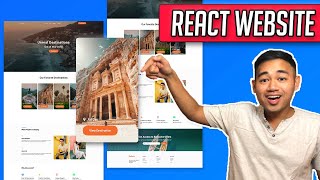
Build a Responsive Website Using React, Gatsby, and GraphQL
Create a responsive website with React, Gatsby, and GraphQL. Learn to optimize images, implement animations, and use styled components for a fully functional and visually appealing design.
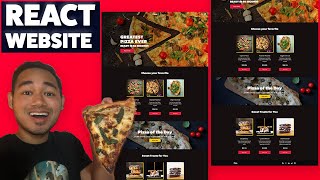
Build a React Website Using Styled Components - Responsive Ecommerce Restaurant Design
Create a responsive React restaurant website with styled components, covering navbar, hero section, sidebar, products, and footer components in a beginner-friendly tutorial.

Build a Responsive Website Using HTML & SASS-SCSS Tutorial
Create a responsive website homepage using HTML and SASS/SCSS. Learn to structure content, style with SASS, and implement a navbar and hero section for an attractive, mobile-friendly design.
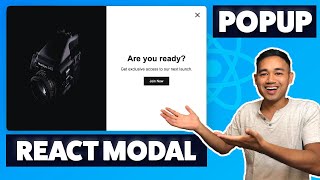
React Modal Tutorial Using Hooks and Styled Components
Create a simple React Modal Popup using Hooks and styled components, with click-outside and ESC key closing functionality.
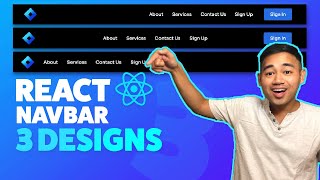
React Navbar Tutorial Responsive - 3 Designs
Create responsive React navbars with three customizable designs. Learn step-by-step implementation, including mobile dropdown menus, for seamless integration into your projects.
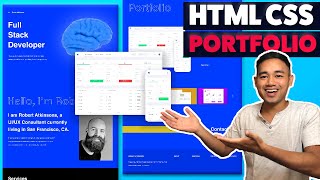
Responsive HTML CSS Portfolio Website Using Flexbox and Grid
Build a responsive portfolio website using HTML, CSS Flexbox, and Grid. Learn to create and style hero, about, services, portfolio, contact, and footer sections for a professional online presence.

React Website Using Styled Components and Smooth Scroll - Beginner Project Fully Responsive
Build a responsive React website with styled components, smooth scroll, and reusable sections. Learn React Hooks, Router, and advanced styling techniques for a modern web development project.

HTML CSS Javascript Website Tutorial - Responsive Beginner JS Project with Smooth Scroll
Build a responsive website with HTML, CSS, and JavaScript, featuring smooth scroll and dynamic navbar. Learn step-by-step from setup to advanced features in this comprehensive tutorial.

React Website Using Gatsby JS - Responsive Project with Gatsby Image
Build a responsive React website with Gatsby JS, featuring Gatsby Image and GraphQL for efficient image handling. Learn component creation, styling, and page editing in this comprehensive tutorial.

HTML, CSS, and Javascript Website Design Tutorial - Beginner Project Fully Responsive
Step-by-step tutorial for building a responsive website using HTML, CSS, and JavaScript. Covers navbar, hero section, services, footer, and navigation between pages.
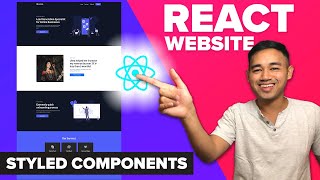
React Website Using Styled Components - Beginner React JS Project Fully Responsive
Build a responsive React website using Styled Components, React Hooks, and React Router. Learn to create reusable components and implement essential features like navigation, routing, and scrolling effects.

React Form Validation Using Custom Hooks - Beginner React JS Project
Build a React form with custom hooks for validation, covering project setup, component creation, error handling, and styling for a complete frontend solution.

Cryptocurrency Finance Price Tracker App Using Hooks and Axios
Build a cryptocurrency price tracker using React Hooks and Axios. Learn to fetch and display live price data, implement search functionality, and create a responsive UI for monitoring digital currency markets.
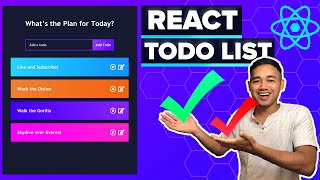
React Todo List App Tutorial - Beginner React JS Project Using Hooks
Build a functional todo list app using React hooks, including add, remove, edit, and mark complete features for todo items.

React Sidebar Navigation Menu Tutorial - Beginner React JS Project Using Hooks & Router
Create a React sidebar navigation menu using Hooks, Router, and Icons. Learn to build, style, and implement a functional sidebar for your React websites.
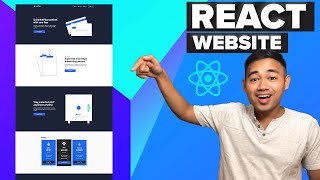
Responsive React Website Tutorial - Beginner React JS Project Using Hooks and Router
Build a responsive React website with reusable components using Hooks and Router. Learn to create UI sections like Hero, Footer, and Pricing while customizing for your needs.