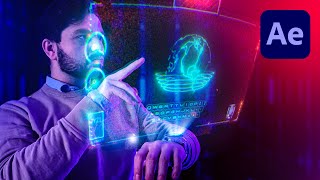
Sci-Fi Watch Hologram in After Effects
Learn to create an advanced hologram effect for a watch using Adobe After Effects. Master tracking, compositing, and animating HUD elements to achieve a stunning sci-fi visual effect.
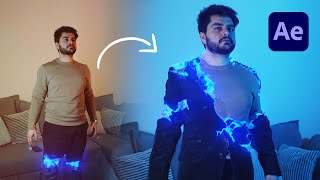
Advanced Outfit Transformation Effect in After Effects
Learn to create advanced outfit transformations in After Effects without plugins. Master techniques for stunning visual effects and elevate your video editing skills with this step-by-step tutorial.
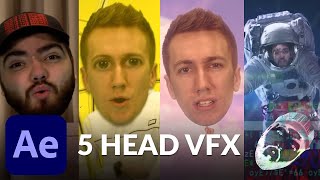
Mind Blowing Head VFX in After Effects - Helium Song Tutorial
Learn 5 mind-blowing head visual effects in After Effects, inspired by music videos. Master techniques to create stunning VFX for your own projects using step-by-step instructions.
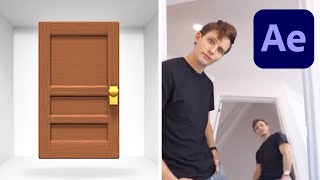
Infinite Door Tutorial in After Effects
Learn to create the mesmerizing infinite door loop effect in After Effects. Master optical illusion techniques inspired by Kevin Parry's Instagram-famous visuals. Step-by-step guide for stunning VFX.
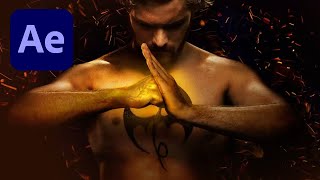
Iron Fist Glowing Effect in After Effects - Marvel Netflix Series
Learn to create the glowing hand effect from Marvel's Iron Fist series using After Effects. Master VFX techniques to add illuminated veins and depth to hand visuals.
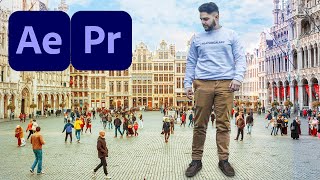
How to Become a Huge Giant with Premiere Pro or After Effects
Learn to create giant characters using Premiere Pro and After Effects. Master VFX techniques for easy and advanced solutions, enhancing your video editing skills with practical effects.
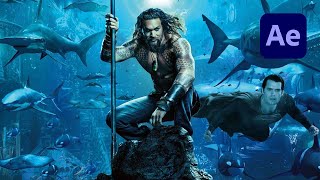
Aquaman Underwater Atmosphere Effect in After Effects
Create an underwater Aquaman-inspired atmosphere in After Effects using lighting, particles, and color grading techniques for stunning visual effects.

Impulse Teleport Effect in Adobe After Effects Tutorial
Learn to create an impressive impulse teleport effect in Adobe After Effects, covering techniques like roto brush, precomposing, motion blur, and camera shake for dynamic visual impact.
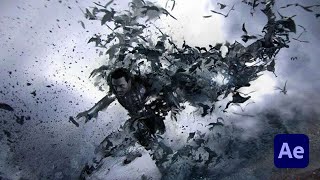
Dracula Vampire Bat Transformation Effect in Adobe After Effects
Learn to create a vampire bat transformation effect in Adobe After Effects, inspired by Dracula movies. Master techniques like RSMB, masking, particle systems, and color grading.
How to Create an Epic Force Shield for Film in Adobe After Effects - VFX Tutorial
Learn to create an epic force shield VFX in After Effects without plugins. Master techniques for spheres, displacement maps, flares, particles, and smoke to enhance your film projects.
3D Metal Title in Cinema 4D & After Effects
Learn to create stunning 3D metal titles using Cinema 4D and After Effects. Master techniques for adding bevels, highlights, and curves to achieve a professional, eye-catching look for your projects.
Create Better Glows in After Effects
Learn advanced techniques for creating stunning, customizable glows in After Effects, offering greater flexibility and control than the built-in effect for more professional-looking results.

Blend Subject and Reflections Using Blend Modes in Photoshop
Master Photoshop blend modes to seamlessly integrate subjects and reflections with backgrounds. Learn selection techniques, color matching, and light adjustment for realistic composites.

Unlock Amazing Stock Photos Inside Photoshop
Explore free Photoshop plugins for accessing millions of stock photos directly in-app. Learn installation, pros/cons, and real-world applications in compositing, graphic design, and color grading.
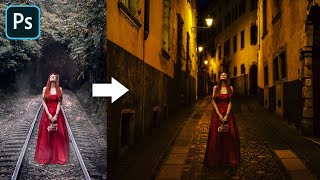
Advanced Color Matching Process in Photoshop
Master advanced color matching for seamless photo compositing in Photoshop. Learn masking, adjustment layers, realistic shadows, and depth of field techniques to create professional-quality manipulations.

Turn 2D Photos to 3D Planets in Photoshop
Transform panoramas into stunning 3D planets using Photoshop's Polar Coordinates filter. Learn image preparation, seamless sphere creation, and special effects to craft realistic planetary scenes.
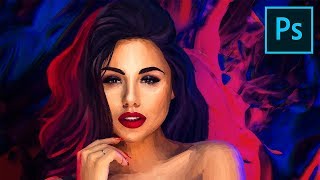
Digital Painting - Photoshop Tutorial
Learn advanced Photoshop brushes and techniques for digital portrait painting with pastels. Create a stunning artwork using reference images, filters, and compositing for a professional finish.
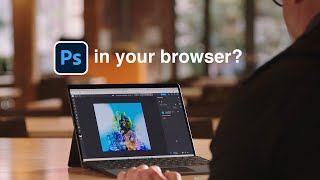
Photoshop on the Web - Features & Limitations
Explore Photoshop's web version: features, limitations, and comparison with Photopea. Learn about UI, tools, adjustments, and potential future updates for this browser-based image editing solution.
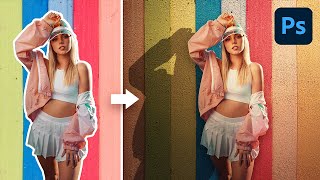
Steps to Make a Flat Background Look Realistic - Photoshop Tutorial
Learn 5 steps to create realistic flat backgrounds in Photoshop, including shadow creation, texture addition, and lighting matching techniques for seamless subject integration.
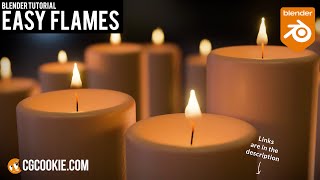
How to Make a Simple Fire Effect and Use It Now - Blender Tutorial
Learn to create a simple, effective fire effect in Blender using geometry and shaders. Perfect for beginners seeking quick, realistic flames without complex simulations.
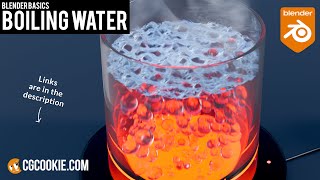
How to Animate Boiling Water in Blender - With Bubbling Effect
Learn to create realistic boiling water animations in Blender, including modeling a container, animating bubbles and surface displacement, and adding materials for a visually impressive render.