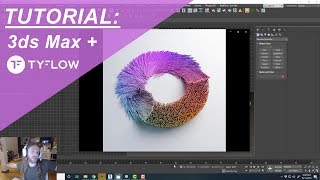
3ds Max and TyFlow Tutorial - Physx Sticks
Learn to create domino-like collapse effects in 3ds Max using TyFlow and physx operators. Master real-time simulation of thousands of assets for impressive destruction effects.
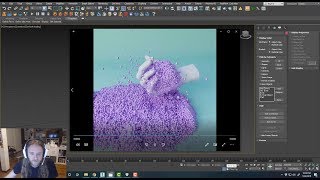
3ds Max + TyFlow Tutorial - Hand Foam-Sand Squish
Create an ASMR-style squishy foam/sand animation using 3ds Max and TyFlow, covering grain simulation, particle binding, and hand interaction techniques.
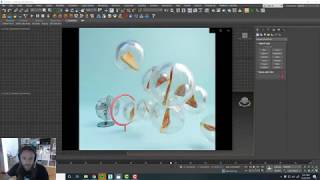
3ds Max and TyFlow Tutorial - Procedural Bubbles
Learn to create procedurally-generated bubble blowing effects using 3ds Max and TyFlow. Master TyBoolean and TyMesher modifiers to enhance your 3D animations and visual effects skills.
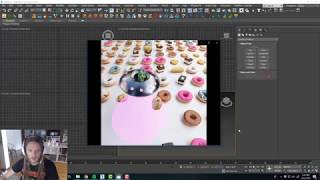
3ds Max and TyFlow Tutorial - UFO Tractor Beam
Learn to create a vacuum-like effect in 3ds Max using TyFlow, perfect for UFOs, vacuum cleaners, or tornados. Master particle attraction techniques to enhance your 3D visual effects skills.
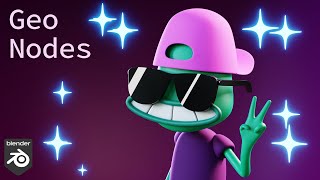
Sparkles with Geometry Nodes - Blender 3.2
Learn to create dynamic sparkle effects in Blender using Geometry Nodes. Master techniques for point distribution, scaling, timing, and material application to enhance your 3D designs with eye-catching animated sparkles.
Linking Particle Effects to Characters in iClone
Learn to enhance character animations by attaching dynamic particle effects, creating visually stunning and immersive scenes in iClone.
iClone Tutorial - Custom Environmental Particle Settings
Learn to enhance scene realism with custom environmental particle effects, elevating your iClone projects to new levels of immersion and visual impact.
iClone Tutorial - Creating Custom Props with 3D Blocks
Learn to create, texture, and merge custom props for films using iClone's 3D Blocks feature, enhancing your digital storytelling capabilities.
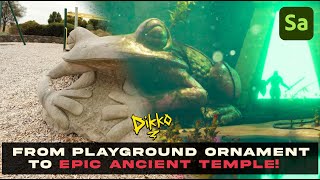
Exploring New Photogrammetry Apps for 3D Modeling
Explore cutting-edge photogrammetry apps and their capabilities in 3D modeling. Learn about innovative tools for creating realistic digital assets from photographs.
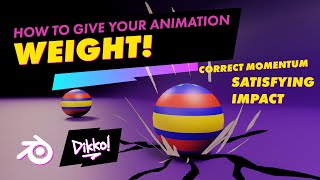
Adding Weight to Your Animations - Tips for Enhancing Motion
Discover techniques to enhance your animations with added weight and impact, giving them extra oomph and visual appeal.
iClone 6 Tutorial - Creating a Title Sequence for TV
Learn to create a TV title sequence using iClone 6 and image editing tools. Covers layer manipulation, animation, and 3D effects for professional-looking results.
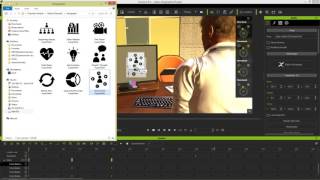
iClone 6 Demo - Super VFX 200 Pack
Explore Super VFX 200 pack for iClone 6: animated backgrounds, revealers, infographics, fire & smoke effects. Enhance video production with versatile, drag-and-drop alpha-masked elements from Digital Juice.
iClone Fighting Motion Library Demo - Explosive Studios
Learn to create dynamic fighting scenes in iClone using Explosive Studios' motion library. Combine clips, manipulate effects, and add strategic camera movements for impressive action sequences.
Going PRO with 3D Animation - Secrets to Professional Visuals in iClone
Discover professional 3D animation secrets with iClone. Learn material pickup, fire distortion, multi-camera techniques, lighting, and color grading for stunning visuals in record time.
Eye-popping Effects with PopcornFX - Webinar
Learn to create stunning visual effects using PopcornFX plugin for iClone 7. Master customization techniques, explore sample effects, and integrate them into your 3D animation projects for professional-looking results.
iClone 7 Basics Tutorial - Getting Started with Scene Creation
Learn to create engaging 3D scenes with iClone 7, covering environment setup, character animation, camera work, and visual effects in this comprehensive tutorial for beginners.
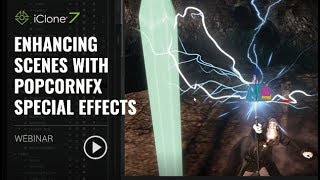
Enhancing Scenes with PopcornFX Special Effects - Reallusion Webinar
Discover how to elevate your scenes with stunning visual effects using PopcornFX Library 40. Learn to add professional-grade nature, magic, weapons, and VFX elements quickly and easily in iClone 7.

iClone 7.2 Tutorial - Applying Magic Particle Effects
Master iClone's PopcornFX Library to create stunning magical effects. Learn to apply character auras, lightning attacks, and ambient lighting for captivating visual scenes in your 3D projects.
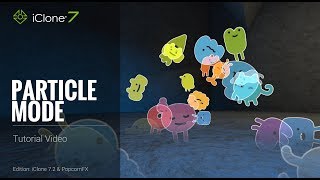
iClone 7.2 Tutorial - PopcornFX Super Tools Particle Mode
Explore PopcornFX Super Tools' texture emitter in iClone 7.2. Learn to modify particle mode settings for visually striking effects, including blend modes, sprite atlas, and animation sequences.

iClone 7.2 Tutorial - Creating Floating Dust and God Rays with PopcornFX Super Tools
Learn to create realistic floating dust and heavenly god rays using iClone 7.2's PopcornFX Super Tools. Master texture emitter techniques for stunning visual effects in your 3D animations.
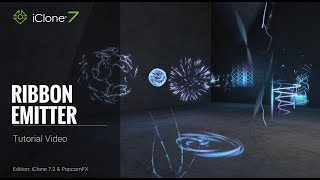
iClone 7.2 Tutorial - PopcornFX Super Tools Ribbon Emitter
Explore the Ribbon Emitter in iClone's PopcornFX, covering basic settings, circulation, appearance, and forces. Master this tool to create stunning particle effects for your 3D animations.