
Using T-Splines to Convert a Mesh to a Solid
Learn to convert meshes into solids using T-Splines in Autodesk Fusion 360. Master techniques like sculpting, adjusting shapes, and troubleshooting for efficient 3D modeling workflows.
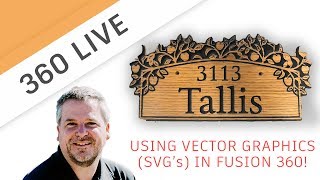
Bringing SVG Files into Fusion 360
Learn to import and utilize SVG files in Fusion 360 for creating profiles, including tips on text manipulation, engraving, and tool path creation for CNC machining projects.

Design a 3D Printed Flag Pole Mount
Learn to design a 3D-printable flag pole mount using Fusion 360. This step-by-step tutorial covers sketching, extruding, adding features, and creating complex geometries for a functional and aesthetically pleasing result.
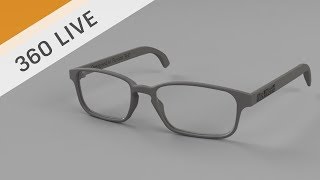
Designing 3D Printed Prescription Glasses
Explore the process of designing and 3D printing custom prescription glasses using Fusion 360, from sketching to manufacturing with HP Multi-Jet Fusion technology.
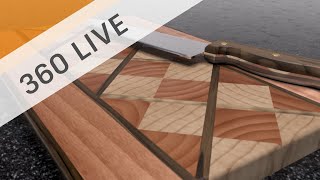
Design a Laminated Cutting Board
Learn to design a laminated cutting board using Fusion 360, focusing on techniques like copying, pasting, mirroring, and patterning parts to create an attractive and functional design.

Sculpting Generative Results
Learn to modify generative design results using t-splines in Fusion 360. Master techniques like edge manipulation, work plane creation, and symmetry tools to refine and optimize your 3D models.
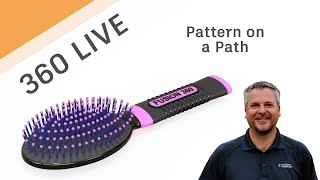
Fusion 360 Live - Pattern on a Path
Learn to use Pattern on a Path in Fusion 360, including creating shapes, construction geometry, and splines. Master extrude, offset planes, sketching techniques, and various project methods for efficient 3D design.
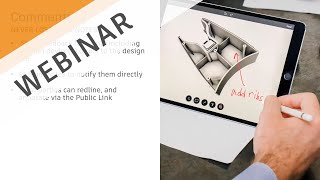
Working from Home - Collaboration Made Easy
Discover cloud-based tools in Fusion 360 for seamless remote collaboration, real-time communication, and easy sharing of 3D models and drawings with stakeholders, enhancing productivity while working from home.
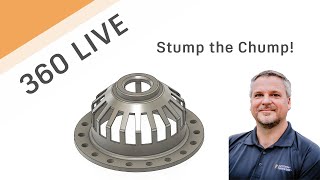
Fusion 360 Live - Stump the Chump
Live problem-solving session demonstrating Fusion 360 techniques, including projecting profiles, dimensioning, revolving, shelling, and sketching, as an expert tackles a real-world drawing challenge.

Organic Meshes in Fusion 360
Learn to create organic-looking objects in Fusion 360 using the Pipe command. Discover tips for quickly designing unique shapes like glass vases and cylinders with mesh-based techniques.
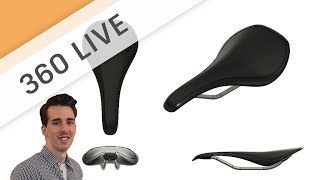
Sketch to 3D Concept - Designing a Bicycle Saddle
Learn freeform sculpt modeling for conceptual design, focusing on techniques like creating forms, adding details, and modifying shapes using various tools in a bicycle saddle design project.
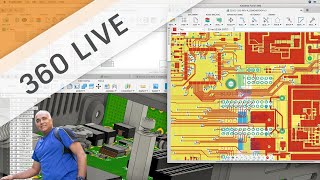
Getting Started with Fusion 360 Electronics
Introduction to Fusion 360's electronic workspace, covering schematic and circuit board editing. Learn to access libraries, add components, use commands, and create board layouts for electronic design projects.
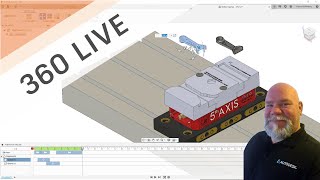
Using the Animation Workspace for Manufacturing Instructions
Learn to create machining job setup guides using Fusion 360's Animation Workspace. Enhance CNC program setup sheets, streamline operator training, and document standard procedures effectively.
Photorealistic Rendering Like a Pro
Learn photorealistic rendering techniques in Fusion 360, from basics to advanced tips. Master HDRI, studio setups, lighting, and rendering settings for stunning ray-traced images of your designs.
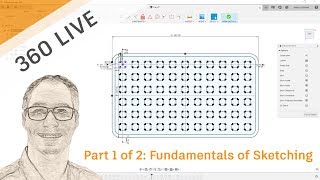
Fundamentals of Sketching
Learn essential sketching techniques in Fusion 360, covering primitives, constraints, and geometry projection. Perfect for CAD beginners seeking to master fundamental design skills.
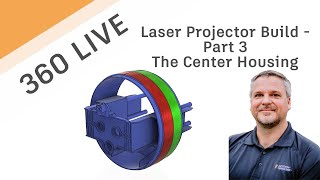
Laser Projector Build - The Center Housing
Detailed walkthrough of creating a laser projector's center housing, covering injection molding, PCB integration, and assembly techniques in Autodesk Fusion 360.

Custom Electronic Components
Learn to create custom electronic components in Fusion 360, from symbols and footprints to 3D model mapping, enhancing your PCB design capabilities.

Designing Laser Cut Joinery in Fusion 360
Learn to design various laser-cut joinery techniques in Fusion 360, including sliding dado, lap, mortise and tenon, and stepped dovetail joints, for creative and dimensional 3D-to-2D prototyping.

Autodesk Fusion 360 - Working with Drawings in Fusion 360
Learn to create detailed drawings in Fusion 360, covering feature recognition, section views, exploded views, and parts lists for efficient design documentation and communication.

Working with STLs, Meshmixer and Fusion 360
Learn to manipulate 3D mesh data using Meshmixer and Fusion 360. Explore techniques for cleaning scans, merging models, and editing non-solid formats. Enhance your 3D modeling skills with powerful mesh manipulation tools.

Design a Tufted Headboard in Fusion 360
Learn to model a tufted panel headboard using Fusion 360's sculpting and modeling tools. Follow a step-by-step process from frame design to button creation, enhancing your 3D furniture design skills.