Exploring Self-Embedded Knitting Programs with Twine
Explore self-embedded knitting programs using Twine, focusing on embedding fabrication details in object design. Learn about self-decoding language for knitting and its potential impact on manufacturing.

React for Big World Data - The Making of Shopify's BFCM Globe - RUC 2024
Explore real-time data visualization using React, focusing on Shopify's BFCM globe. Learn architectural design, 3D rendering, and performance optimization for dynamic, multi-platform experiences.
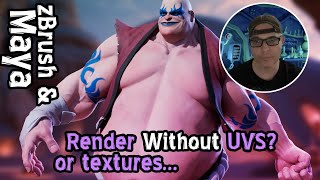
Rendering ZBrush Sculpts in Maya Using Vertex Colors - No UVs or Textures Required
Learn how to quickly render zBrush sculpts in Maya using polyPaint/vertex color, bypassing the need for UVs and textures while achieving high-quality portfolio-ready results.
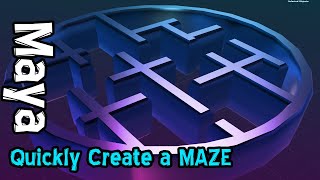
Creating Complex Mazes in Maya Using SVG Vector Graphics
Master the technique of generating complex mazes in Maya by importing vector shapes, enabling rapid creation of intricate 3D structures and architectural designs.

3D High Resolution Scan to Low Poly Game Model in zBrush
Master zBrush techniques for converting high-resolution 3D scans into optimized low-poly game models while preserving original textures and details through decimation, UV mapping, and projection methods.
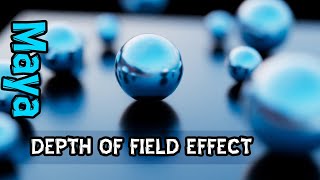
Depth of Field in Maya Using Arnold Renderer
Master cinematic depth of field effects in Maya using Arnold Renderer, from camera setup to achieving professional-quality renders with precise focus control.
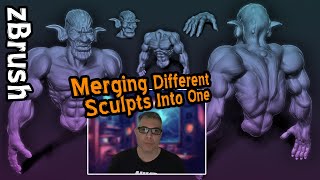
ZBrush: Merging Multiple Tools and Sculpts into One Character Using DynaMesh
Master the process of combining multiple ZTL files into a unified character model using ZBrush's cut tool, merge functions, and DynaMesh for high-resolution 3D sculpting workflows.
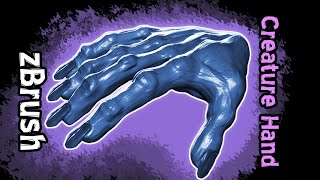
ZBrush - Sculpting a Creature Hand from a Box
Master the art of sculpting a creepy creature hand in ZBrush through a hands-on demonstration that transforms simple box shapes into detailed, organic forms using essential sculpting techniques.
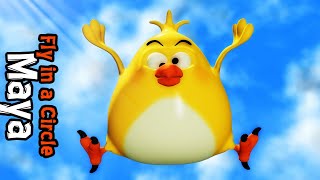
Creating Circle Motion Path Animations in Autodesk Maya - Animation Tutorial
Learn how to create circular motion path animations in Autodesk Maya with a beginner-friendly guide to making characters follow perfect circular trajectories.
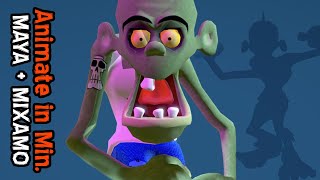
Quick 3D Character Animation in Maya - Beginner Tutorial
Master rapid 3D character animation techniques using auto-rigging and auto-skinning in Maya, plus learn to clean up motion capture files with Animation Layers for efficient workflow.
Game Character Weapon Rigging and Preview in Marmoset Toolbag - Part 9
Master advanced rigging techniques for integrating weapons and additional elements while previewing character models in Marmoset Toolbag for game-ready visualization and testing.
Creating PBR Textures in Substance Painter for Game Models - Part 7
Master PBR texturing techniques in Substance Painter with smart materials and efficient workflows to create professional game-ready assets with expert tricks and breakdowns.
Creating a Game-Ready Cape Using Cloth Simulation - Part 5
Master cloth simulation techniques to create, rig, and animate a dynamic cape for game characters using practical workflows and optimization tricks for achieving professional-quality results.
Creating Hand Gestures with Maya Rigging
Master the art of rigging a low-poly hand mesh in Maya to create and manipulate custom hand gestures efficiently and effectively.
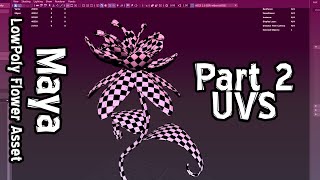
Creating UVs for Magic Flower in Maya - Part 2
Master UV mapping techniques for creating a magical flower in Maya through hands-on 3D modeling instruction and professional workflow demonstration.
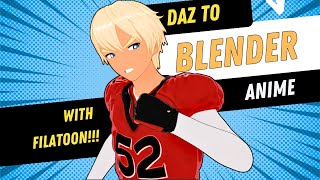
Anime Character Design with Blender and Daz Studio - Importing and Shader Tutorial
Master anime character design by importing and enhancing models from Daz to Blender, applying toon shaders, and fixing eye rigging for stylized 3D characters.
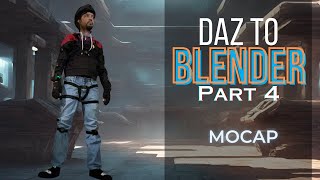
Importing and Applying Motion Capture Animation from Daz to Blender - Body and Facial Animation Tutorial
Learn how to import and apply motion capture data to Daz 3D characters in Blender, covering both body and facial animations using Auto Rig Pro and Diffeomorphic importer plugins.
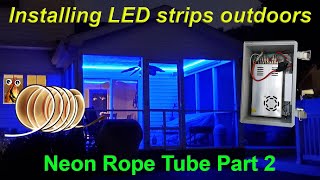
An Outdoor LED Installation with Neon Rope Tube
Step-by-step guide to creating an outdoor LED installation using neon rope tube, covering hardware setup, wiring, WLED controller configuration, and automation tips for a stunning illuminated display.
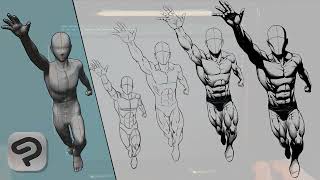
How I Use the 3D Models in Clip Studio Paint's App to Draw a Pose
Discover how to leverage Clip Studio Paint's 3D models for creating dynamic comic-style poses, enhancing your digital art workflow and character design skills.
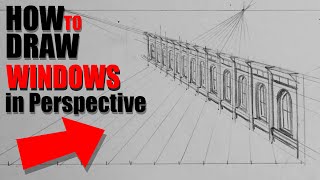
How to Draw Evenly Spaced Windows in Perspective
Learn a technique for drawing evenly spaced windows in perspective, based on Scott Robertson's book. This method helps create accurate architectural details in your drawings, saving time and improving precision.
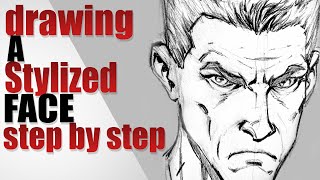
Drawing a Stylized Face - Step by Step
Learn to draw stylized faces using line weight and small shadows to shape facial features in this real-time tutorial. Enhance your character design skills with professional techniques.