The Future of NFTs - Shifting Power to Creators and Users
Explore the impact of NFTs on creators and users, their explosive growth, and key concepts like programmable ownership and composability with insights from industry experts.

How to Make Isometric Game Assets with AI - ControlNet, Stable Diffusion + Blender Tutorial
Learn to create isometric game assets using AI tools like ControlNet and Stable Diffusion, combined with Blender. Covers installation, 3D modeling, prompting, upscaling, and image editing techniques for unique game art.
Stable Diffusion Animation Tutorial with Automatic Audio Sync - Make Your Own AI Music Video
Learn to create AI music videos using Stable Diffusion and Deforum, with automatic audio sync techniques. Master animation prompting, settings, and rendering for stunning visual results.

The End of Photography - Use AI to Make Your Own Studio Photos Via DreamBooth Training
Comprehensive guide on using DreamBooth with Automatic1111 Web UI for AI-generated studio photos. Covers installation, training, and advanced techniques for realistic image creation.
GPT-4 Code Interpreter: 18+ Use Cases for Data Analytics and Visualization
Explore GPT-4's Code Interpreter: image editing, data analytics, 3D modeling, and more. Discover 18+ use cases for professionals, students, and enthusiasts to enhance their projects with AI-powered tools.
ChatGPT vs. Bard vs. Claude 2 - Which Is Best?
Comparative analysis of leading AI chatbots, exploring capabilities in web browsing, content summarization, image recognition, data analysis, creativity, coding, and accuracy.
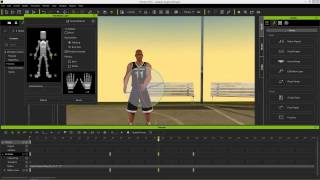
iClone 6 Tutorial - Kinect Motion Capture Editing and Refinement
Learn real-time motion capture with Microsoft Kinect and refine animations using iClone 6's powerful editing tools. Master raw data capture, refinement, puppet animation, and motion saving techniques.
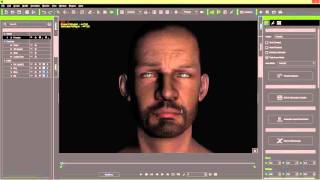
iClone 6 Tutorial - 3 Point Lighting for Realistic Humans
Master 3-point lighting techniques in iClone 6 to create realistic human characters. Learn key, fill, and rim lighting, along with shadow settings and ambient lighting for enhanced visual impact.
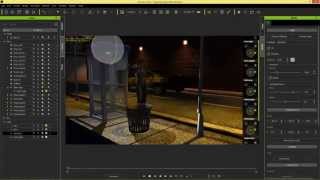
iClone Beginner's Guide: Basic Scene Lighting
Learn essential scene lighting techniques in iClone, including directional lights, spot lights, point lights, and image-based lighting. Master the basics to set the mood and enhance your 3D scenes effectively.
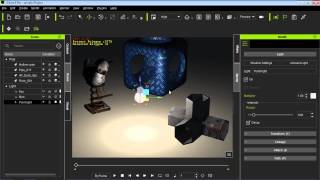
iClone 6 Tutorial - Lighting in Indigo Rendering
Learn to adjust iClone lights for optimal rendering in Indigo, exploring various techniques to achieve different lighting effects and enhance your 3D scenes.
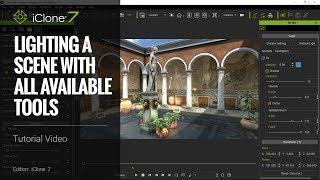
Lighting a Scene in iClone 7 - Tutorial Using All Available Tools
Comprehensive guide to lighting techniques in iClone 7, covering HBAO, PBR, ILBs, GI, and image enhancements for creating stunning day and night scenes in a Roman Patio setting.
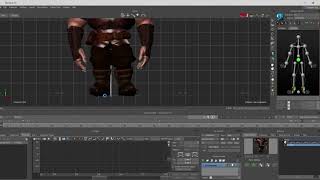
Motion Builder Motion Editing for Unreal Characters - Part 1
Learn to edit motion capture files for Unreal characters using Motion Builder. Explore seamless FBX export from iClone and Character Creator, and compare editing processes in Motion Builder and iClone.
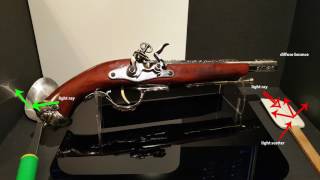
iClone 7 PBR New Render System - July 13, 2017
Explore iClone 7's new Physically-Based Rendering system. Learn about real-world material simulation, content importing, and working with PBR to enhance your 3D animations and visualizations.
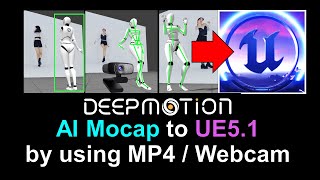
DeepMotion to Unreal Engine 5.1 - Converting MP4 to FBX with Embedded Mocap Animation
Learn to convert MP4 videos into FBX files with embedded mocap data, integrate DeepMotion with iClone 8 and Unreal Engine 5.1, and overcome common challenges in the animation pipeline.
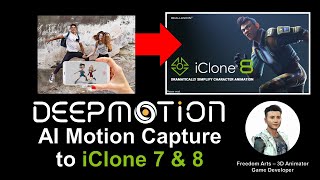
DeepMotion Mocap Integration - MP4 Video to Lifelike Animation in iClone 8
Learn to integrate DeepMotion's AI-powered mocap technology with iClone 8, converting MP4 videos into lifelike animations using 3DXchange 7 for seamless character animation workflows.
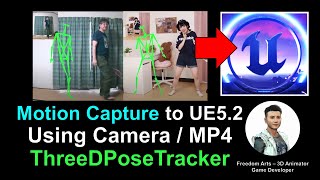
From Webcam to Unreal Engine 5.2: Free Motion Capture Using ThreeDPoseTracker
Learn to create free motion capture animations using a webcam or MP4 video with ThreeDPoseTracker, then import and retarget them onto 3D models in Unreal Engine 5.2 for game development and animation projects.
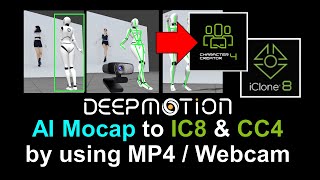
DeepMotion AI Motion Capture for iClone and Character Creator - Full Tutorial
Step-by-step guide on using DeepMotion AI to convert MP4 videos into body motion for iClone and Character Creator, enhancing 3D animation workflows with AI-powered motion capture technology.
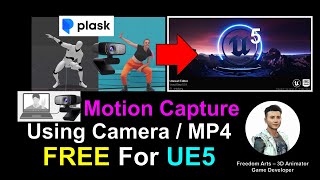
Webcam and MP4 AI Motion Capture for Unreal Engine 5.0.1 - Plask AI Tutorial
Learn to create AI-powered motion capture animations using webcam or MP4 video for Unreal Engine 5.0.1 with Plask. Step-by-step guide covers workflow from capture to import, enhancing 3D animation skills.
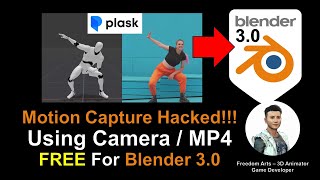
AI Motion Capture for Blender Using Camera or MP4 Video - Plask Tutorial
Learn to create AI-powered motion capture animations in Blender using webcam or video footage. Step-by-step guide covers Plask.ai integration, 3DXchange Pipeline, and iClone workflow for seamless animation transfer.
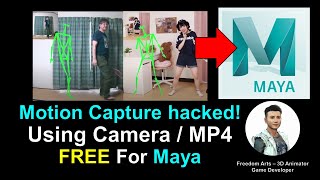
AI Motion Capture for Maya 3D Avatar Using Camera or MP4 Video - ThreeDPoseTracker Tutorial
Learn to create AI-powered motion capture for Maya 3D avatars using a camera or MP4 video with ThreeDPoseTracker. This tutorial covers the complete workflow from capturing motion to importing into Maya.
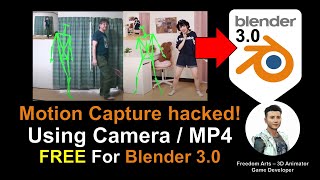
AI Motion Capture for Blender 3D Avatar Using Camera or MP4 Video - ThreeDPoseTracker Tutorial
Learn to create AI-powered motion capture for Blender 3D avatars using a camera or MP4 video with ThreeDPoseTracker. This tutorial covers the complete workflow from capturing motion to applying it in Blender.