
AI Vectorizer Tutorial - Image to Vector Conversion with Dzine AI
Discover AI Vectorizer: Convert images to scalable vector art effortlessly. Learn to use this powerful tool for high-quality, editable graphics in just minutes.

10 Eye-Catching Midjourney Styles and Prompt Tips - Volume 26
Explore 10 eye-catching Midjourney AI art styles with prompt tips for creating unique images. Learn techniques like HR Giger-inspired logos, urban neon artwork, and 3D maze art to enhance your AI-generated visuals.

Kittl - AI-Powered Vector Graphic Design Suite Tutorial
Explore Kittl's AI-powered vector design suite for creating logos, t-shirt designs, and social media graphics. Learn to generate, edit, and convert AI images to vector art for professional-quality designs.
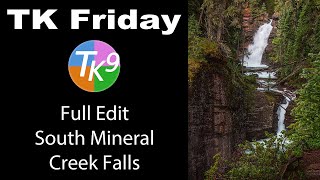
TK Friday - South Fork Mineral Creek Falls Full Edit
Comprehensive Photoshop tutorial using TK9 Plugin to enhance a waterfall image. Learn advanced editing techniques with step-by-step guidance and downloadable resources for hands-on practice.
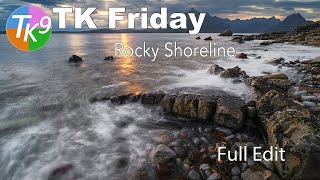
TK Friday - Rocky Shoreline Full Edit
Enhance rocky shoreline images using Adobe Photoshop and TK9 Plugin. Learn advanced editing techniques to develop stunning landscape photographs with professional results.
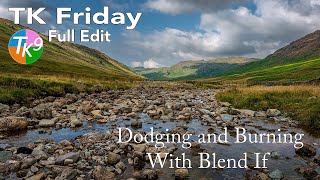
Dodging and Burning with Blend If - TK Friday Full Edit
Explore advanced dodging and burning techniques using Blend If in Photoshop. Learn to enhance images step-by-step, focusing on a rocky landscape photo to elevate your editing skills.
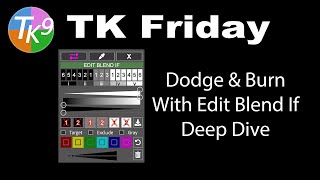
Dodging and Burning with Edit Blend If - Deep Dive
Mastering advanced dodging and burning techniques using TK9 Edit Blend If Panel. Enhance your photo editing skills with in-depth exploration of powerful tools for precise image adjustments.
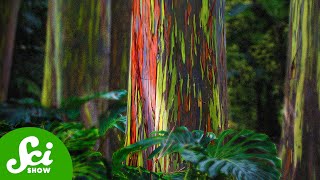
6 of the World's Weirdest Trees
Explore six extraordinary trees, from the psychedelic rainbow eucalyptus to the fruit-bearing jabuticaba, showcasing nature's diverse and unusual botanical wonders.

Maya to Unreal Engine Animation Live Link Tutorial
Learn to seamlessly transfer Maya animations to Unreal Engine using Live Link. Master setup, character data transfer, multi-character workflows, and advanced techniques for efficient game animation pipelines.

A Scientist's Guide to Composting
Discover the science behind composting and learn practical tips to turn kitchen scraps into nutrient-rich soil. Explore microbial processes, optimal conditions, and benefits for sustainable gardening and waste reduction.
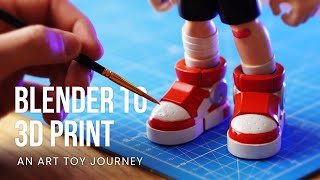
How to Make Your First Art Toy: Blender, 3D Printing, and Painting Process
Comprehensive guide on creating art toys: from 3D modeling in Blender to 3D printing, refining, and painting, showcasing the entire process and potential pitfalls.
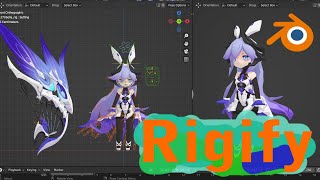
How to Rig MMD Character Bella from Honkai - Togel Rig Tutorial
Learn to rig the MMD character Bella from Honkai using Blender and Rigify. Step-by-step tutorial covers the entire process, from file setup to final character rigging.
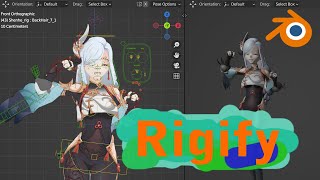
How to Rig MMD Character Shenhe Using Rigify in Blender
Learn to rig the MMD character Shenhe using Rigify in Blender. Master advanced rigging techniques for 3D character animation and customization.
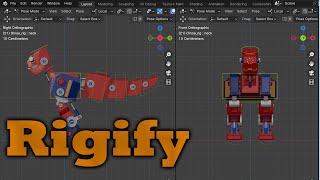
BLENDER 4.0 Rigging Two-Legged Robot
Learn advanced mecha rigging techniques in Blender 4.0, focusing on creating a two-legged robot character with professional-grade controls and animations.
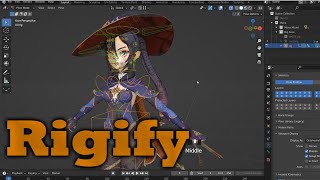
BLENDER 3.2.2 Mona Genshin Character Rigify Rigging - Bone Placement
Learn to rig Mona from Genshin Impact using Blender 3.2.2 and Rigify, focusing on proper bone placement for realistic character animation.
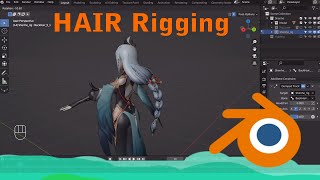
Auto Hair and Cloth Creation for Character Shenhe Using Rigify in Blender
Learn to create auto-animated hair and cloth for the Shenhe character using Rigify in Blender. Master advanced rigging techniques for dynamic 3D character animation.
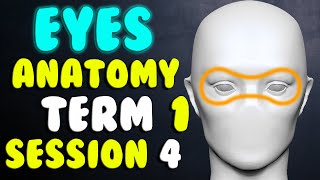
Game Character Eyes Anatomy - Session 4
Learn to create anatomically correct eyes for 3D game characters, focusing on proper positioning, sizing, and detailing techniques in ZBrush.
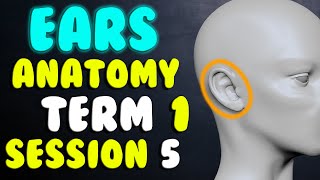
Game Character Ears Anatomy - Session 5
Learn to create anatomically correct ears for 3D game characters, focusing on key structures like the helix, earlobe, and tragus. Gain insights on shaping, positioning, and adding personal touches to your character designs.
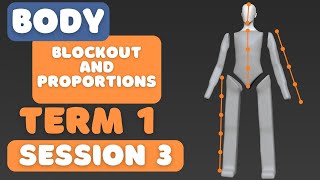
Body Proportions and Blockout for Game Character - Term 1 Session 3
Learn to create anatomically correct 3D character blockouts, focusing on body proportions for female characters. Master techniques for modeling the torso, arms, and legs using ZBrush.
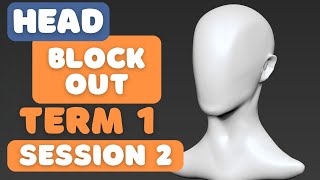
Game Character Creation: Female Head Block Out - Session 2
Learn to sculpt a female head in ZBrush, focusing on block-out techniques for major facial features and anatomy. Master the fundamentals of 3D character creation for games.
Game Character Design - References and ZBrush Basics - Session 1
Introduction to ZBrush for game character creation, covering references, essential tools, and practical advice for beginners. Emphasizes hands-on practice and persistence in learning 3D sculpting techniques.