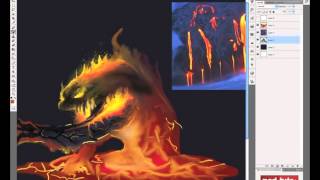
Create a Lava Monster Concept Painting in Photoshop - Digital Art for Beginners Part 19
Learn to create a stunning lava monster concept painting in Photoshop, from rough lines to detailed color and shading, as part of a comprehensive digital art series.
Create a Caricature Painting in Photoshop
Learn to create a caricature painting in Photoshop, focusing on digital art techniques for beginners. Transform photos into stunning digital artwork and develop skills for concept art and matte paintings.
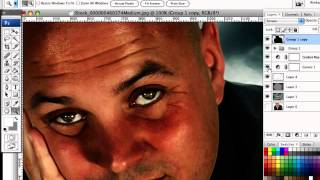
How to Turn Humdrum Photos into Cinematic Portraits
Transform ordinary portraits into dramatic, cinematic masterpieces using advanced editing techniques. Learn to add depth, enhance lighting, and create stunning visual effects for impactful images.
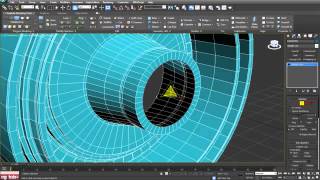
CAT 797 PT1-2 - Rim Modeling
Learn advanced 3D modeling techniques to create a detailed CAT 797 truck rim, enhancing your skills in precision modeling for industrial and automotive designs.
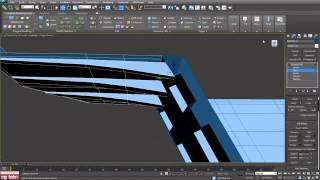
CAT 797 PT2-2 Bed Modeling - Part B
Learn advanced 3D modeling techniques for creating a detailed CAT 797 truck bed, focusing on edges, swift loops, and subdividing in various modes.
Creating a Cool Disco Ball in Cinema 4D and After Effects
Learn to craft a dazzling disco ball using Cinema 4D and Adobe After Effects, combining 3D modeling with motion graphics for eye-catching visual effects.
Transform Template Tutorial
Learn to create dynamic, responsive web layouts using CSS transforms for modern, visually appealing designs that adapt seamlessly across devices.
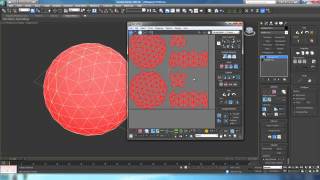
UV Mapping with the Unwrap Modifier - Part 3
Learn advanced UV mapping techniques using the Unwrap Modifier in 3D modeling software, enhancing texture application skills for more realistic and detailed 3D objects.
Stabilize for Roto 3D Tutorial
Learn advanced stabilization techniques for 3D rotoscoping, enhancing your visual effects skills and improving the quality of your motion graphics projects.
CAT 797 PT2-1 - Bed Modeling - Part A
Learn advanced 3D modeling techniques for creating a detailed CAT 797 truck bed, focusing on precision and realism in industrial design.
Money Makes the World Go Round - 3D Animation Tutorial
Learn to create a dynamic, animated infographic using After Effects, exploring techniques for shape layers, expressions, and text animation.
Mysterious Smokey Logo Tutorial
Create a mysterious smokey logo effect using Photoshop's powerful tools and techniques. Learn to manipulate layers, blend modes, and filters for stunning results.
An Overview of the Blender Interface - Navigation, Modeling, and Animation
Comprehensive walkthrough of Blender's interface, covering navigation, modeling, and animation tools. Essential for beginners seeking to master this powerful 3D software.
Create a Rocky Video Game Terrain in Blender - Day 3b
Learn to enhance a Blender game environment with advanced texturing, lighting, and custom 2D filters for a polished, professional-looking rocky terrain.
Fusion Winter Tutorial
Create a winter-themed fusion design using Photoshop techniques. Learn to blend images, add snow effects, and enhance lighting for a magical seasonal composition.
Energy Ball Tutorial in 3D Animation
Create a glowing energy ball effect using Photoshop's 3D tools and layer styles. Learn techniques for realistic lighting and depth in digital art.
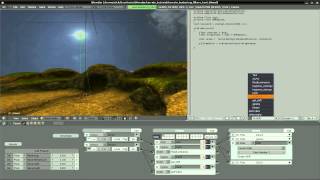
Create a Rocky Video Game Terrain in Blender - Day 4
Enhance your Blender game environment with a skydome and custom 2D filters, completing the rocky terrain project with advanced texturing and lighting techniques.
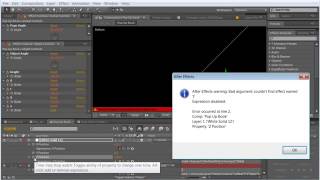
Pop Up Tutorial - Creating and Linking Layers in Photoshop - Part 2
Learn advanced techniques for creating dynamic pop-up animations in After Effects, including layer linking, property manipulation, and shape transformations for eye-catching visual effects.
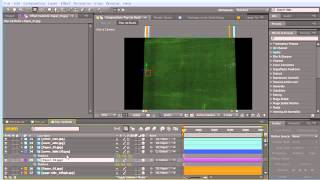
Pop-Up Tutorial - Part 1
Learn to create engaging pop-up designs using paper engineering techniques. Explore folding methods, mechanisms, and creative concepts for eye-catching 3D paper art.
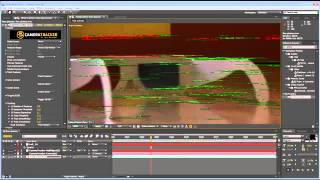
Depth Matte Tutorial in Visual Effects
Learn to create realistic depth mattes for compositing, enhancing visual effects and adding dimension to your video projects using advanced techniques and industry-standard tools.
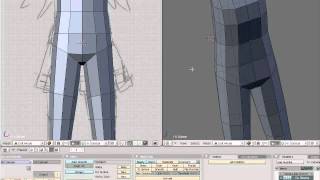
Model, UV, and Texture a Complete Manga Character in Blender - Day 1
Learn to create a 3D manga character in Blender, covering modeling, UV mapping, and texturing. This comprehensive tutorial series guides you through the entire workflow for a game-ready, animatable character.