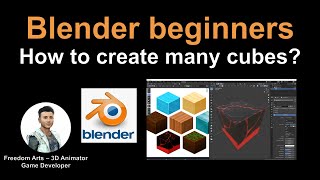
Blender Beginner's Tutorial - Creating Multiple Textured Cubes
Step-by-step guide to creating multiple textured cubes in Blender, with real-time demonstrations of keyboard and mouse actions for beginners. Perfect for those new to 3D modeling.
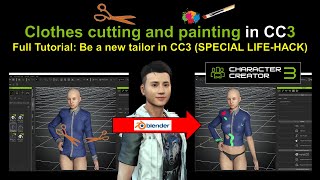
Clothes Cutting and Painting in Character Creator 3 Using Blender
Learn to edit, cut, and paint clothes in Character Creator 3 using Blender. This step-by-step tutorial demonstrates a life-hack for customizing CC3 clothing, allowing you to become a digital tailor.
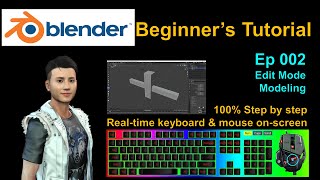
Blender Beginner's Tutorial - Edit Mode and Modeling - Part 2
Step-by-step guide to edit mode and modeling in Blender, featuring real-time demonstrations and on-screen instructions for beginners to easily follow along and create 3D models.
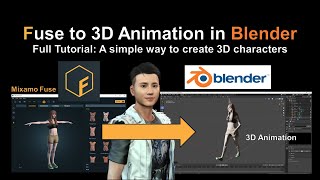
Fuse to 3D Animation in Blender - Mixamo Tutorial
Step-by-step guide to creating 3D animations in Blender using Mixamo Fuse characters. Learn to import, rig, and animate Fuse models for realistic 3D animations.
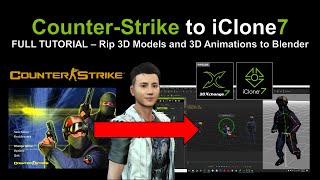
Importing Counter-Strike 3D Models and Animations to iClone 7 - Tutorial
Step-by-step guide for importing 3D models and animations from Counter-Strike games into iClone 7, using Crowbar and Blender. Includes real-time demonstrations and links to necessary tools.

Counter-Strike to Blender - Importing 3D Models and Animations
Step-by-step guide to import Counter-Strike models and animations into Blender using Crowbar. Includes software downloads, real-time demonstrations, and troubleshooting tips for 3D artists and game developers.

PIFuHD - Picture to 3D Animation in Blender
Learn to create 3D animations from photos using PIFuHD, Blender, and Mixamo. This step-by-step tutorial covers the entire process, from image processing to rigging and animating your 3D character.
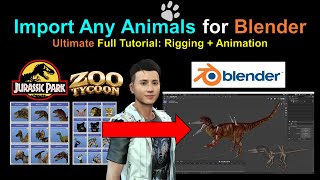
Import Animals and Dinosaurs into Blender - Rigging and Animation Tutorial
Step-by-step guide to import, rig, and animate animal and dinosaur models in Blender. Includes resources for free model downloads and real-time on-screen demonstrations for beginners.
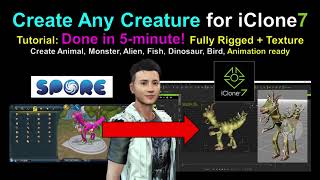
Spore Creature Creator to iClone 7 - Fast 3D Character Creation Tutorial
Learn to create and animate diverse creatures quickly using Spore Creature Creator and iClone 7. Master efficient techniques for designing, rigging, and exporting unique 3D characters for animation and game development.
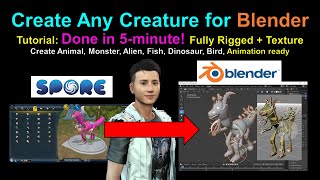
Spore Creature Creator to Blender Tutorial
Learn to create, rig, and texture custom creatures in Spore, then export them to Blender for 3D animation. Fast, step-by-step tutorial for beginners and experienced users alike.
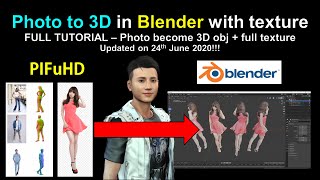
PIFuHD - Photo to 3D Mesh in Blender with Texture
Learn to convert photos into textured 3D meshes using PIFuHD and Blender. Master techniques for importing, texturing, and exporting 3D models for use in various software applications.

Importing Free Manga Characters to Blender
Learn to import free manga characters from VRoid Studio into Blender with step-by-step guidance on downloading, installing necessary add-ons, and troubleshooting common issues.
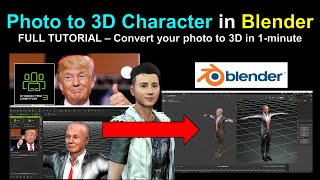
Character Creator 3 Headshot to Blender - 3D Model Conversion Tutorial
Step-by-step guide to convert a headshot into a 3D model using Character Creator 3 and Blender. Learn real-time techniques for creating detailed digital characters from 2D images.
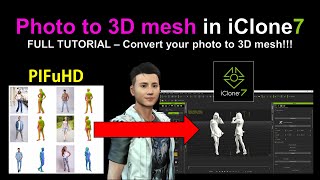
PIFuHD - Converting Photos to 3D Meshes in iClone
Learn to convert photos into 3D meshes using PIFuHD and iClone. This step-by-step tutorial covers UV texturing, rigging, and exporting for animation in Blender or iClone, enhancing your 3D modeling skills.
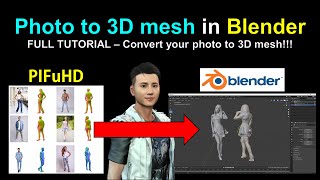
PIFuHD - Converting Photos to 3D Meshes in Blender
Learn to convert photos into 3D meshes using PIFuHD in Blender. Step-by-step guide covers mesh creation, UV texturing, rigging, and animation, with real-time demonstrations and helpful resources.
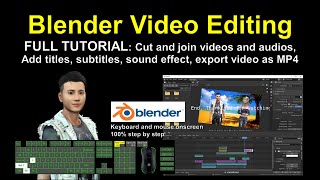
Blender Video Editing Tutorial - Step-by-Step Guide
Learn Blender's video editing tools: cut, splice, add titles, subtitles, and sound. Step-by-step guide with real-time demonstrations for creating professional-quality video content.

iClone 7 and Character Creator 3 Beginner's Tutorial
Comprehensive step-by-step guide for beginners to create simple animation videos using iClone 7 and Character Creator 3, covering avatars, objects, props, and scenes.
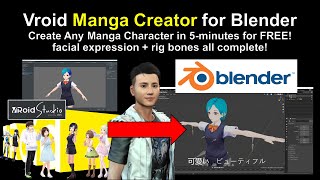
Vroid to Blender and FBX Conversion Tutorial
Step-by-step guide to import Vroid characters into Blender, convert to FBX, and add animations and facial expressions. Includes software setup and troubleshooting tips.
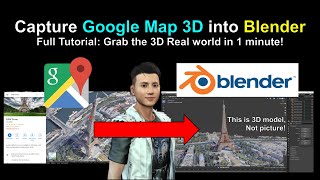
Google Map 3D Models to Blender Tutorial
Learn to capture and import Google Maps 3D models into Blender using RenderDoc. Step-by-step guide covers setup, model extraction, and integration for 3D projects.
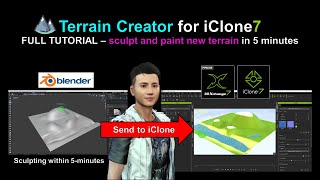
Sculpting New Terrain for iClone Using Blender
Learn to sculpt and paint custom terrain for iClone using Blender in this step-by-step tutorial. Master real-time 3D landscape creation techniques to enhance your animation projects.
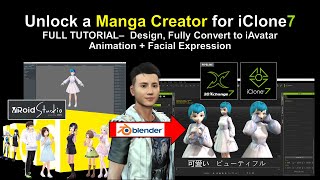
Vroid Studio to Blender and iClone - Manga Character Creation and Animation
Learn to create manga characters in Vroid Studio and import them into iClone for 3D animation, including step-by-step guidance on design, conversion, and adding facial expressions.