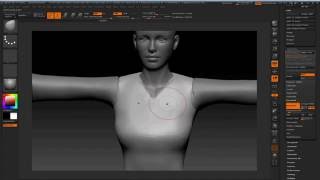
Modeling 3D Clothes in ZBrush and Blender for Character Creator - Part 3
Learn to model 3D pirate clothing in ZBrush and Blender, including high-res creation, retopology, UV mapping, and hair geometry requirements for Character Creator and iClone.
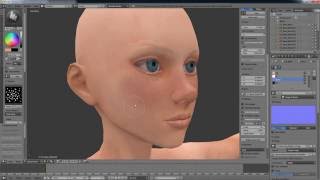
Character Creator Master Series - Pirate Creation - Customizing 3D Body in ZBrush and Blender - Part 2
Learn to customize 3D character bodies using ZBrush and Blender, from low-res editing to high-poly sculpting, UV mapping, and texture creation. Apply changes in Character Creator for animation.
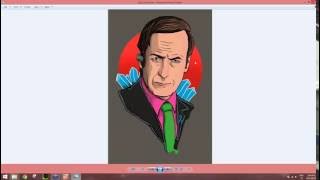
CrazyTalk 8 - Easy to Create a Talking Avatars
Learn to create and animate 2D and 3D talking avatars using CrazyTalk 8. Master face-fitting technology, eye and teeth customization, and facial animation techniques for realistic character animations.
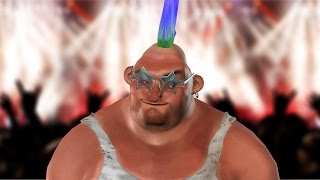
CrazyTalk 8.1 Tutorial - Importing iAvatars and Accessories
Learn to import and customize iAvatars and accessories in CrazyTalk 8.1. Explore new features for enhancing character appearance, including material settings and saving options.
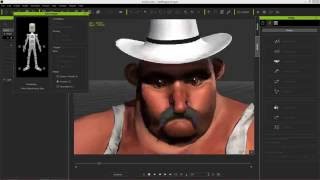
CrazyTalk 8.1 Tutorial - Advanced Accessory Import
Learn advanced techniques for importing custom accessories in CrazyTalk 8.1, including using Google Sketchup files and preserving spring effects from iClone, to enhance character customization.
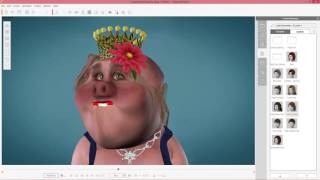
CrazyTalk 8.1 Tutorial - Creating Unique Characters
Learn to customize iAvatar characters in CrazyTalk 8.1 with accessories, material values, and custom face textures. Step-by-step guide for creating unique animated characters.
iClone 6.5 Tutorial - Walking and Changing Direction
Learn various methods for character locomotion in iClone 6.5, including path following, direction changes, and combining motion clips for natural movement in 3D scenes.
Quickly Create a 3D Head from One Image - CrazyTalk 8 Tutorial
Learn to create realistic 3D heads from single images using CrazyTalk 8's face fitting technology. Master tools, techniques, and tips for optimal results, including texture blending, morphing, and character customization.

Creating and Animating a Character Scene in iClone
Learn to create engaging 3D scenes in iClone, from basic setup to character animation and camerawork. Master scene construction, lighting, dialogue, and filming techniques for storytelling.
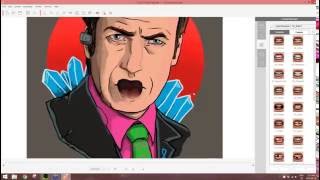
CrazyTalk 8 - Easy to Create Talking Avatars
Learn to create and animate realistic 2D and 3D talking avatars using CrazyTalk 8. Master face-fitting, eye and teeth customization, auto motion, and facial animation techniques for engaging character designs.
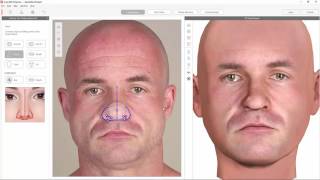
Create 3D Heads with CrazyTalk 8 & 3D.sk Photos
Learn to create 3D animated heads using CrazyTalk 8 and 3D.sk photos. Transform 2D images into lifelike characters with lip-syncing and facial animation tools for quick, creative character development.
iClone 6 Tutorial - Creating a Title Sequence for TV
Learn to create a TV title sequence using iClone 6 and image editing tools. Covers layer manipulation, animation, and 3D effects for professional-looking results.
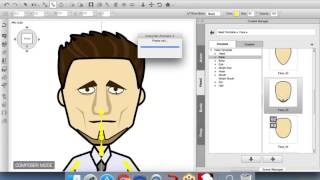
Empowering Professionals with CrazyTalk Animator 2 - April 13, 2016
Explore CrazyTalk Animator 2's innovative 2D animation tools, including photo-based character creation, facial animation, and scene composition techniques for professional-quality results.
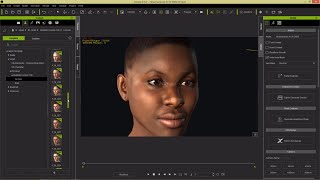
iClone 6 Tutorial - Realistic Human 100 Detailed 3D Face Generation
Explore advanced 3D face generation techniques using Realistic Human 100 pack in iClone 6. Learn to apply, modify, and customize realistic human heads for versatile character creation across Reallusion products.
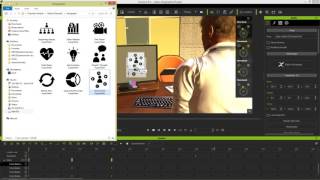
iClone 6 Demo - Super VFX 200 Pack
Explore Super VFX 200 pack for iClone 6: animated backgrounds, revealers, infographics, fire & smoke effects. Enhance video production with versatile, drag-and-drop alpha-masked elements from Digital Juice.
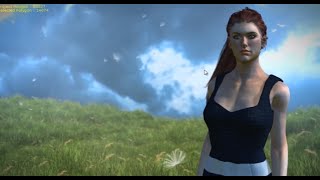
iClone 6 Tutorial - Creating an Outdoor Scene with Videos
Learn to enhance outdoor scenes in iClone 6 using video backgrounds, transparent foreground videos, custom IBL, and wind effects for realistic weather patterns and depth.

CrazyTalk 8 Tutorial - Advanced Face Puppet Techniques
Explore advanced face puppetry in CrazyTalk 8, including layering, custom profiles, and refining animations with the Face Key Editor for creating lifelike facial expressions.

CrazyTalk 8 Tutorial - Face Puppet Basics
Aprenda a animar expressões faciais em personagens usando a ferramenta Face Puppet do CrazyTalk 8. Domine perfis de animação, seleção de recursos e camadas de clipes para criar animações expressivas e realistas.
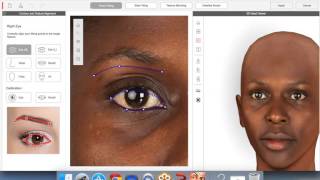
CrazyTalk 8 - Quickly Create a 3D Head from One Image - March 10th, 2016
Learn to create realistic 3D heads from single images using CrazyTalk 8. Master face fitting techniques, texture blending, and calibration for lifelike digital characters. Ideal for animators and digital artists.

CrazyTalk 8 Tutorial - Basic Lip Sync Editing
Learn to edit and refine lip sync animations in CrazyTalk 8, including viseme keyframe customization, clip strength adjustment, and character positioning techniques.

Turning a 2D Caricature into a Stylized 3D Head
Transform 2D caricatures into stylized 3D heads using CrazyTalk 8. Learn facial fitting, texture editing in Photoshop, body texture refinement, and comic-style eye creation for unique character designs.