One Piece Art Style and How I Mastered It
Learn to master ONE PIECE's iconic art style through step-by-step guidance on sketching, inking, coloring, and shading. Explore character design, background art, and special effects to capture the essence of Eiichiro Oda's world.
Ways to Divide Areas in Perspective Drawing
Learn three effective techniques for dividing space in perspective drawings, enhancing your ability to create accurate and visually appealing illustrations with properly placed elements.
Blender - Make a 3D Chick Hatching Animation
Create a charming 3D chick hatching animation using Blender. Master modeling, texturing, and animation techniques to bring this adorable scene to life in just 35 minutes.
Lightroom Mobile Tutorial for Beginners
Master Lightroom Mobile: shoot RAW, edit on-the-go, create presets, and share high-quality images directly from your phone or tablet. Learn essential techniques for professional mobile photography.
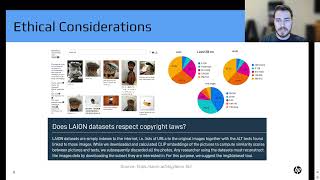
Introduction to Generative Art with Stable Diffusion - Hunter Kempf
Explore Stable Diffusion's architecture, ethical implications, and practical applications in generative AI art. Learn tips for image generation and gain insights into future possibilities for AI-driven creativity.
iClone Faceware Facial Mocap Tutorial - Advanced Facial Mapping
Advanced tutorial on customizing facial motion capture in iClone, covering static and live expression editing, mapping parameters, and different json approaches for optimal facial animation results.
iClone 7 Tutorial - Using the B2M Substance Super Tool
Learn to create enhanced Substance materials in iClone 7 using the B2M tool. Explore applying textures, tweaking values, adding depth with tessellation, and baking Substance textures for improved visual results.
CrazyTalk Animator 3.2 Pipeline Tutorial - Animated Accessory Design
Learn to customize character clothing, create accessories in Photoshop, and animate them in CrazyTalk Animator. Master techniques for enhancing character designs and bringing them to life with animated accessories.
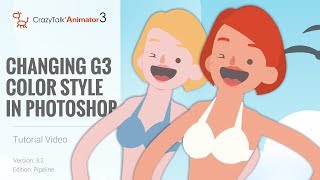
CrazyTalk Animator 3.2 Pipeline Tutorial - Changing G3 Color Style in Photoshop
Learn to customize G3 character colors in Photoshop for CrazyTalk Animator 3.2. Covers launching characters, adjusting skin and facial features, and updating changes in the animation software.

CrazyTalk 8 - Easy to Create a Talking Avatars
Learn to create and animate 2D and 3D talking avatars using CrazyTalk 8's enhanced face-fitting technology. Explore techniques for customizing eyes, teeth, and facial animations for realistic character expressions.
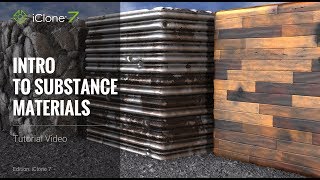
iClone 7 Tutorial - Introduction to Substance Materials
Explore iClone 7's embedded Substance materials: learn to apply, customize, and create unique effects for metallic, stone, and wood textures in 3D projects.
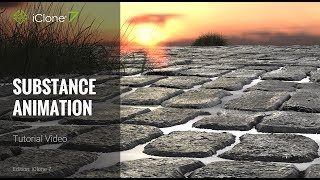
iClone 7 Tutorial - Animating Substance Materials
Learn to animate Substance materials in iClone 7, customizing cobblestone streets, enhancing scene atmosphere, and creating dynamic water effects between tiles using keyframes and parameter adjustments.
Creating a Complete Animated Scene with CrazyTalk Animator 3 - Day 1: Introduction and Scene Setup
Learn to create animated scenes using CrazyTalk Animator 3. Covers UI basics, prop customization, environment creation, animation techniques, and sound integration for beginners in animation production.
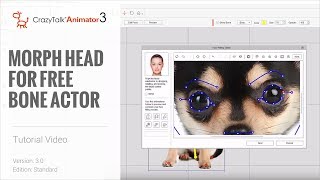
Cartoon Animator 4 Tutorial - Creating Morph-based Heads for Free Bone Actors
Learn to create animated characters from single images using Cartoon Animator 4. Master free-bone structures, morph-based heads, and basic facial animation techniques for unique and lively animations.
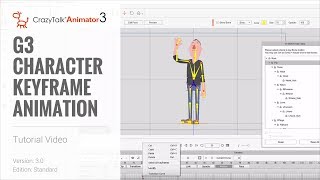
CrazyTalk Animator 3 Tutorial - G3 Character Keyframe Animation
Learn keyframe animation techniques in CrazyTalk Animator 3, including customizing library motions, creating from scratch, and using curve editor for enhanced animations. Master the Motion Key Editor for precise character movements.
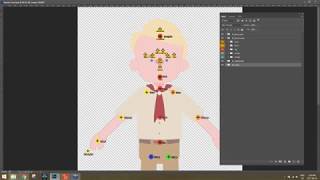
Photoshop Character Creation and Animation Pipeline for CrazyTalk Animator 3
Learn to create and animate custom characters using Photoshop and CrazyTalk Animator 3. Covers character design, customization, body and facial animation techniques for bringing your designs to life.
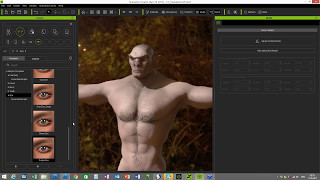
PBR Ready Character Creation Made Easy
Discover how to create stunning 3D characters with PBR features, custom textures, and easy export options. Learn to showcase your creations in various applications through this comprehensive tutorial.
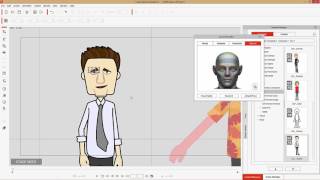
CrazyTalk Animator 3 Tutorial - Advanced Face Key Editing
Learn advanced face key editing techniques in CrazyTalk Animator 3, including tool comparisons, morph keyframes, blending templates, and transform/deform features for creating dynamic facial animations.
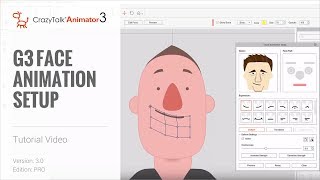
CrazyTalk Animator 3 Tutorial - G3 Face Animation Setup
Learn to set up and customize facial animations for G3 characters in CrazyTalk Animator 3, including morphing features, puppet profiles, and deformation techniques for enhanced expressiveness.
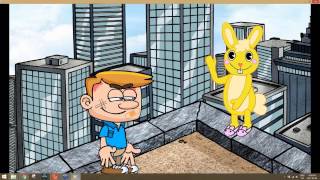
From Script to Screen: Creating a Complete Animated Scene - Introduction and Scene Setup
Learn to create animated scenes using CrazyTalk Animator 3. Covers UI basics, prop customization, environment creation, animation fundamentals, and sound integration for bringing your scripts to life visually.
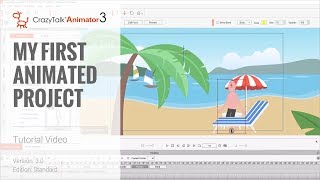
Cartoon Animator 4 Tutorial - Creating Your First Animated Project
Learn to create animated projects using Cartoon Animator 4, covering prop assembly, 3D positioning, character animation, lip syncing, and camera movement in this comprehensive tutorial.