3ds Max + TyFlow - Soft Body Dynamics and Render Setup
Explore soft-body simulations in 3ds Max and TyFlow, covering voxel creation, physics binding, and skinning. Learn scene setup, lighting, and render settings for Vray and Fstorm.

3DS Max Tutorial - Beginner Crash Course
Comprehensive introduction to 3DS MAX, covering interface basics, modeling techniques, and animation fundamentals. Ideal for beginners seeking a solid foundation in 3D design.
3ds Max and TyFlow Tutorial - Physx Sticks
Learn to create domino-like collapse effects in 3ds Max using TyFlow and physx operators. Master real-time simulation of thousands of assets for impressive destruction effects.
3ds Max + TyFlow Tutorial - Hand Foam-Sand Squish
Create an ASMR-style squishy foam/sand animation using 3ds Max and TyFlow, covering grain simulation, particle binding, and hand interaction techniques.
3ds Max and TyFlow Tutorial - Procedural Bubbles
Learn to create procedurally-generated bubble blowing effects using 3ds Max and TyFlow. Master TyBoolean and TyMesher modifiers to enhance your 3D animations and visual effects skills.
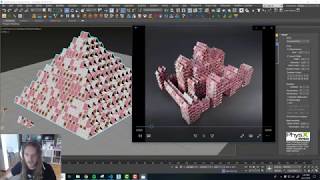
3ds Max and TyFlow Tutorial - Card Castle Destroyer
Create a procedural playing-card castle in 3ds Max using TyFlow, then destroy it with a cannonball in this step-by-step tutorial with downloadable project files.
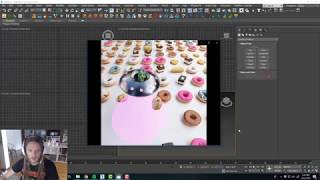
3ds Max and TyFlow Tutorial - UFO Tractor Beam
Learn to create a vacuum-like effect in 3ds Max using TyFlow, perfect for UFOs, vacuum cleaners, or tornados. Master particle attraction techniques to enhance your 3D visual effects skills.
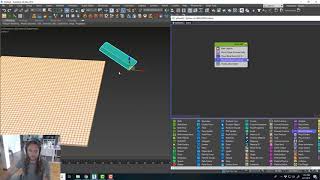
3ds Max and Tyflow - Soap Cutting Tutorial
Learn to create 3D ASMR soap-cutting simulations using 3ds Max and Tyflow. Covers scene setup, mesh modifiers, collision, physics break, and lighting techniques for realistic results.

Faces Are Easy With This Trick - Blender Tutorial
Learn efficient face modeling in Blender using topology tricks, proportional editing, multiresolution sculpting, and shrinkwrap modifier. Create diverse faces and rig them without retopology.
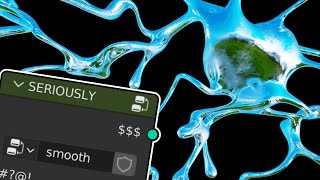
Smooth Geometry Node in Blender
Learn to create liquid chrome designs in Blender using geometry nodes. Master curve smoothing, volume creation, and material application for stunning text effects and 3D designs.
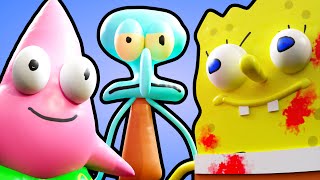
Expertly Crafted Bespoke Character Models with Paint 3D
Learn to create unique character models using Paint 3D. Develop skills in digital sculpting, texturing, and design while exploring creative techniques for crafting expressive and memorable characters.
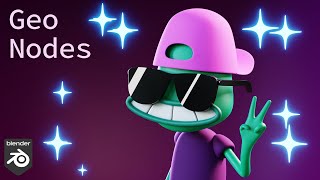
Sparkles with Geometry Nodes - Blender 3.2
Learn to create dynamic sparkle effects in Blender using Geometry Nodes. Master techniques for point distribution, scaling, timing, and material application to enhance your 3D designs with eye-catching animated sparkles.
CrazyTalk 7 Pro Tutorial - Advanced Key Editing and Puppet Settings
Learn advanced facial animation techniques using CrazyTalk7 PRO's Face Key Editor and Puppet Settings. Master keyframing, eye control, and shoulder movements for lifelike character animations.
CrazyTalk 7 PRO Tutorial - Advanced Auto Motion - Muscle Control
Learn advanced facial animation techniques using CrazyTalk 7 PRO's Muscle Control feature in the Auto Motion Settings panel for creating vivid and expressive character animations.
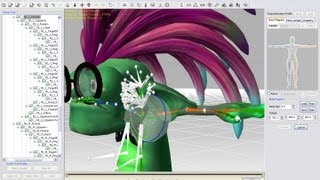
Monster Workshop Tutorial - Monster Creation and Customization Part 1
Learn to create custom monsters by modifying character colors, proportions, body parts, and textures. Master gruesome operations to bring your unique Frankenstein to life.
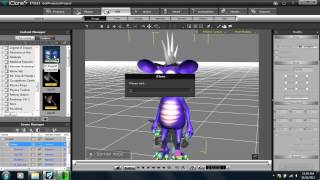
Monster Workshop Tutorial - Introduction to Avatar Toolkit UI and Basic Assembly
Learn to create and animate custom cartoon monsters using iClone's Monster Workshop pack. Explore the Avatar Toolkit panel, character customization, and basic animation techniques.
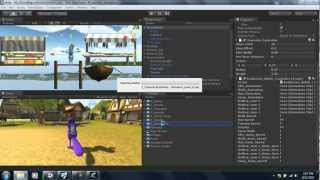
iClone5 Pipeline - Creating and Importing Custom Character Animations for Unity
Learn to create custom character animations using iClone's tools and content library, then import them into Unity. Covers various motion types and techniques for efficient game animation production.

CrazyTalk Tutorial - Puppeteering Guide
Master real-time puppeteering techniques in CrazyTalk 5, exploring tools for dynamic character animation and interactive performances.
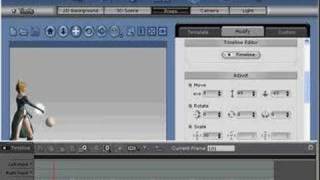
Linking Particle Effects to Characters in iClone
Learn to enhance character animations by attaching dynamic particle effects, creating visually stunning and immersive scenes in iClone.
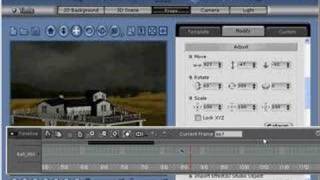
iClone Tutorial - Custom Environmental Particle Settings
Learn to enhance scene realism with custom environmental particle effects, elevating your iClone projects to new levels of immersion and visual impact.
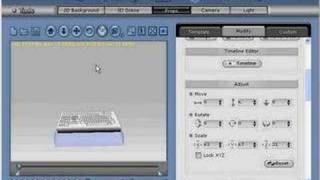
iClone Tutorial - Creating Custom Props with 3D Blocks
Learn to create, texture, and merge custom props for films using iClone's 3D Blocks feature, enhancing your digital storytelling capabilities.