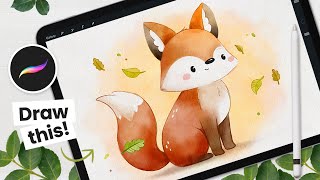
How to Draw a Watercolor Fox - Procreate Tutorial
Learn to create a charming watercolor fox illustration in Procreate with step-by-step guidance on sketching, coloring, detailing, and background painting techniques for digital artists.
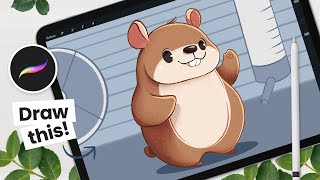
How to Draw a Cute Hamster - Procreate Tutorial
Learn to draw an adorable hamster using Procreate in this step-by-step tutorial. Master sketching, coloring, detailing, shading, and creating a background for your cute digital illustration.
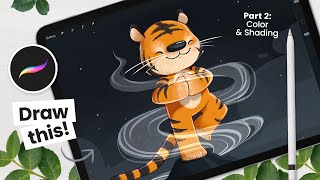
How to Draw a Zen Tiger - Part 2: Colors, Shading & Background
Learn digital art techniques for coloring, shading, and adding background to a tiger illustration. Master Procreate tools and create stunning artwork with step-by-step guidance from an experienced artist.
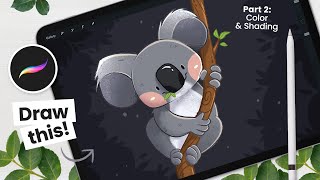
How to Draw a Cute Koala - Part 2: Colors & Shading
Learn to color and shade a cute koala drawing in Procreate with step-by-step instructions. Master digital art techniques for adding depth, texture, and charm to your illustrations.
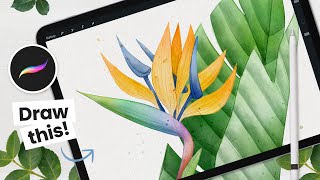
How to Draw - Watercolor Strelitzia - Bird of Paradise - Procreate Tutorial
Learn to create stunning digital watercolor art of a Bird of Paradise flower using Procreate. Master sketching, coloring, and adding realistic watercolor effects to produce elegant illustrations for various purposes.
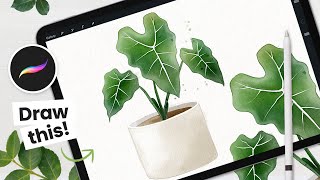
How to Draw - Watercolor Alocasia Frydek - Procreate Tutorial
Learn to create stunning digital watercolor Alocasia 'Frydek' illustrations using Procreate. Master sketching, coloring, and detailing techniques to produce elegant art for various purposes.
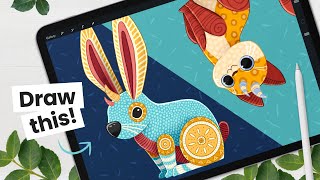
Draw Your Own Alebrije - Art Tutorial - Learn About Color Palettes & Masks
Create colorful Mexican-inspired creatures with step-by-step instructions. Learn sketching, color palettes, shading, outlining, and pattern techniques to bring your unique Alebrije to life in digital art.
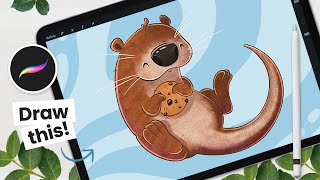
How to Draw - Cute Otter in Procreate - Easy Digital Art Tutorial
Step-by-step tutorial for creating a cute otter illustration in Procreate, covering sketching, coloring, shading, and adding details. Perfect for digital art beginners using iPad Pro.
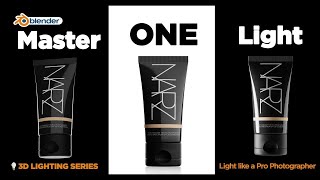
Lighting Fundamentals - Master One Light in Blender
Master one-light techniques in Blender, covering inverse square law, light quality, shadows, positioning, purpose, texture, shape, and reflectors. Includes practical lighting setups for enhanced 3D rendering skills.
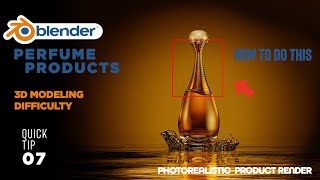
How to Model Perfume Bottle in Blender
Learn to model a complex perfume bottle in Blender, focusing on challenging parts and efficient techniques. Gain insights into the thinking process behind tackling modeling challenges.

Amazon Live Graphics and Overlays - Creating Custom Visuals for Livestreams
Learn to create engaging custom graphics and overlays for Amazon Live streams using Ecamm. Explore hexagons, lower thirds, text overlays, crop overlays, and more to enhance viewer engagement and professionalism.
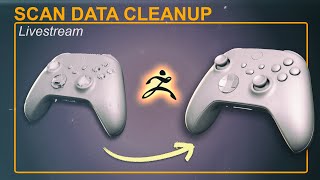
Cleaning Up Scan Data in ZBrush - Brushes, Booleans, ZRemesher, History Project
Learn advanced ZBrush techniques for cleaning and refining 3D scan data, including brushes, booleans, and ZRemesher. Explore character rigging in Character Creator and posing workflows between software.
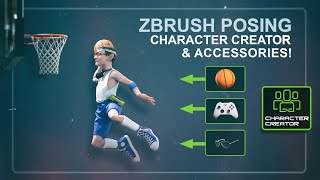
Posing a Custom ZBrush Character in Character Creator With Custom and Library Accessories
Learn to pose custom ZBrush characters in Character Creator, including adding accessories. Master techniques like polycount management, dynamic subdivisions, texture transfer, and using AccuRig for seamless integration.
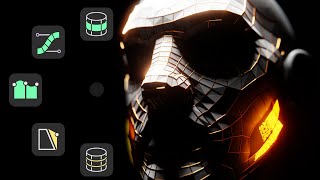
The Complete Guide to Retopology with RetopoFlow in Blender
Learn to use RetopoFlow in Blender for efficient 3D model retopology. Master sketch-based tools, symmetry, and advanced techniques to streamline your workflow and create clean topology.
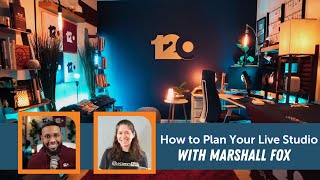
How to Plan Your Live Video Studio
Learn to create a professional home video studio with expert tips on lighting, equipment, sound, and visual branding. Discover how to optimize your space for high-quality video production and content creation.
Ecamm Video Graphics Workshop With Bradley Teaches
Learn to create professional video graphics with Bradley Vinson. Master lower thirds, overlays, animations, and more for content creation. Weekly live sessions include reviews, Q&A, and expert design tips.

Remote Live Production: What It Takes for Success
Explore remote live production with expert insights on benefits, challenges, and success strategies. Learn practical tips, best practices, and innovative techniques for engaging virtual events.
Structuring and Storyboarding Your Next Show - Showrunner Secrets
Learn effective video production techniques, from storyboarding to creating a run of show. Discover templates and tips for structuring compelling content, enhancing your live events and video creation skills.
Remote Live Video Production - Client Onboarding Best Practices
Learn best practices for client onboarding in remote live video production, covering discovery calls, pre-production, production, post-production, and creative strategies to ensure successful live events.
How to Create Animated Graphics in Ecamm Live - Ecamm Simplified
Learn to create professional animated graphics in Ecamm Live using text overlays. Master brand colors, lower thirds, scrolling tickers, and end screens to enhance your live streams and videos without additional software.

Graphics & Animations for Live Video - Ecamm Challenge Day 2
Learn to create professional graphics, overlays, and animations for live video using Ecamm Live. Master essential techniques to enhance your broadcasts with visually appealing elements.