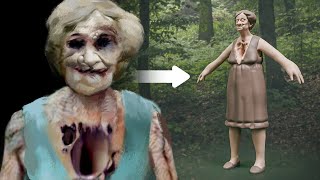
Second Witness - Horror Character 3D Sketch
Learn to create a haunting 3D horror character sketch, focusing on anatomy, unique features, and eerie details for a chilling "Second Witness" design.
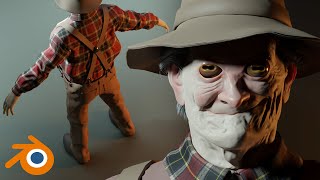
Texturing Stupidly Is Hard
Explore advanced texturing techniques, from roughness painting to hole texturing, in this comprehensive tutorial on overcoming common challenges in 3D asset creation.
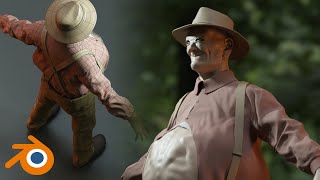
The First Witness - Tips on Cloth Wrinkles
Learn techniques for creating realistic cloth wrinkles in 3D modeling, including fixing eyes, adding a tank top, using cloth brushes, and working on details for enhanced character design.
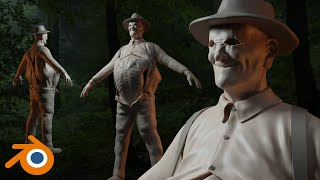
The First Witness - Modeling Clothes for a Game
Learn to model and separate game character clothing, focusing on suspenders and shirts, with techniques for creating clean, professional-looking 3D garments.
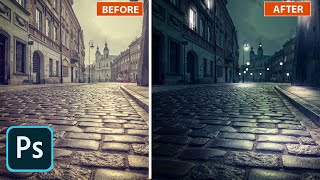
Lighting Photos in Adobe Camera Raw - Photoshop 2020
Enhance photos with lighting effects in Adobe Camera Raw. Learn to transform day to night, add dramatic illumination, and create eye-catching visual impact using Photoshop or Lightroom.
How to Use Color for Mood and Effect in Photoshop
Learn to enhance photos and composites with dramatic color effects in Photoshop. Master color theory, blending modes, and advanced techniques for impactful visual storytelling.
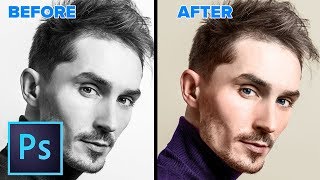
How to Change a Black and White Photo to Color in Photoshop
Learn to realistically colorize black and white photos in Photoshop with step-by-step techniques for skin, eyes, and clothing. Master this transformative skill in just 28 minutes.

How to Use 3D in Photoshop - Ultimate in Depth Tutorial
Comprehensive guide to Photoshop's 3D features, covering models, textures, lighting, rendering, and animation. Learn to create and manipulate 3D elements for stunning visual effects.
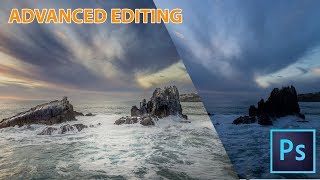
How to Make Landscape Photos Look a Lot Better in Photoshop
Comprehensive workflow for enhancing landscape photos using advanced Photoshop techniques, including exposure blending, dodge and burn, Camera Raw adjustments, and non-destructive sharpening.
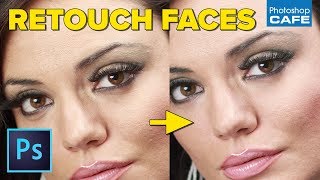
Pro Skin and Eye Retouching in Photoshop
Learn professional skin and eye retouching techniques in Photoshop for natural-looking results. Master dodge and burn, blemish removal, and eye whitening without relying on frequency separation or blurring.
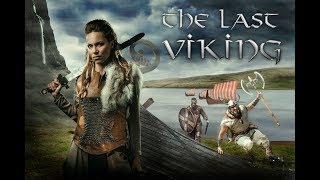
Vikings Poster with Photoshop - Combining Stock Photos to Make a Cool Composite
Create a Vikings-inspired composite using stock photos in Photoshop CC. Learn techniques for blending images, adding visual interest, and enhancing atmosphere through color toning and shadows.
Next Level in AI Art - How to Use Photos and Images in Your AI Art
Enhance AI art creation by incorporating photos and images as references, improving prompt accuracy and achieving desired results across various AI generators.
How to Create Art with AI in Just 5 Minutes
Explore AI art generation: learn techniques, tools, and applications. Discover new creative possibilities and potential markets for AI-generated artwork.
Misconceptions About AI Generated Art
Debunking common misconceptions about AI-generated art, exploring its creative potential, technical aspects, and ethical considerations for artists and enthusiasts.
How to Get Most Out of Using Midjourney AI Generated Art
Discover advanced techniques for maximizing Midjourney AI art generation, including tier selection, usage tips, and creative applications based on personal experience.
Painterly Photography and Retouching in Photoshop
Learn techniques for creating painterly photographs, from setting up photo shoots to retouching in Photoshop. Master cropping, smoothing, masking, and color correction to achieve a unique artistic style.
Painterly Retouching in Photoshop with Deep Colors
Learn advanced Photoshop techniques for creating deep-colored painterly images, including retouching, masking, oil painting effects, and color correction. Enhance your digital art skills with professional tips.
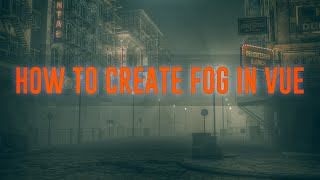
How to Create Fog in Vue
Learn to create realistic volumetric fog in Vue for nighttime and daylight scenes, enhancing city street atmospheres using the atmosphere editor's properties and advanced techniques.
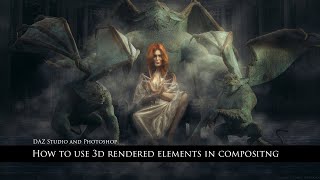
How to Use 3D Rendered Objects in Compositing
Learn to seamlessly integrate 3D rendered objects into composites using Daz Studio and Photoshop. Master techniques for model setup, rendering, masking, retouching, and creating realistic shadows and lighting effects.
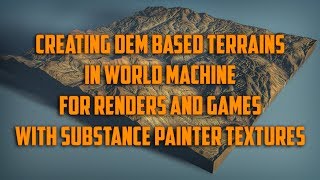
Texturing World Machine Generated Maps in Substance Painter
Learn to create PBR textures in Substance Painter for terrain maps generated in World Machine, part of a comprehensive workflow for game engines and 3D rendering software.
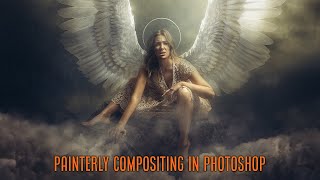
Painterly Retouching and Compositing in Photoshop - Create Painterly Effect
Learn to create stunning painterly effects in Photoshop through step-by-step retouching and compositing techniques. Master tools like healing brush, masking, and color correction to achieve a Renaissance-style look.