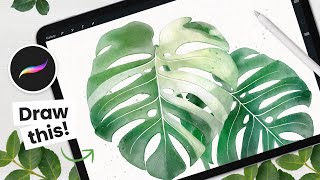
How to Draw - Watercolor Monstera Albo Leaf - Procreate Tutorial - Easy iPad Art
Learn to create stunning digital watercolor monstera leaves using Procreate on iPad. Master sketching, layering colors, adding details, and creating trendy albo variations in this step-by-step tutorial.
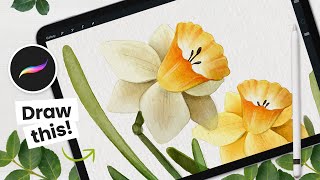
How to Draw Daffodils and Mothers Day Card - Procreate Tutorial
Learn to create digital watercolor daffodils and design a Mother's Day card using Procreate. Master techniques for sketching, coloring, and adding details to craft beautiful floral bouquets and wreaths.
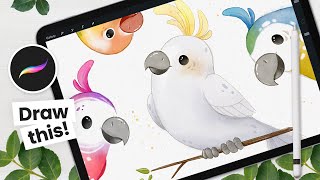
How to Draw - Cute Birds in Procreate - Easy Digital Art Tutorial
Learn to draw adorable birds using Procreate in this step-by-step digital art tutorial. Perfect for beginners, it covers sketching, coloring, and adding details to create charming avian illustrations.
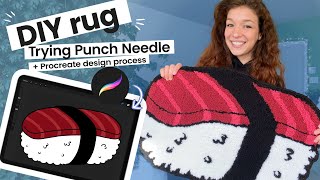
Punch Needle Rug DIY Tutorial - Cute Home Decor
Learn to create a charming punch needle rug with this DIY tutorial. Discover affordable supplies, design tips, and step-by-step instructions for crafting unique home decor.
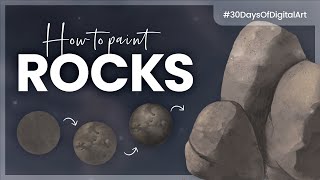
How to Paint Rocks - Digital Art Challenge Tutorial
Learn to paint realistic rocks digitally using step-by-step techniques. Master textures, shadows, and highlights to create stunning stone artwork in various digital art software.
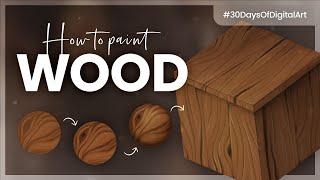
How to Paint Wood - Digital Art Tutorial
Learn to paint realistic wood textures digitally using layering techniques, grain patterns, and shading. Master creating knots, scratches, and highlights for lifelike wooden surfaces.
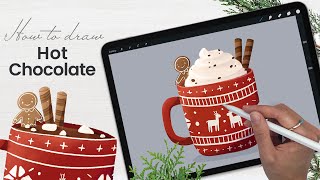
How to Draw a Hot Chocolate Mug - Procreate Tutorial - Winter Holidays Art
Learn to create a festive hot chocolate mug illustration in Procreate with step-by-step guidance. Master digital drawing techniques for whipped cream, marshmallows, cookies, and lighting effects.

How to Draw Watercolor Succulents in Procreate - Easy iPad Art Tutorial
Create stunning digital watercolor succulents using Procreate on iPad. Learn sketching, coloring, shading, and pro techniques to enhance your artwork. Perfect for beginners and experienced artists alike.
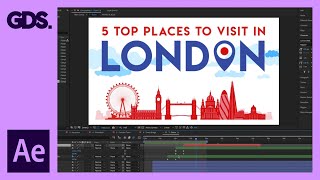
Animate a Simple 2D Scene in After Effects - Adobe After Effects for Beginners
Learn to animate a simple 2D composition in After Effects with step-by-step guidance on anchor points, scaling, and creating cloud movements for beginners.
Creating Shapes in After Effects - Adobe After Effects for Beginners
Learn to create and manipulate various shapes in After Effects, including using the shape builder tool, editing simple shapes, and creating shapes from type and vectors.
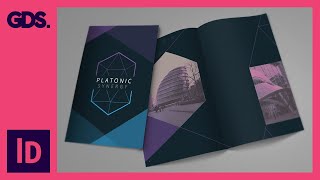
Add Images and Texture to Brochure Design in InDesign - Multimedia Design Course for Print
Learn to enhance brochure designs in InDesign by incorporating images and textures. Gain practical skills for creating visually appealing print materials in this hands-on tutorial.
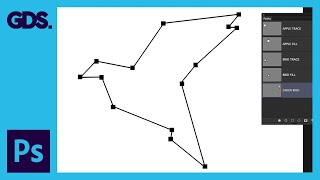
Paths and the Pen Tool in Adobe Photoshop - Adobe Photoshop for Beginners
Learn to use the Pen tool and create paths in Photoshop. Master techniques for making selections, creating custom shapes, and drawing precise paths to enhance your design skills.
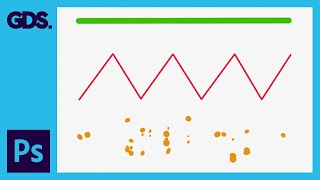
Using Brushes in Adobe Photoshop - Adobe Photoshop for Beginners
Learn to use Photoshop's brush tool for drawing, painting, erasing, and creating textures. Explore brush panels, customization options, and essential shortcuts for efficient digital artwork creation.
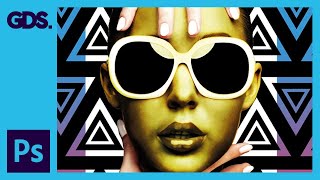
Layer Structure and Housekeeping in Adobe Photoshop
Learn efficient layer management and organization techniques in Photoshop to enhance workflow and create complex concept artwork. Discover practical tips for structuring layers, using adjustment layers, and grouping elements effectively.
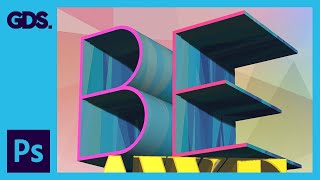
Introduction to 3D in Adobe Photoshop - 3D Type Stack - Part 2
Learn to create stunning 3D stacked type compositions in Adobe Photoshop with this comprehensive tutorial. Master techniques for merging layers, rotating objects, and applying materials to achieve professional results.
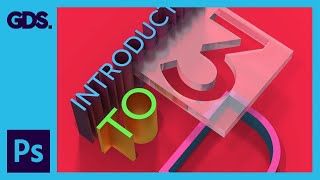
Introduction to 3D in Adobe Photoshop - Part 1
Comprehensive introduction to 3D in Adobe Photoshop, covering basics, materials, lighting, and rendering for beginners. Gain confidence to explore 3D features independently.
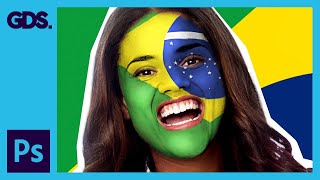
Paint Your National Flag Face - Adobe Photoshop
Learn to paint your national flag on your face using Adobe Photoshop. Master layer masks, smudging, and highlighting techniques to create a realistic and patriotic effect for social media sharing.

Modifying InDesign Images in Adobe Photoshop & Illustrator - Adobe InDesign for Beginners
Aprenda a modificar imagens do InDesign usando Photoshop e Illustrator, explorando a sinergia entre os programas para aprimorar composições e criar efeitos visuais impactantes.
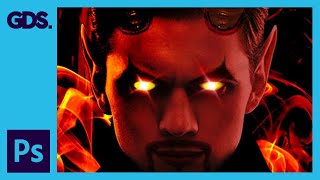
Devil Photoshop Tutorial - Layer Masking, Blending Modes & More
Transform portraits into devilish characters using Photoshop techniques like layer masking, blending modes, and adjustments. Learn to create horns, enhance eyes, and add eerie effects for a striking Halloween transformation.
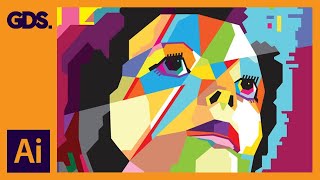
Create WPAP Style Art in Adobe Illustrator - Ziggy Stardust
Learn to create WPAP-style pop art portraits in Adobe Illustrator. Master the pen tool, color techniques, and artistic principles to transform images into vibrant, geometric artworks.
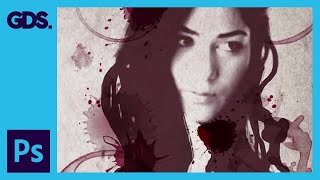
Wine Stain Photo Montage in Adobe Photoshop
Learn to create a striking monotone graphic photo montage using Adobe Photoshop techniques, including layering, masking, and texture application for a unique visual effect.