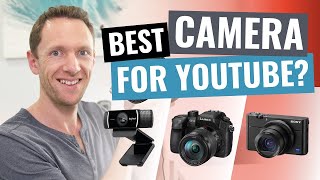
Best Camera for YouTube Videos - DSLR vs Camcorder vs Point and Shoot vs Webcam
Comprehensive comparison of camera types for YouTube videos, exploring pros and cons of webcams, point-and-shoot, camcorders, and DSLRs to help creators choose the best option for their needs.
Low Cost High Quality Studio for Online and Distance Learning Using OBS
Learn to set up a professional-quality, low-cost studio for online teaching using OBS. Discover essential equipment, green screen techniques, and tips for improving audio and video quality in your virtual classroom.
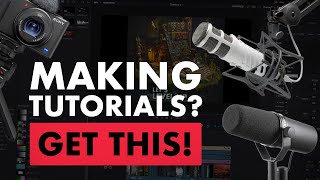
The Best Software & Equipment for Making Tutorials
Comprehensive guide to essential tools and techniques for creating high-quality tutorials, covering audio, video, editing, and file compression.

Adobe Premiere Pro for Social Media Video Creation
Master efficient social media video editing with Premiere Pro. Learn time-saving techniques, customization tools, and automatic reframing for various platforms to create standout content quickly.
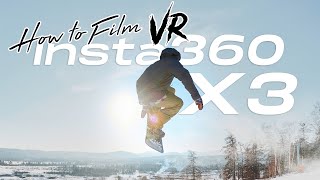
360° Video- How to Film Snowboarding & Skiing in 8K VR with Insta360 X3 and One RS
Learn to capture stunning 8K VR snowboarding and skiing footage using Insta360 cameras. Discover equipment setup, filming techniques, camera settings, and post-production tips for creating immersive 360° winter sports videos.
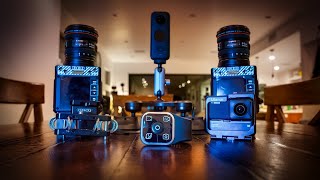
Insta360 One R & One X2 Update for Motorsports & Car - Roadie, Loop Recording, 360 Dash Cam Setup
Explore new Insta360 features for motorsports: Roadie Remote, Loop Recording, and Shotlab effects. Learn about 360 dash cam setups, suction cup mounts, and creative filming techniques for cars.
Making Giants - Sound Design
Explore sound design techniques in Premiere Pro for short films, enhancing emotional impact through voiceover selection, audio editing, and professional-quality sound integration.

Blender Secrets for Awesome 3D Music Videos - Audio Reacting Motion, Flash, & Color
Learn essential techniques for creating dynamic 3D music videos in Blender, including audio-reactive motion, color, and flashing effects. Master advanced audio syncing for stunning visual-audio relationships.
Clarity Vx Up Close - Webinar with the Plugin Developer
Dive into the world of AI-powered noise removal with Clarity Vx's lead developer. Learn about its revolutionary technology, applications, and capabilities in vocal processing.
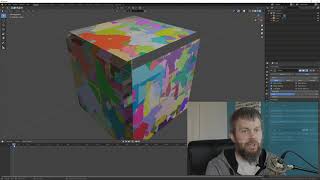
Use Blender to Create Transparent Overlays for OBS
Learn to create transparent video overlays using Blender and VP9 codec for enhancing OBS scenes with detailed 3D animations and graphics.
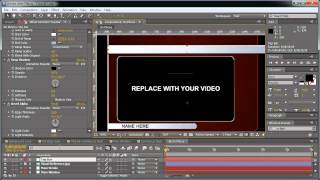
Broadcast Graphics Tutorial - Part 2
Create dynamic lower thirds and animated titles for video using After Effects and Element 3D.
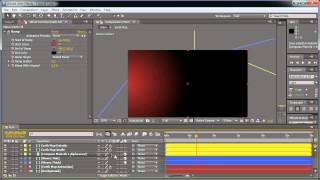
Broadcast Graphics Tutorial - Part 1
Learn to create professional broadcast graphics for TV and video production using industry-standard techniques and software.
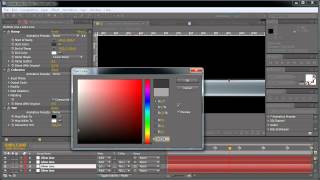
Broadcast Graphics Tutorial 3 - Creating Dynamic Title Bars and Lower Thirds
Learn to create dynamic broadcast graphics using shape guides, compositions, and advanced effects in this comprehensive tutorial.
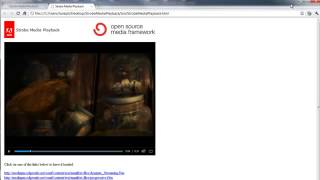
Getting Started with Strobe Media Playback - Full Customization
Customize Strobe Media Playback: Learn to set up, edit, and compile a personalized version using Adobe Flash tools for enhanced video playback and OSMF app development.
Control Everything with Multiple Motion Brushes in Runway Gen-2
Learn to create dynamic AI-generated animations using Runway's Motion Brush feature. Control up to 5 separate image areas with unique motion settings for stunning visual effects in your video projects.

Creating Infinite AI Videos with LUMA - Techniques and Applications
Explore infinite possibilities with looping videos using Luma AI. Learn to create seamless cinemagraphs, extend footage, and craft ambient loops for various creative applications.
DaVinci Resolve iPad Tutorial - Video Editing Fundamentals
Comprehensive guide to video editing on iPad using DaVinci Resolve, covering importing, timeline editing, effects, text, audio, color correction, and exporting for both beginners and advanced users.

How to Edit Audio in Premiere Pro
Master audio editing in Premiere Pro: from basics to advanced techniques. Learn processing, mixing, and mastering for professional-quality audio in your video projects.
Slow Motion in DaVinci Resolve With Optical Flow - Push That Button
Master super slow motion video in DaVinci Resolve using Optical Flow and Speed Warp tools. Learn techniques for smooth slow-mo effects, even with standard frame rate footage, and explore various results and comparisons.
GPU and No GPU Davinci Resolve Speed Comparison on Mac Mini - Ming Effect Raw Color Grading
Comprehensive speed test comparing GPU and non-GPU performance in Davinci Resolve on Mac Mini, using various footage types and editing scenarios to showcase real-world performance differences.
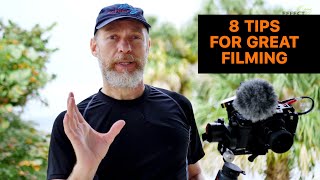
Tips for Filming Great Video - Ming Effect
Learn essential techniques for capturing high-quality video footage, including proper framing, stabilization, audio recording, exposure settings, and focusing, to elevate your filmmaking skills.