Vroid Studio to Unreal Engine 5 - Facial, Viseme, and Expression Tutorial
Learn to import Vroid manga cartoon avatars into Unreal Engine 5 with full facial expressions and visemes. Step-by-step guide for creating expressive characters for animation and game development.
Character Creator 4 Avatar to Unreal Engine 5 with Motion, Facial, and Viseme Lip Sync - Tutorial
Learn to import Character Creator 4 avatars into Unreal Engine 5.0.1, complete with motion, facial expressions, and viseme lip sync for enhanced game development and 3D animation projects.
Character Creator 4 to Unreal Engine 4.27 - Full Tutorial
Step-by-step guide for importing Character Creator 4 avatars into Unreal Engine 4.27, enabling their use as main characters or NPCs in game projects.
Unreal Engine 5.0.1 Avatar to Character Creator 4 - Full Tutorial
Step-by-step guide on importing Unreal Engine 5.0.1 3D Avatars into Character Creator 4, transforming them into ccAvatars for enhanced 3D modeling and game development workflows.
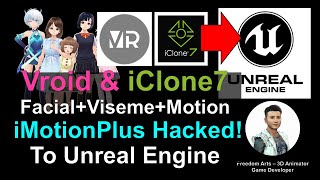
Vroid Studio to Unreal Engine - Facial, Viseme, and Body Animation Workflow
Learn to seamlessly integrate Vroid Studio avatars with iClone animations into Unreal Engine, enabling full facial expressions, body motions, and lip-syncing for manga-style characters in game development.
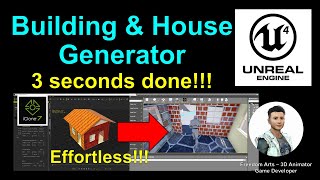
Building Blocks and House Generator Tutorial - Unreal Engine 4.26
Generate custom building blocks and houses in seconds for Unreal Engine projects using the Building Blocks Plugin. Easily adjust variables, apply textures, and import with full collision for effortless game development.
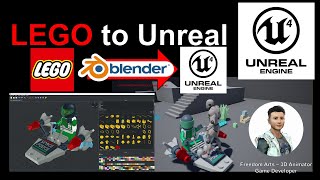
Importing Lego Models into Unreal Engine via LeoCad and Blender - Full Tutorial
Learn to import Lego models into Unreal Engine using free tools LeoCAD and Blender. This step-by-step guide covers downloading models, exporting from LeoCAD, and preparing assets in Blender for game development.
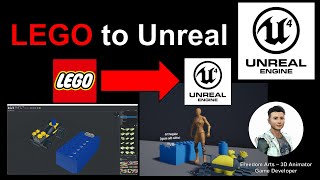
Lego to Unreal Engine 4 - Full Tutorial
Learn to import LEGO models into Unreal Engine 4 using LeoCad software. This step-by-step guide covers the entire process, from downloading resources to final integration in the game engine.
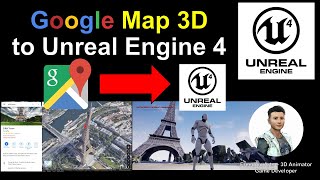
Google Map 3D to Unreal Engine - Full Tutorial
Learn to import Google Map 3D building models into Unreal Engine projects. This tutorial covers downloading 3D city models, using specialized tools, and integrating them into game environments.
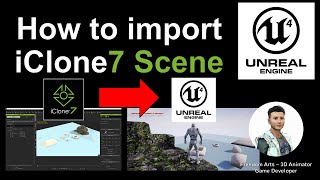
How to Import iClone Scene into Unreal Engine - Full Tutorial
Step-by-step guide for importing iClone scenes into Unreal Engine, including prop transfer, static mesh setup, and collision settings. Covers essential workflow for 3D animators and game developers.
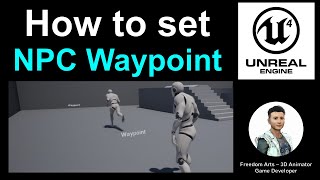
Setting Waypoints for NPCs in Unreal Engine - Tutorial
Step-by-step guide to setting waypoints for NPCs in Unreal Engine, enabling realistic pedestrian and crowd simulations for game developers and animators.
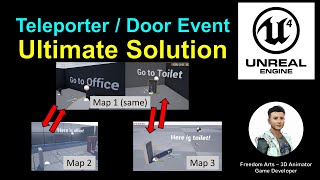
Teleporter Ultimate Solution for Unreal Engine - Door Events and Player Teleportation Tutorial
Learn to create a versatile teleportation system in Unreal Engine for seamless player movement between levels or within the same map, enhancing door events and level transitions in your games.
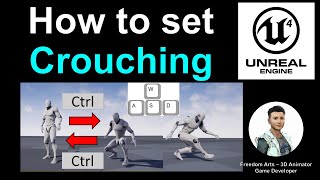
Setting Up Crouching Action in Unreal Engine 4 - Tutorial
Learn to implement crouching mechanics in Unreal Engine, including toggle controls, crouch walking, and importing Mixamo animations for a seamless player avatar experience.
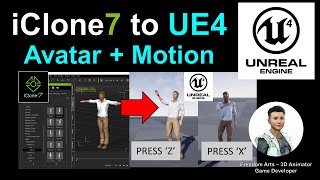
iClone Motion and Avatar to Unreal Engine - Animate Your Avatar Like a Gamer
Learn to import iClone animations and Character Creator avatars into Unreal Engine, enabling real-time animation control through keyboard inputs for dynamic, game-like character performances.
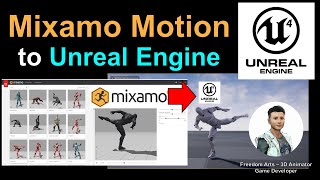
Mixamo Motion to Unreal Engine 4 - Full Tutorial
Step-by-step guide on exporting Mixamo motion files, importing them into Unreal Engine 4, binding animations to keyboard buttons, and enabling real-time player animation performance.
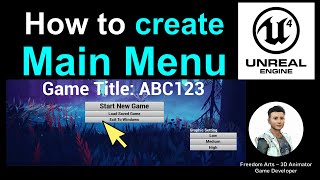
Creating a Main Menu for Games - Unreal Engine Tutorial
Step-by-step guide to creating a main menu in Unreal Engine, including wallpaper background, buttons, graphic settings, and linking to the pause menu. Ideal for game developers seeking to enhance their UI design skills.
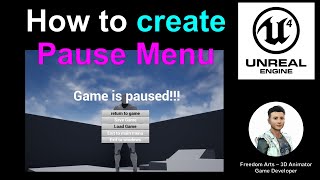
Creating a Pause Menu in Unreal Engine - Tutorial
Step-by-step guide to creating a pause menu widget in Unreal Engine, including functionality to display and hide the menu using the 'ESCAPE' key. Enhance your game development skills.
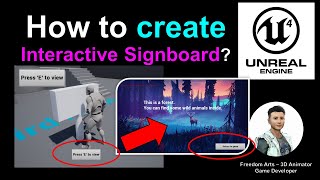
Creating an Interactive Signboard in Unreal Engine
Step-by-step guide to creating an interactive signboard in Unreal Engine, including 'Press E to Interact' functionality and displaying a widget upon interaction. Learn to enhance player engagement in your game environment.
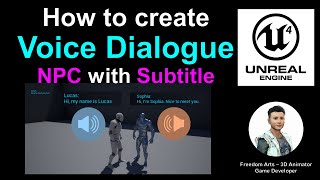
Creating Voice Dialogue NPC with Subtitles in Unreal Engine - Tutorial
Step-by-step guide to creating voice dialogue NPCs with subtitles in Unreal Engine. Learn to import audio, set up blueprints, and implement interactive dialogue systems for immersive gameplay experiences.
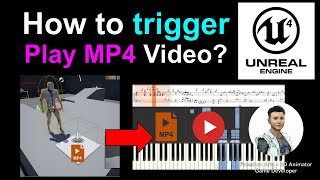
Triggering MP4 Video Playback in Unreal Engine 4 Games - Tutorial
Step-by-step guide for triggering MP4 video playback in Unreal Engine 4 games, covering NPC interaction and trigger box implementation for on-screen video display.
Complete Introduction to VFX with Niagara in Unreal Engine 5.3
Comprehensive guide to creating visual effects in Unreal Engine 5.3 using Niagara, covering particle systems, materials, and blueprints for stunning game visuals.