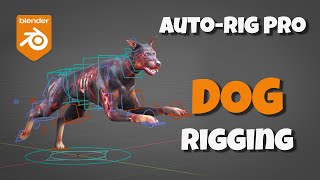
Auto-Rig Pro Tutorial - Rigging a Dog
Learn to rig a dog model using Auto-Rig Pro in Blender. Master spine and leg alignment, weight binding, and control setup for realistic quadruped animation.
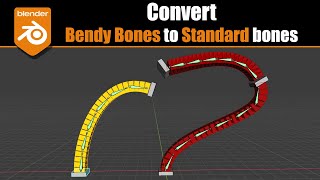
Blender 2.9-3.0 - Convert Bendy Bones to Regular Bones
Learn to convert Blender's bendy bones to regular bones using constraints. Discover the setup process, explore B-Bone controls, and see a practical application with Rigify in this informative tutorial.

Blender Addon - Bonera - Manual Rigging Toolkit
Explore Bonera, a Blender addon that streamlines manual rigging tasks. Learn to create bones from objects and meshes, add empties, and efficiently rig splines and curves.

Game Rig Tools - Game-Ready Rigs in Seconds
Blender addon for creating game-ready rigs quickly, with features like constraint muting, squash and stretch, and action bakery. Simplifies character rig preparation for various game engines.
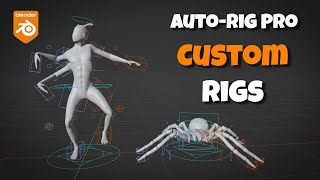
Auto-Rig Pro - Custom Rigs From Scratch
Learn to create custom rigs from scratch using Auto-Rig Pro's "Empty" rig feature. Master bone manipulation, limb addition, and rig definition for versatile character setups like humanoids and spiders.
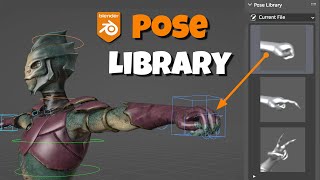
Blender Pose Library Tutorial
Learn to create, save, and reuse rig poses in Blender's Pose Library. Master techniques for hand poses, facial expressions, and custom poses to enhance your 3D character animations.
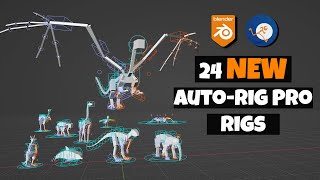
Auto-Rig Pro Rig Library - New Rigs
Explore 24 new rigs in Auto-Rig Pro's library, featuring installation guides, block meshes, optional animations, and a kangaroo rigging demo with locomotion tweaking.
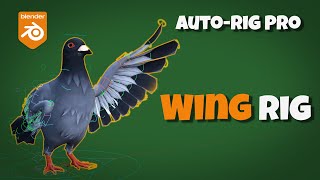
Auto-Rig Pro- Wing Rig Tutorial - Blender
Learn to rig and animate complex bird wings in Blender using Auto-Rig Pro. Master feather setup, wing folding, and advanced constraint techniques for realistic avian animations.
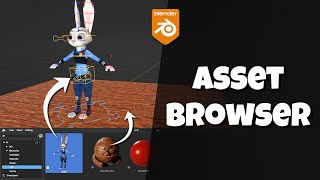
Blender Asset Browser - All You Need to Know and Then Some
Comprehensive guide to Blender's Asset Browser, covering setup, asset types, thumbnails, rigging, materials, and advanced features for efficient 3D workflow management.
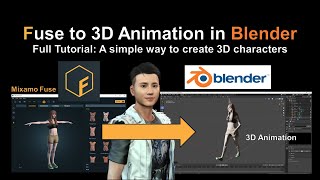
Fuse to 3D Animation in Blender - Mixamo Tutorial
Step-by-step guide to creating 3D animations in Blender using Mixamo Fuse characters. Learn to import, rig, and animate Fuse models for realistic 3D animations.

PIFuHD - Picture to 3D Animation in Blender
Learn to create 3D animations from photos using PIFuHD, Blender, and Mixamo. This step-by-step tutorial covers the entire process, from image processing to rigging and animating your 3D character.
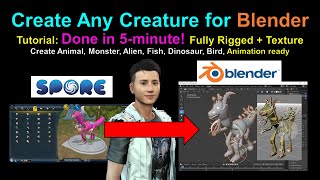
Spore Creature Creator to Blender Tutorial
Learn to create, rig, and texture custom creatures in Spore, then export them to Blender for 3D animation. Fast, step-by-step tutorial for beginners and experienced users alike.
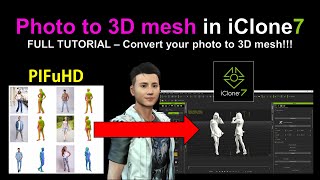
PIFuHD - Converting Photos to 3D Meshes in iClone
Learn to convert photos into 3D meshes using PIFuHD and iClone. This step-by-step tutorial covers UV texturing, rigging, and exporting for animation in Blender or iClone, enhancing your 3D modeling skills.
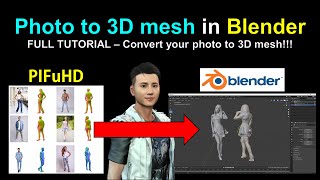
PIFuHD - Converting Photos to 3D Meshes in Blender
Learn to convert photos into 3D meshes using PIFuHD in Blender. Step-by-step guide covers mesh creation, UV texturing, rigging, and animation, with real-time demonstrations and helpful resources.

Human Meta Rig - Blender 3.0
Learn to set up a human meta rig in Blender 3.0 Alpha, including aligning the rig, generating controls, and parenting to a mesh model. Perfect for 3D animators and modelers.
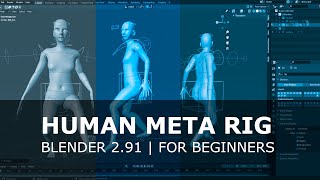
Human Meta Rig Blender 2.91 - Easy Beginners
Step-by-step guide for setting up a human meta rig in Blender 2.91, covering alignment, control generation, and parenting to a mesh model. Ideal for beginners in 3D character rigging.
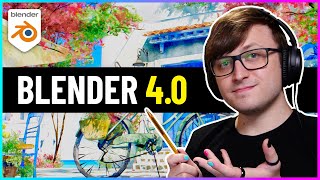
Blender 4.0 - New Features and Improvements Overview
Explore new features in Blender 4.0: improved rendering, node tools, geometry enhancements, UI updates, animation upgrades, and more. Discover how these additions enhance 3D modeling and animation workflows.
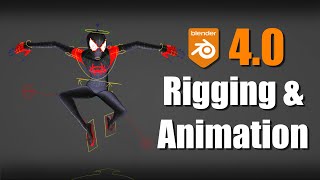
Blender 4.0 - New Rigging and Animation Features
Explore new rigging and animation features in Blender 4.0, including improved bone collections, colors, weight painting, pose library, and updates to NLA, Graph Editor, and Rigify. Learn about compatibility and more.
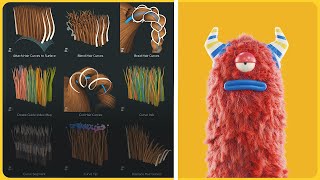
Using Blender's Hair Assets - Tutorial and Tips
Unlock Blender's Hair Assets to enhance 3D models with realistic hair. Learn creation, styling, and animation techniques for character design and bring your creations to life.

Blender 3D Character Animation Tutorial - Creating a Cute Coffee Cup
Learn to create a charming animated coffee cup character in Blender 3D. Master 3D modeling, texturing, and animation techniques to bring your cute designs to life.

Blender 3D Character Animation Basics
Learn essential character animation techniques in Blender 3D, from basic movements to expressive poses. Gain practical skills to bring your 3D characters to life through hands-on exercises and expert guidance.