Export Unreal Engine 5.1 Animation Sequence to iClone and Character Creator as rlMotion
Learn to transfer animation sequences from Unreal Engine 5.1 to iClone 8.22 and Character Creator 4.22 using rlMotion format, streamlining your workflow for game development and virtual production projects.
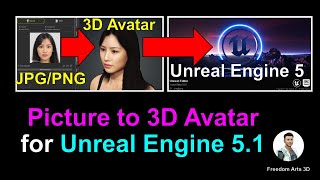
Picture to 3D Avatar for Unreal Engine 5.1 - Creating Player and NPC Characters
Transform pictures into fully rigged 3D avatars for Unreal Engine 5.1 using Headshot plugin and Freedom Animation Pipeline. Create realistic player characters or NPCs with step-by-step guidance.
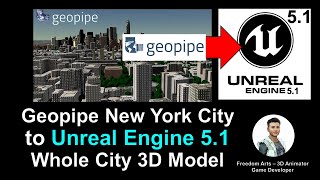
Importing Geopipe New York City 3D Models into Unreal Engine 5.1 - Game Ready with Collision
Step-by-step guide to import New York City 3D models from Geopipe into Unreal Engine 5.1, creating a game-ready scene with perfect collision for immersive game development projects.
How to Convert iClone 8 Motion to Unreal Engine 5.2 and Retarget on Any 3D Avatar - Tutorial
Learn to convert iClone 8 motion to Unreal Engine 5.2 and retarget it on any 3D avatar using Freedom Animation Pipeline V8.5 Plugin. Master FBX export, import, and animation sequence creation for game projects.
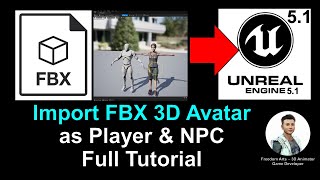
Import FBX Avatar as Player and NPC - Unreal Engine 5.1 Tutorial
Step-by-step guide for importing FBX avatars into Unreal Engine 5.1 as players or NPCs, covering root bone addition and retargeting for seamless integration in game projects.
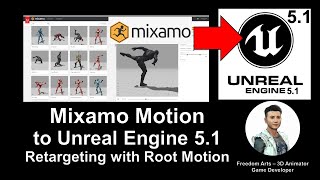
Mixamo Motion to Unreal Engine 5.1 - Retargeting 3D Avatars with Root Motion
Learn to import and retarget Mixamo animations onto custom 3D avatars in Unreal Engine 5.1, including those with and without root bones. Essential skill for game developers with step-by-step guidance.
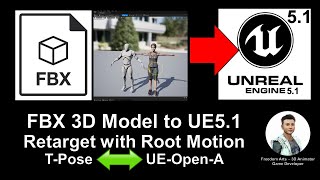
FBX 3D Avatar to Unreal Engine 5.1 - Retargeting Root Motion for Main Avatar and NPC
Learn to import and retarget FBX 3D avatars in Unreal Engine 5.1, with or without rootbone, for use as main characters or NPCs. Step-by-step guide for 3D modeling, animation, and game development.
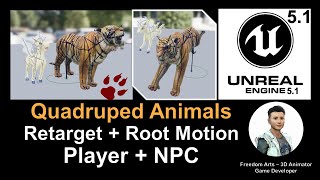
Retarget Quadruped Four-Leg Animal in Unreal Engine 5.1 with Root Motion - Full Tutorial
Learn to retarget quadruped animal models with root motion in Unreal Engine 5.1. Step-by-step guide for creating controllable avatars or NPCs for your game projects.
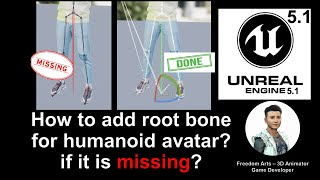
Adding a Root Bone for Humanoid Avatar in Unreal Engine - Tutorial
Step-by-step guide to adding a root bone for humanoid avatars in Unreal Engine 5.1, focusing on solutions using Character Creator 4 or Maya for improved retargeting and root motion.
Blender Rigged 3D Avatar to Unreal Engine 5.1 - Retargeting, Main Avatar, and NPC Creation
Learn to export rigged 3D avatars from Blender to Unreal Engine 5.1, retarget them, and use them as main characters or NPCs in your game projects with this comprehensive step-by-step guide.
Picture to 3D Avatar in Unreal Engine 5.1 - Main Character and NPC Creation
Generate lifelike 3D avatars from a single photo using Character Creator 4.1, then import into Unreal Engine 5.1 with facial morphs and skeleton for use as main characters or NPCs in game projects.
Importing Mixamo 3D Avatar to Unreal Engine 5.1 - Retargeting, Main Avatar, and NPC Tutorial
Learn to import, retarget, and utilize Mixamo 3D avatars in Unreal Engine 5.1 for creating main characters and NPCs in your game projects. Step-by-step guide with real-time demonstrations.
iClone 8.1 Avatar to Unreal Engine 5.1 - Retargeting for Main Avatar and NPC - Full Tutorial
Step-by-step guide for importing and retargeting iClone iAvatar to Unreal Engine 5.1, including facial and lip sync morphs, for use as player avatar or NPC in game projects.
Makehuman to Unreal Engine 5.1 - Retargeting, Main Avatar, and NPC Creation Tutorial
Step-by-step guide for importing Makehuman avatars into Unreal Engine 5.1, retargeting them, and using them as main characters or NPCs in game projects. Includes links to necessary software and resources.
Vroid Studio to Unreal Engine 5.1 - Retargeting, Main Avatar, and NPC Creation Tutorial
Learn to import, retarget, and implement Vroid 3D cartoon avatars in Unreal Engine 5.1, including facial expressions and lip-sync, for use as main characters or NPCs in game projects.
Importing Daz Genesis 8.1 Avatar into Unreal Engine 5.1 - Tutorial
Learn to import Daz Genesis 8.1 avatars into Unreal Engine 5.1 for game characters with facial expressions. Step-by-step guide covers exporting, transforming, and setting up in UE5.1 with morph shapes and blueprints.
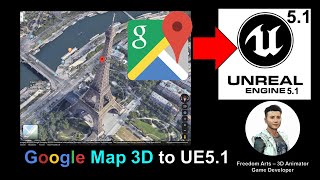
Google Map 3D to Unreal Engine 5.1 - Full Tutorial
Step-by-step guide to import Google Map 3D cities, buildings, and terrain into Unreal Engine 5.1 for game projects. Learn to transform real-world locations into immersive virtual environments.
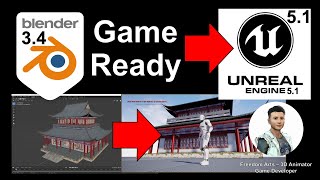
Blender to Unreal Engine 5.1 - Game Ready Modeling Tutorial
Learn to export game-ready 3D models from Blender to Unreal Engine 5.1, including mesh combining, material baking, and automatic collision setup for seamless integration into game projects.
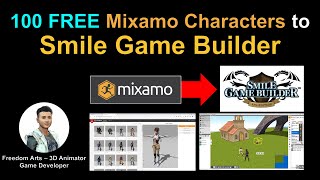
Importing 100 Mixamo Characters into Smile Game Builder
Learn to import 100 free Mixamo characters into Smile Game Builder using 3DXchange and Simplygon. Step-by-step tutorial covers workflow and software integration for game development.
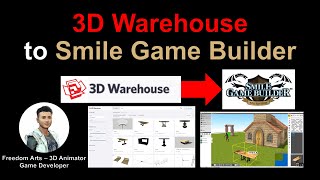
Importing 3D Models from 3D Warehouse to Smile Game Builder
Learn to import free 3D models from 3D Warehouse into Smile Game Builder for creating games without coding. Covers SketchUp Pro, 3DXchange, and Simplygon to prepare models for game development.
Unity to Smile Game Builder - Character and Motion Import Workflow
Learn to import characters and motion from Unity Asset Store into Smile Game Builder with this step-by-step tutorial, covering 3DXchange 7, Mixamo, and essential workflow techniques.