Designing a Graphic Apparel Collection with Illustrator on iPad - Part 1
Graphic designer Jennet Liaw demonstrates creating an apparel collection using Illustrator on iPad, covering sketching, moodboarding, text manipulation, and bold graphics to convey a message.
Adobe Illustrator Daily Creative Challenge - Illustrated Characters
Learn to illustrate characters using geometric shapes, Grain effect, and Pen tool in Adobe Illustrator. Join daily challenges to enhance skills, get feedback, and connect with a creative community.
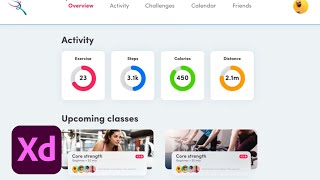
Adobe XD Masterclass - Tips and Tricks for Improved Design Workflows - Episode 13
Enhance your Adobe XD skills with expert tips on map integration, button design, path animation, and responsive layouts for improved workflow and design capabilities.
Character Design in Adobe Photoshop with VooDoo Val
Explore character design in Photoshop with VooDoo Val, covering sketching, line separation, custom shortcuts, clipping masks, coloring, and highlighting techniques.
Designing Posters and Landscapes in Photoshop - Part 2
Watch artist Magdiel Lopez create stunning portrait posters and surreal landscapes in Adobe Photoshop, demonstrating techniques like gradient use, pen tool cutting, layer styles, and water reflections.
Graphic Design - Intro to Photoshop Part 1
Learn essential Photoshop tools and techniques for graphic design, including layers, pen tool, and vector vs. raster graphics. Gain practical skills for digital design workflows and file management.
Splattered Vector and Photography Mash Up
Learn to blend vector work with photography, creating vibrant art for various projects. Master the Pen Tool in Photoshop to confidently produce stylish designs with a fun, colorful approach.
Adobe Illustrator CC for Beginners - 2+ Hours of Creative Cloud Training
Comprehensive tutorial covering essential Adobe Illustrator tools and techniques for beginners, from workspace customization to advanced drawing and editing features.
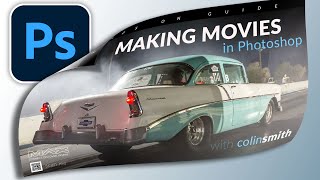
Realistic Page Turn Effect - Detailed Photoshop Tutorial
Learn advanced techniques for creating a realistic page turn effect in Photoshop, including object selection, pen tool usage, and shadow/highlight manipulation for designers and retouchers.

Adobe After Effects for Beginners - Video Editing Tutorial
Comprehensive Adobe After Effects tutorial covering interface, tools, animation basics, and advanced techniques for creating stunning visual effects and animations.

Adobe Photoshop Course for Beginners - Photo Editing Tutorial
Comprehensive Adobe Photoshop tutorial covering essential tools and techniques for beginners, from basic file creation to advanced portrait editing and animation.
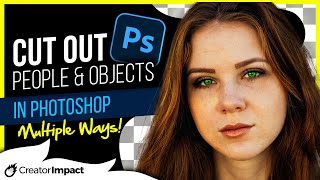
How to Remove Backgrounds in Photoshop - Top Ways to Cut Out Object, Person or Hair
Master Photoshop background removal techniques for objects, people, and hair using various tools and methods to achieve professional-quality results.
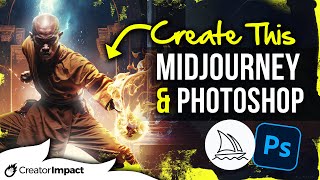
Using AI Art and Photoshop for Unique Digital Art
Learn to combine AI-generated art with Photoshop techniques to create unique digital compositions. Master photobashing, image blending, and advanced editing for stunning visual results.
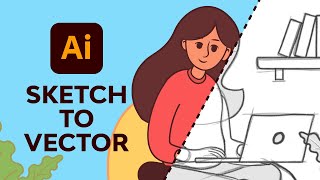
Adobe Illustrator Illustration for Beginners
Learn to create vector illustrations using essential Adobe Illustrator tools. Transform sketches into clean digital designs with expert guidance on pen, brush, shape, and color tools.
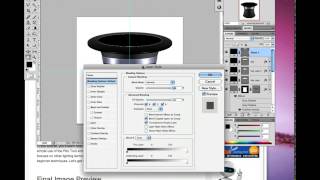
How to Create a Magician's Hat in Photoshop
Learn to design a magician's hat using Photoshop's Pen Tool, Shape Tools, blending modes, and lighting techniques. Master beginner-friendly shadow creation for a magical result.

Creating a Venom Logo in Adobe Illustrator
Learn to create a dramatic Venom-inspired logo using Adobe Illustrator's 3D features, various tools, and Photoshop enhancements. Master cinematic logo design in just 30 minutes!
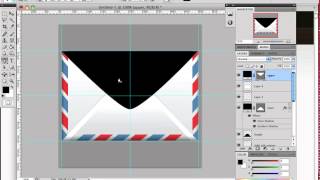
How to Create an Envelope Icon in Photoshop
Learn to craft a stylish envelope icon using Photoshop's selection tools and basic Pen Tool techniques. Master useful design skills while creating a stamp embellishment.
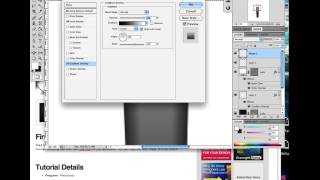
How to Create a Realistic Fountain Pen in Photoshop
Learn to design a realistic calligraphy pen using Photoshop's Pen Tool and Layer Styles. Master lighting and reflection techniques to create stunning, professional-looking icons.

Generative Fill Magic: Creating an Invisible Person Effect in Photoshop
Learn to create an invisible person effect using Photoshop's Generative Fill, selection tools, and painting techniques. Explore advanced features like the pen tool and patterns.
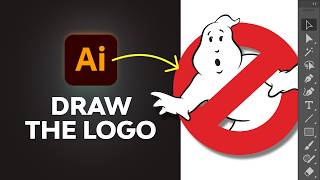
How to Draw the Ghostbusters Logo in Adobe Illustrator
Step-by-step guide to recreate the iconic Ghostbusters logo in Adobe Illustrator, covering essential tools and techniques, including a ghostly glow effect for the final touch.
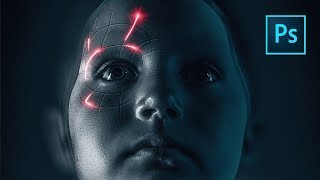
Perfect Movie Poster Tutorial
Learn advanced Photoshop techniques to recreate a movie poster, covering tools like frequency separation, gradient maps, and Camera RAW filter. Enhance your photo editing and design skills through practical application.