
Blender Tutorial - Create a Professional Logo Animation
Learn to craft stunning logo intro animations in Blender. Master techniques for dynamic, professional-quality motion graphics to elevate your brand or project's visual identity.
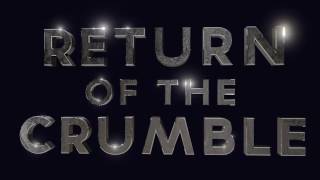
Create an Animated Mograph Text Intro with Blender
Learn to create a dynamic animated movie title sequence using Blender, covering modeling, texturing, shading, lighting, and animation techniques for impactful visual storytelling.
How to Create Animated Graphics in Ecamm Live - Ecamm Simplified
Learn to create professional animated graphics in Ecamm Live using text overlays. Master brand colors, lower thirds, scrolling tickers, and end screens to enhance your live streams and videos without additional software.
3D MoGraph Using Dynamic Paint - Blender Animation
Create satisfying 3D motion graphics in Blender using dynamic paint techniques. Master the art of combining textures, animation, and visual effects for stunning motion design projects.

Ultimate Guide to Collage and Paper Rip Editing - Adobe After Effects
Learn to create dynamic collage and paper effects in After Effects, including asset sourcing, composition animation, and advanced techniques for rips, shreds, and folds.
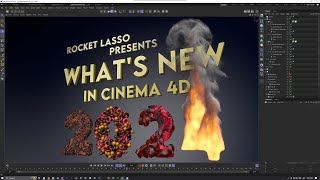
Cinema 4D 2024 - Full Feature Breakdown and New Functionality
Comprehensive breakdown of Cinema 4D 2024's new features, including speed improvements, asset browser updates, modeling enhancements, and advancements in nodes, Pyro, and rigid bodies.
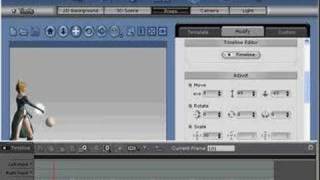
Linking Particle Effects to Characters in iClone
Learn to enhance character animations by attaching dynamic particle effects, creating visually stunning and immersive scenes in iClone.
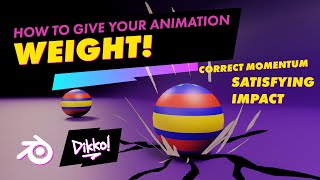
Adding Weight to Your Animations - Tips for Enhancing Motion
Discover techniques to enhance your animations with added weight and impact, giving them extra oomph and visual appeal.
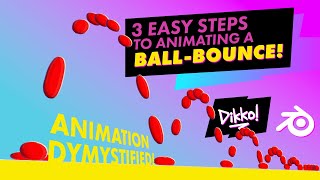
Animation Tutorial: 3 Easy Steps to Animate a Bouncing Ball
Learn to create a polished ball-bounce animation in 3 easy steps, covering planning, staging, animating, and polishing techniques for beginners.
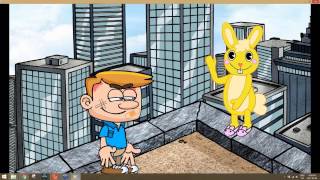
From Script to Screen: Creating a Complete Animated Scene - Introduction and Scene Setup
Learn to create animated scenes using CrazyTalk Animator 3. Covers UI basics, prop customization, environment creation, animation fundamentals, and sound integration for bringing your scripts to life visually.
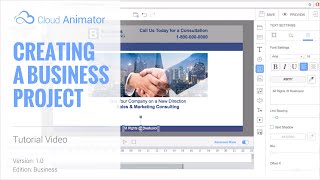
Cloud Animator Tutorial - Creating a Business Project
Learn to create professional animated business presentations using Cloud Animator. Master shapes, images, motion effects, and timeline adjustments for impactful, shareable projects across devices.
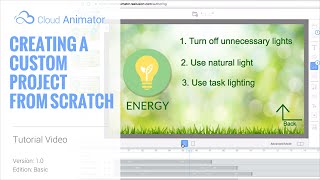
Cloud Animator Tutorial - Creating a Custom Project from Scratch
Learn to create interactive animated projects using Cloud Animator. Upload custom materials, add motion effects, and use text-to-speech for quick audio generation in this hands-on tutorial.
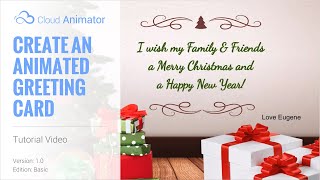
Cloud Animator Tutorial - Create an Animated Holiday Greeting Card
Learn to create interactive animated holiday greetings using Cloud Animator. Customize templates, add images, edit text, and apply motion effects for engaging, shareable projects across multiple devices.
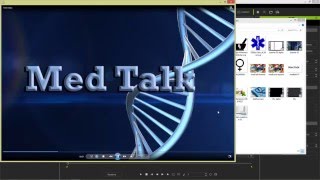
iClone 6 Tutorial - Creating a Title Sequence for TV
Learn to create a TV title sequence using iClone 6 and image editing tools. Covers layer manipulation, animation, and 3D effects for professional-looking results.
Animate Your Story - Creating a Product Commercial with CrazyTalk Animator 3 - Part 1
Learn to create a 30-second animated commercial using CrazyTalk Animator 3. Discover easy character creation, preset animations, dynamic titles, and scene transitions without advanced animation skills.
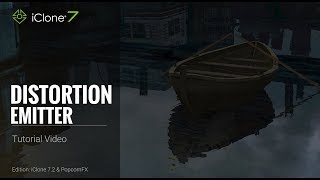
iClone 7.2 Tutorial - PopcornFX Super Tools: Distortion Emitter
Learn to create realistic water ripples, wave effects, boat wakes, and heat waves using iClone's PopcornFX Distortion Emitter. Master professional-level visual effects for enhancing your 3D animation projects.
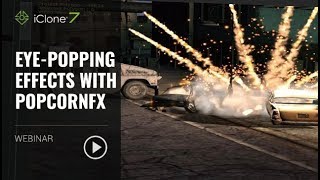
Eye-popping Effects with PopcornFX - January 23, 2018
Learn to create stunning visual effects using PopcornFX plugin for iClone 7. Master customization techniques, explore sample libraries, and integrate effects into your projects for professional-looking results.

iClone 7.2 Tutorial - PopcornFX Text Emitter Super Tool
Learn to create dynamic text effects using PopcornFX Super Tools in iClone 7.2. Master input modes, line display, text styling, animation, and font changes for professional-looking visual enhancements.
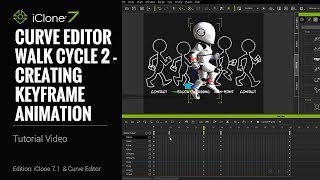
iClone 7.1 Tutorial - Creating a Walk Cycle Using Curve Editor
Learn to create a realistic walk cycle animation using iClone 7.1's Curve Editor. Master key techniques like torso twisting, mirroring poses, and adjusting body parts for smooth, natural-looking character movement.
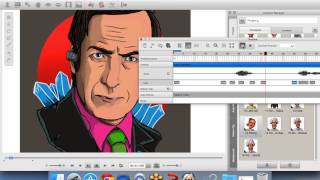
CrazyTalk 7 - Easily Create Talking Avatars
Learn to create animated talking avatars with CrazyTalk 7. Explore new features, export projects to browsers and devices, and discover the benefits of facial animation through live demos.

Design in After Effects - Animate a Retro Poster
Learn to design and animate a retro poster in After Effects with professional designer Jess Riley. Master text layouts, gradients, cylinder effects, and motion design techniques for stunning visual creations.