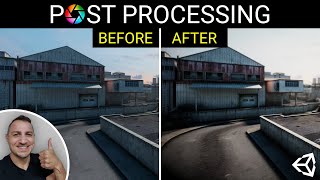
Unity Post-Processing - Every Effect and Technique
Comprehensive guide to Unity's post-processing effects, covering every available option from bloom to motion blur. Learn to enhance your game's visual quality through step-by-step demonstrations.

Generate Perspective Motion with Photoshop
Learn to create dynamic perspective motion effects in Photoshop using path blur, color grading, and lighting techniques. Master advanced features to add realistic movement and drama to your images.
What's New with Unity's Image Effects and Post Processing Stack
Explore Unity's new Post Processing stack, featuring improved workflows and enhanced image effects for creating visually stunning games with greater efficiency.

Impulse Teleport Effect in Adobe After Effects Tutorial
Learn to create an impressive impulse teleport effect in Adobe After Effects, covering techniques like roto brush, precomposing, motion blur, and camera shake for dynamic visual impact.
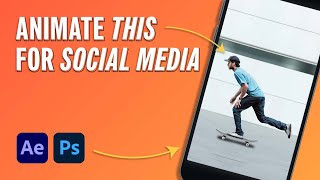
How to Animate a Social Media Post in 5 Minutes
Learn to create eye-catching animated social media posts using After Effects. Transform static designs into dynamic content with simple techniques for movement, motion blur, and shadow effects.
Particle Dispersion Tutorial in After Effects
Learn to create dynamic particle dispersion effects in After Effects, mastering techniques for emitters, motion, color, and text integration.