Maya 2022 Beginner's Tutorial in 3D Modeling
Step-by-step guide for beginners in Maya 2022 3D modeling. Learn essential tools and techniques to create, manipulate, and texture 3D models for various applications in animation and game development.
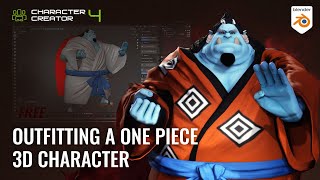
Outfitting a One Piece 3D Character - Jinbe Using Blender and Character Creator
Learn efficient 3D character outfitting techniques using Blender and Character Creator. Master mesh updates, texture baking, sculpting, and brush creation to streamline your workflow and create impressive character designs.
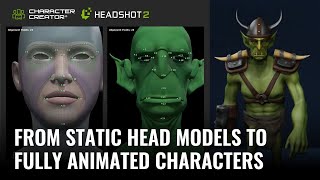
Turning Static Head Models into Fully Animated Characters with Headshot 2
Learn to transform static 3D head models into fully animated characters using Headshot 2, Character Creator, and ZBrush. Master techniques for creating unique stylized characters with expert tips and step-by-step guidance.

Bone Heat Weighting Failed - Automatic Weights Doesn't Work in Blender
Learn techniques to resolve Blender's "Bone Heat Weighting failed" error when binding complex meshes to armatures. Explore solutions like merging vertices, scaling, splitting parts, and using specialized addons for successful automatic weighting.
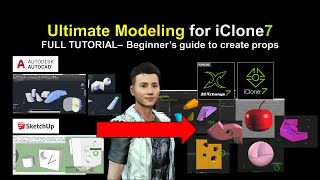
SketchUp and AutoCAD Modeling for iClone - Ultimate 3D Prop Creation Tutorial
Learn to export 3D models from SketchUp and AutoCAD into iClone for animation. Master creating custom props, shapes, and geometries to enhance your 3D designs and boost creativity.

Beginner Blender 4.0 Tutorial - Modeling the Donut Icing - Part 3
Learn to model realistic donut icing in Blender 4.0 using advanced techniques like proportional editing, extrusion, and modifiers. Master essential 3D modeling skills through hands-on practice.
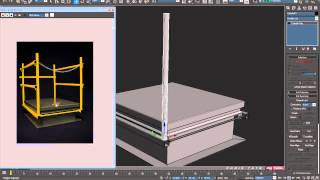
Model a Detailed Roof Hatch in 3ds Max - Part 2
Learn poly modeling techniques to create a detailed roof hatch in 3ds Max, focusing on support edges, proper topology, and maintaining a quad-based mesh for subdivision surfaces.
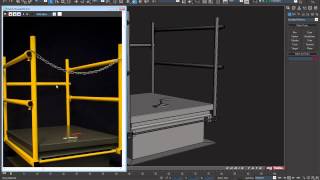
Model a Detailed Roof Hatch in 3ds Max - Part 4
Learn poly modeling techniques to create a detailed roof hatch in 3ds Max. Explore support edges, proper topology, and quad-based mesh maintenance while cutting holes in subdivided surfaces.
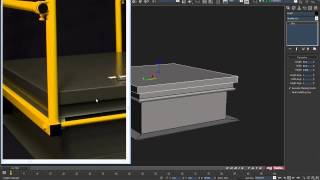
Model a Detailed Roof Hatch in 3ds Max - Part 1
Learn to create a detailed roof hatch model in 3ds Max using poly modeling tools, support edges, and proper topology. Master subdivision techniques while maintaining a quad-based mesh.
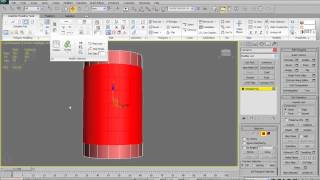
3ds Max 2010 - Graphite Modeling Tools Tutorial - Part 1
Explore 3ds Max 2010's Graphite Modeling Tools with expert guidance. Learn practical applications and enhance your 3D modeling skills through detailed demonstrations and explanations.
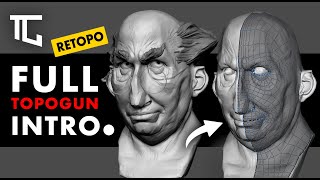
Introduction to TopoGun 3.0 - Retopology and 3D Modeling Tutorial
Comprehensive guide to TopoGun 3.0's powerful retopology features. Learn essential tools and techniques for efficient 3D modeling, from basic navigation to advanced mesh manipulation.
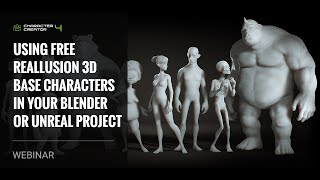
Using Free Reallusion 3D Base Characters in Blender and Unreal Projects
Learn to utilize free Reallusion 3D base characters in Blender and Unreal, covering import, editing, rendering, and retargeting for game use. Ideal for 3D artists and game developers.
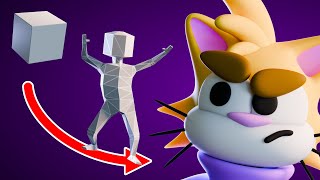
Character Modeling for Beginners in Blender
Learn to model a low-poly human and cartoon cat in Blender. Step-by-step guide covers character creation from start to finish, including head, coat, hands, shoes, and coloring techniques.
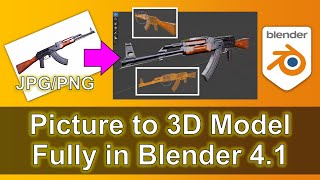
Picture to 3D Model in Blender - Full Tutorial
Step-by-step guide to creating a 3D AK47 rifle model from a reference image in Blender 4.1. Learn essential 3D modeling techniques for transforming 2D pictures into detailed 3D assets.
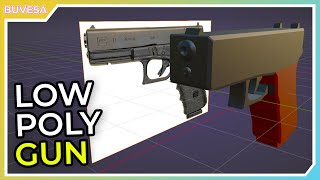
How to Create a Low Poly Gun in Blender Using a Reference Image
Learn to create a low poly gun model in Blender using a reference image, mastering 3D modeling techniques for game development and stylized asset creation.
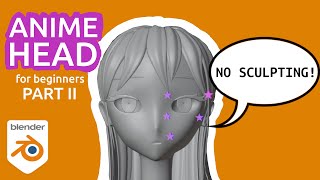
Blender for Beginners - Modeling an Anime Head - Part 2
Step-by-step guide to modeling anime-style facial features in Blender, including eyes, eyebrows, eyelashes, ears, and hair. Perfect for beginners looking to create their first 3D anime character head without sculpting.
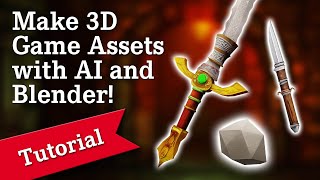
How to Make 3D Game Assets with AI - Stable Diffusion + Blender Tutorial 2022
Learn to create 3D game assets using AI-powered Stable Diffusion and Blender. This tutorial covers texture generation, mesh cleanup, baking, and normal map creation for impressive game-ready assets.
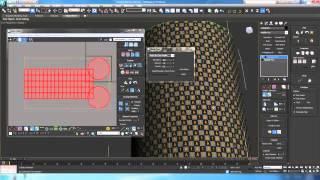
UV Mapping with the Unwrap Modifier - Part 2
Learn advanced UV mapping techniques using the Unwrap Modifier, including flat mapping, cloning, point-to-point, polygon unfolding, and more for efficient 3D texture application.
Fixing Poke Through Issues Using the Geometry Editor in Daz Studio - Masterclass
Master the Geometry Editor in Daz Studio to fix clothing poke-through issues, create custom surface zones, and efficiently manage vertex selections for enhanced 3D character modeling.
Adjusting Clothing with Blender Vertex Tools - Masterclass
Master clothing adjustments in Blender using vertex tools, from basic navigation to advanced editing techniques. Learn data exchange with Daz Studio and create precise garment modifications for Genesis characters.
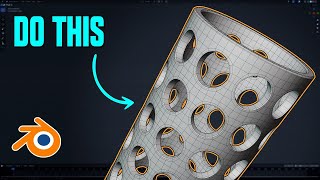
Easy Ways to Create Holes in Blender - Hard Surface Modeling Tutorial
Master three professional techniques for creating precise holes in 3D models while maintaining optimal topology in Blender's hard surface modeling workflow.