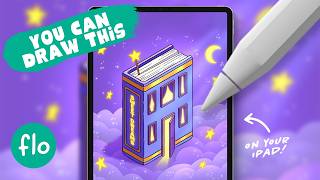
Learn to Draw an Isometric Book House Illustration in Procreate - Easy Tutorial
Step-by-step guide to creating an isometric book house illustration in Procreate, covering sketching, coloring, lighting effects, and text addition. Perfect for beginners exploring digital art on iPad.
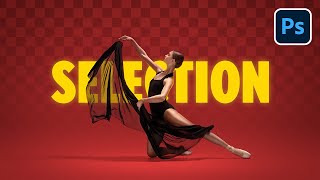
Select Transparent Objects and Match Them in Photoshop
Master Photoshop techniques for selecting and blending transparent objects, creating realistic shadows, and matching subjects with backgrounds using advanced masking and color adjustment methods.
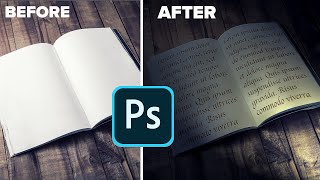
Day to Night in Photoshop - Super Realism with Gobos and Lighting Effects
Transform day scenes into dramatic night images using Photoshop's lighting effects and gobos. Master realistic shadows, studio lighting, and color adjustments for stunning photo transformations.
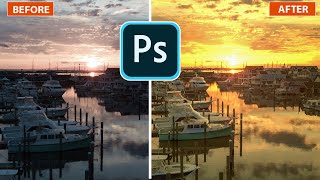
Lighting Golden Sunsets in Photoshop
Transform photos with golden hour lighting effects in Photoshop. Learn to create stunning sunset/sunrise atmospheres using lighting effects, enhancing your images with a warm, captivating glow.
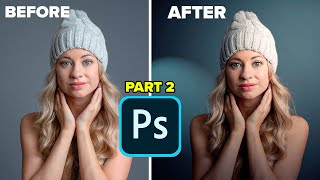
Lighting Portrait Photos in Photoshop - It's Amazing
Transform flat portraits into dramatic images using Photoshop's Lighting Effects. Learn to create studio-quality lighting, manipulate shadows, and enhance depth for stunning results.
Inkscape Filter Editor Tutorial - Part 6
Explore Inkscape's Filter Editor, covering primitives like Gaussian Blur, Blend, Turbulence, and Lighting effects to enhance your vector graphics skills.
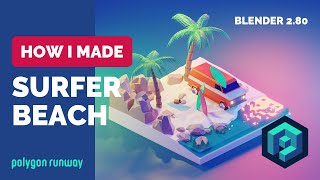
Surfer Beach in Blender - Low Poly 3D Modeling Timelapse Tutorial
Learn to create a vibrant low-poly 3D beach scene in Blender 2.8. This timelapse tutorial showcases modeling and rendering techniques for a stylized surfer illustration with pink and blue lighting.
How to Make a Neon Sign in Blender 2.8 - Part 1
Learn to create a striking neon sign using Blender 2.8 in this comprehensive tutorial. Master techniques for designing and modeling illuminated text effects.
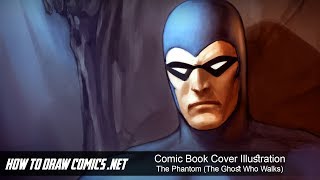
Comic Book Cover Illustration - The Phantom - The Ghost Who Walks
Digital painting tutorial for comic book cover illustration, focusing on The Phantom. Covers sketching, coloring, lighting, and detailing in Photoshop. Includes creative insights and tips for aspiring comic artists.
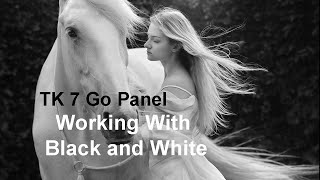
Working with Black and White Using TK7 GO Panel
Explore black and white image editing using TK7 GO and COMBO/CX panels. Learn techniques for enhancing contrast, adjusting highlights, and creating a captivating monochrome result.

Topaz Studio 2 Tutorial - The Flare Filter
Explore Topaz Studio 2's Flare Filter to enhance light sources in your images with realistic lighting effects, stars, and flares. Learn adjustment sliders and practical application techniques.
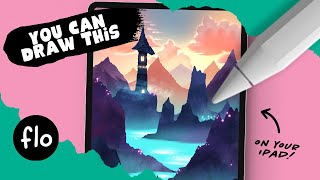
Anyone Can Draw This Landscape With a Tower in Procreate
Learn to create a magical landscape with a tower in Procreate. Master digital art techniques like smudging, texturing, and alpha lock while developing your iPad drawing skills.
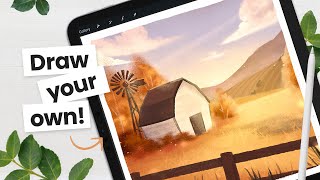
Draw a Cozy Fall Scene - Intermediate Procreate Tutorial
Step-by-step tutorial for creating a cozy fall scene using Procreate, covering base colors, composition, details, and lighting effects. Includes free brush and color palette.

iClone 7.2 Tutorial - Creating Floating Dust and God Rays with PopcornFX Super Tools
Learn to create realistic floating dust and heavenly god rays using iClone 7.2's PopcornFX Super Tools. Master texture emitter techniques for stunning visual effects in your 3D animations.
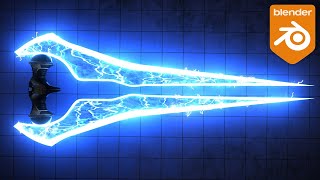
How to Create an Energy Sword in Blender
Learn to create a Halo-inspired energy sword in Blender, covering modeling, procedural materials, and geometry nodes for lightning effects. Perfect for intermediate 3D artists looking to enhance their skills.
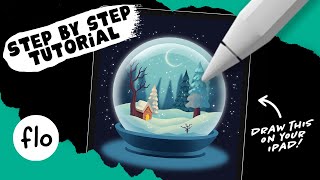
Drawing a Cozy Snow Globe in Procreate - Step-by-Step Tutorial
Step-by-step tutorial for creating a cozy winter snow globe illustration in Procreate. Learn essential techniques like layering, shading, and adding details to bring your digital artwork to life.

How to Use "Blend If" in Photoshop - Recreating the "OLD" Movie Poster
Learn to recreate the "OLD" movie poster using Photoshop's "Blend If" feature, along with techniques for curves, color, gradients, and masks to achieve professional-level design results.

Harry Potter Patronus Effect in Photoshop - Tutorial
Learn to create a magical Harry Potter-inspired Patronus effect in Photoshop using advanced techniques for compositing, color grading, lighting, and lettering. Master atmospheric effects to enhance your digital art skills.
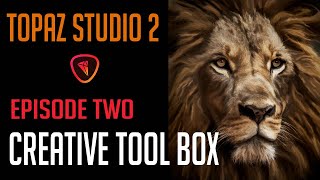
TOPAZ STUDIO 2 - Creative Toolbox Tutorial - Episode 2
Explore creative tools in Topaz Studio 2, including Sharpen AI, Impression Filter, and Precision Contrast. Learn techniques for enhancing photos with layer masks and detailing.

Blender Tutorial: Creating a Marvel-Style Intro Using Eevee
Learn to create a Marvel-style intro animation using Blender's Eevee renderer. This tutorial covers image preparation, text animation, and special effects to achieve a cinematic look similar to iconic Marvel intros.
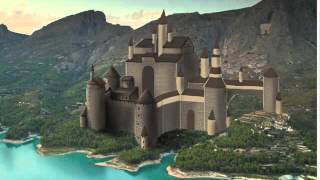
Paint a Castle in Photoshop - Part 2
Continue refining castle details in Photoshop, focusing on textures, lighting, and atmospheric effects to bring your digital painting to life in this advanced digital art tutorial.