
How to Design Mobile App UI Using Adobe XD - Auto-Animate Tutorial
Learn to create engaging mobile app UI designs and enhance them with Auto-Animate in Adobe XD. Master essential elements like navigation, search, filters, and image handling in this practical tutorial.

Blender X-mas 3D Icon Tutorial - Polygon Runway
Learn to create a transparent Christmas tree icon in Blender, render it, and use it with shadow in Figma. Perfect for designers looking to enhance their 3D modeling and illustration skills.
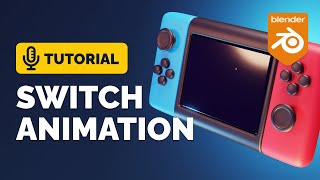
Blender Game Icon Animation Tutorial - Polygon Runway
Learn to model and animate a charming switch game icon in Blender. Master 3D modeling techniques, animation principles, and workflow tricks to create eye-catching low-poly illustrations.

Blender 3.3 Trophy Icon Animation Tutorial - Polygon Runway
Learn to model and animate a stylized game trophy icon in Blender 3.3. Discover techniques for creating low-poly 3D illustrations and gain insights into professional workflow and tricks.

Blender 3.2 Animated Game Icon Tutorial - Polygon Runway
Learn to model and animate a stylized game icon in Blender 3.2. Discover techniques for creating eye-catching designs and bring your ideas to life with step-by-step guidance.

Blender 3D Guitar Icon Full Tutorial - Polygon Runway
Learn to create a stylized guitar icon illustration in Blender using subdivision and bevel modifiers. Master techniques for 3D modeling and rendering to produce cute, low-poly designs.

Blender Soccer 3D Icon Tutorial - Polygon Runway
Learn to create a stylized soccer-themed 3D icon in Blender with this quick modeling exercise. Discover techniques for crafting low-poly illustrations and enhance your 3D modeling skills.

How I Design for Impact With Figma
Learn to create high-impact website designs in Figma with expert tips on grids, color balance, typography, layout rhythm, and advanced animation techniques for stunning, user-friendly interfaces.

Blender Animated Food Icon Tutorial - Polygon Runway
Learn to create snappy food icon animations in Blender using deformation modifiers and graph curves. Master techniques for crafting eye-catching 3D illustrations with a focus on low-poly style.
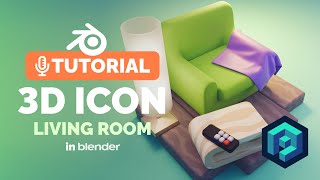
Blender Transparent Icon Tutorial - Creating a Living Room Illustration
Create a living room icon illustration in Blender with this quick modeling exercise, focusing on transparent elements and isometric views.
Create a Chalkboard Icon Using Photoshop and IconBuilder
Learn to craft a chalkboard icon in Photoshop, mastering layer styles, brushes, and IconBuilder. Gain essential skills for creating professional-quality icons with a vintage touch.
Creating a Set of Digital Painting Icons: Digital Tablet Icon - Part 4
Learn to design a realistic Wacom Cintiq tablet icon using digital illustration techniques, enhancing your icon creation skills for professional-quality graphics.
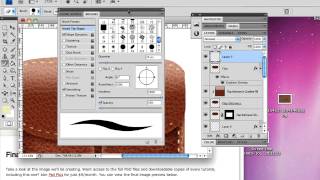
Create a Leather-Textured, Realistic Briefcase Icon
Learn to create a photorealistic leather briefcase icon using Photoshop's layer styles and brush engine. Master techniques for texturing, stitching, and adding metallic details.
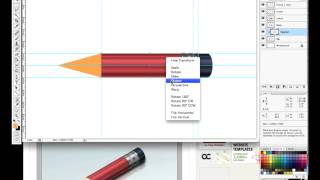
How to Create a Super Shiny Pencil Icon
Learn to design a vibrant pencil icon using gradients, selection tools, and transform operations in this creative digital art tutorial.
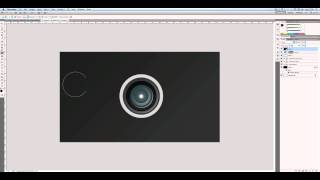
Create a Camera Lens Icon in Photoshop
Learn to design a detailed camera lens icon using Photoshop techniques, enhancing your icon creation skills and digital artistry.
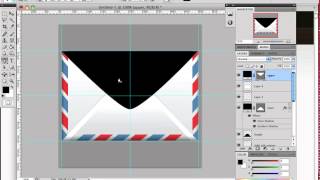
How to Create an Envelope Icon in Photoshop
Learn to craft a stylish envelope icon using Photoshop's selection tools and basic Pen Tool techniques. Master useful design skills while creating a stamp embellishment.
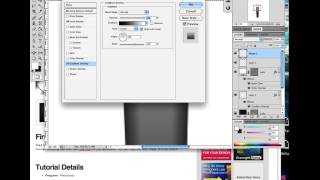
How to Create a Realistic Fountain Pen in Photoshop
Learn to design a realistic calligraphy pen using Photoshop's Pen Tool and Layer Styles. Master lighting and reflection techniques to create stunning, professional-looking icons.
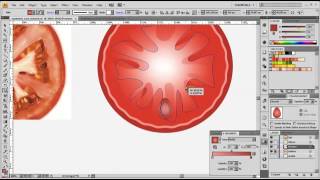
How to Create an iOS Style Sandwich Icon
Learn to craft a delicious iOS-style sandwich icon using meshes, gradients, and blending modes. Master object selection, layering techniques, and add mouthwatering details for a visually appealing design.
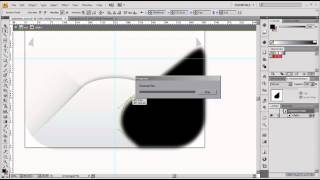
How to Create a Cute Valentine's Day Icon with Adobe Illustrator
Create a charming Valentine's Day envelope icon using Adobe Illustrator, perfect for digital designs and love-themed projects.
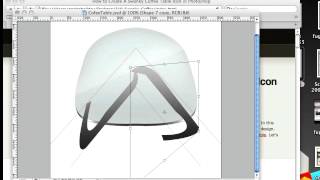
How to Create a Swanky Coffee Table Icon in Photoshop
Learn to design a sleek coffee table icon in Photoshop, incorporating subtle techniques for contemporary furniture representation inspired by Isamu Noguchi's classic 1944 design.

Text to Vector Graphic in Illustrator 2024 - Comprehensive Guide
Explore Illustrator 2024's powerful Text to Vector Graphic feature, learning to create scenes, edit icons, and design seamless patterns with AI-generated vector graphics.