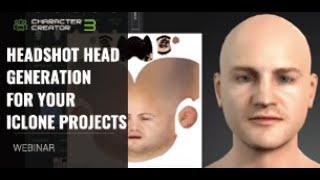
Headshot Head Generation for iClone Projects - AI-Powered Character Creation
Explore AI-powered Headshot plug-in for generating 3D digital humans from photos. Learn auto and pro modes, troubleshooting techniques, and basic facial animation tools in iClone for quick character creation and animation.
Dynamic Atmosphere with Lighting and Physics in iClone - Master Class Tutorial 4
Learn to create dynamic atmospheres in iClone using lighting, physics, and real-time tools. Covers global illumination, HDR, fog, image-based lighting, depth of field, and soft cloth physics.
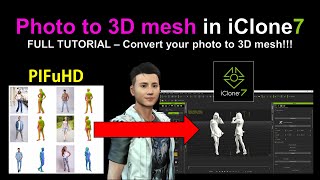
PIFuHD - Converting Photos to 3D Meshes in iClone
Learn to convert photos into 3D meshes using PIFuHD and iClone. This step-by-step tutorial covers UV texturing, rigging, and exporting for animation in Blender or iClone, enhancing your 3D modeling skills.
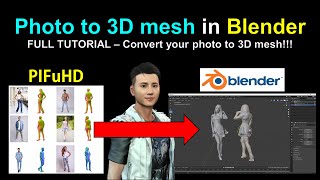
PIFuHD - Converting Photos to 3D Meshes in Blender
Learn to convert photos into 3D meshes using PIFuHD in Blender. Step-by-step guide covers mesh creation, UV texturing, rigging, and animation, with real-time demonstrations and helpful resources.

iClone 7 and Character Creator 3 Beginner's Tutorial
Comprehensive step-by-step guide for beginners to create simple animation videos using iClone 7 and Character Creator 3, covering avatars, objects, props, and scenes.
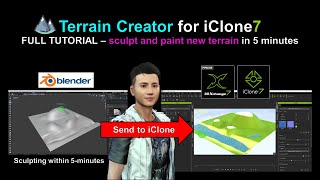
Sculpting New Terrain for iClone Using Blender
Learn to sculpt and paint custom terrain for iClone using Blender in this step-by-step tutorial. Master real-time 3D landscape creation techniques to enhance your animation projects.
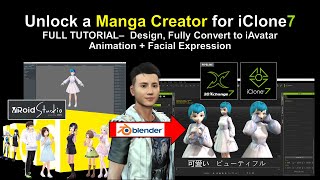
Vroid Studio to Blender and iClone - Manga Character Creation and Animation
Learn to create manga characters in Vroid Studio and import them into iClone for 3D animation, including step-by-step guidance on design, conversion, and adding facial expressions.
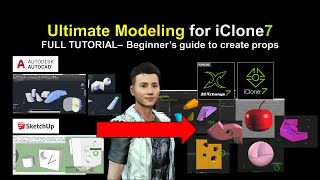
SketchUp and AutoCAD Modeling for iClone - Ultimate 3D Prop Creation Tutorial
Learn to export 3D models from SketchUp and AutoCAD into iClone for animation. Master creating custom props, shapes, and geometries to enhance your 3D designs and boost creativity.
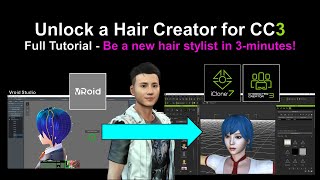
Creating New Hair for Character Creator 3 Using VRoid - Tutorial
Learn to create custom hairstyles using Vroid Studio and import them into Character Creator 3, expanding your character design capabilities with step-by-step guidance and practical tips.
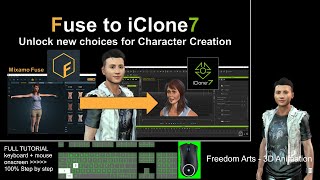
Exporting Mixamo Fuse Characters to iClone - Rigging and Animation Tutorial
Step-by-step guide for exporting Mixamo Fuse character creations to iClone with full rigging, facial animation, expressions, and morphs. Learn to utilize multiple 3D software tools for seamless character integration.
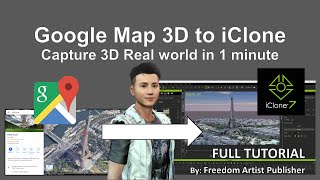
Google Map 3D to iClone - Importing 3D Models from Google Maps
Unlock Google Map 3D models and import them into iClone and Blender. Learn to extract buildings, terrain, and other 3D elements for use in animation projects.

Importing Vroid Characters into iClone - Episode 1
Step-by-step guide for importing Vroid characters into iClone, covering essential software and techniques for creating and animating manga-style characters in 3D animation projects.
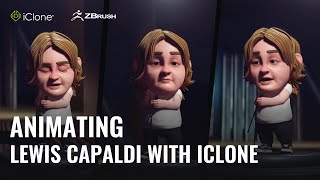
Animating Lewis Capaldi's Someone You Loved with iClone for TikTok - Part 2
Learn to animate a stylized Lewis Capaldi avatar for TikTok using iClone 8. Professional animator Antony Evans demonstrates the workflow for creating engaging social media content.
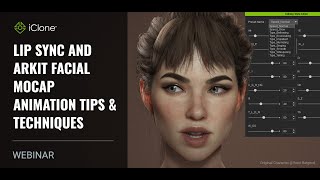
Lip Sync and ARKit Facial Mocap Animation Tips and Techniques
Learn advanced facial animation techniques using iClone8, including ARKit motion capture, AI-powered lip-sync, and real-time integration with Unreal Engine for creating lifelike digital characters.
Motion Editing for Fighting and Interactive Scenarios in iClone 8
Learn advanced motion editing techniques for interactive 3D character animations, including fighting scenarios, prop interactions, and affectionate gestures using iClone's powerful toolset.
How to Create 3D Zombie & Rig with Facial Shape Key - Blender 3.6 Tutorial
Learn to create, rig, and animate a 3D zombie in Blender 3.6, including full skeleton setup and facial shape keys for mouth movements. Step-by-step guide for 3D modeling and animation.
Creating 3D Animation Using AI - iClone, Character Creator, and Lip Sync
Discover how to create 3D animations in minutes using AI-powered tools for modeling, voice synthesis, and lip-sync. Learn to combine various AI technologies for efficient animation production.
Using Free Reallusion 3D Base Characters in Blender and Unreal Projects
Learn to utilize free Reallusion 3D base characters in Blender and Unreal, covering import, editing, rendering, and retargeting for game use. Ideal for 3D artists and game developers.
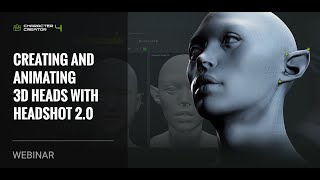
Creating and Animating 3D Heads with Headshot 2.0
Learn to create and animate realistic 3D heads using Headshot 2.0. Explore image and mesh workflows, basic facial animation tools, motion capture with iPhone, and skin customization with SkinGen plug-in.
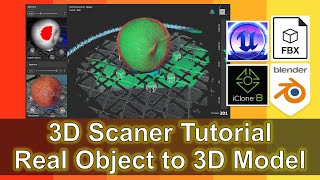
3D Scanner to Blender, iClone, Unreal Engine, and FBX - Revopoint Pop 2 Tutorial
Learn to scan real-life objects, create 3D models, and import them into Blender, iClone, and Unreal Engine. Master exporting as FBX files with material textures for versatile use in 3D modeling, animation, and game development.
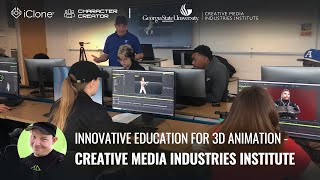
Innovating the Future of 3D Animation Education - Using iClone at CMII
Explore innovative 3D animation education at CMII using Reallusion iClone. Learn character animation, crowd simulation, and motion capture cleanup through practical, real-world production scenarios.