
Learn How to Design a Social Profile UI in Adobe Illustrator - Dansky
Learn to design a social profile UI in Adobe Illustrator, covering layout creation, aesthetic styling, gradients, text elements, and final touches for a polished interface.

Learn How to Draw a Vector iPhone 6 in Adobe Illustrator - Dansky
Step-by-step guide to creating a vector iPhone 6 in Adobe Illustrator, covering shapes, camera, screen, highlights, buttons, and color matching.

Learn How to Draw 8 Vector Music Icons in Adobe Illustrator - Dansky
Learn to create 8 music-themed vector icons in Adobe Illustrator, covering design techniques for various audio symbols like mute buttons, CDs, speakers, and headphones.

Cinema 4D Tutorial - Realistic Enamel Pins
Learn to create realistic enamel and die-cast pins using Cinema 4D and Octane. Master techniques for graphics setup, 3D modeling, and texture extraction to produce stunning, customizable pin designs.
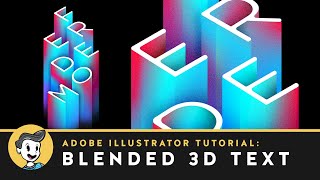
Blended 3D Text Effect in Adobe Illustrator
Learn to create a stunning 3D text effect using Adobe Illustrator's blend tool, with techniques for layering, gradients, and adding a marble texture for a professional finish.
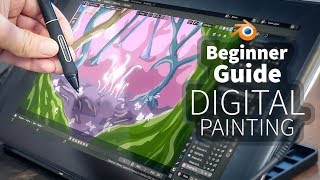
A Beginner's Guide to Digital Painting in Blender 2.8
Learn digital painting techniques in Blender 2.8 to create a fantasy forest. Master sketching, shading, and adding details like trees and mushrooms to bring your imaginative artwork to life.
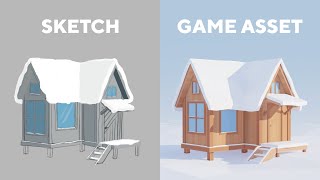
Blender Timelapse - Tiny House Game Asset
Comprehensive timelapse tutorial on creating a tiny house game asset using Blender and Affinity Designer, covering modeling, texturing, lighting, and rendering techniques.
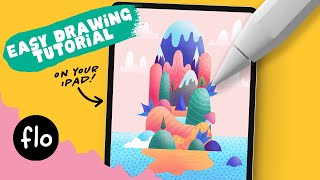
Easy Colorful Island Drawing - Step by Step Procreate Tutorial
Learn to create a vibrant island landscape in Procreate with simple tools and easy steps. Master basic shapes, clipping masks, symmetry tools, and texturing techniques for a cheerful digital illustration.
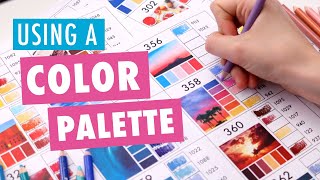
Choosing Colors - How to Use Color Palettes for Coloring Pages
Learn to create stunning color combinations for coloring pages using color palettes. Discover how to choose, match, and apply colors effectively to enhance your artwork and boost creativity.
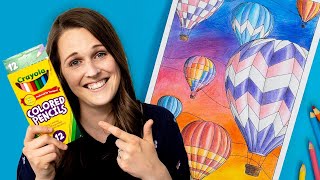
Coloring with Cheap Crayola Pencils - Only 12 Colors
Learn techniques to create beautiful art using only 12 Crayola pencils. Discover layering, blending, and shading methods to maximize cheap supplies for stunning results in adult coloring books.
How Canva Can Help Web Designers and Clients - Canva Tutorial - Graphics Online Tool
Comprehensive tutorial on Canva for web designers: create logos, infographics, and presentations. Learn about templates, animations, background removal, and creative design techniques.
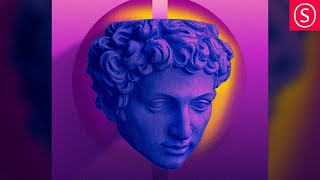
Portrait Art Style Inspired by Magdiel Lopez - Affinity Photo Tutorial
Learn to create stunning portrait art inspired by Magdiel Lopez using Affinity Photo. Master duotone coloring, texturing, background design, and blending techniques for eye-catching results.

Affinity Designer - Floating Island Tutorial - Beginner Vector Design
Create a floating island using basic vector shapes in Affinity Designer. Learn 3D-like effects, shape manipulation, and layering techniques to build imaginative landscapes and biomes.
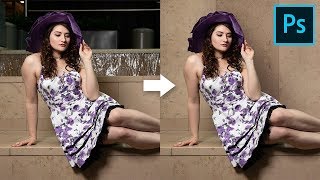
How to Cover Distracting Background in Photoshop
Learn to extend walls and cover distracting background elements using Content-Aware, Manual Selections, Cloning, and Curves in Photoshop. Create clean, natural-looking results with realistic shadows.
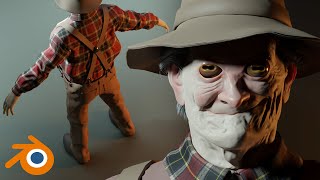
Texturing Stupidly Is Hard
Explore advanced texturing techniques, from roughness painting to hole texturing, in this comprehensive tutorial on overcoming common challenges in 3D asset creation.
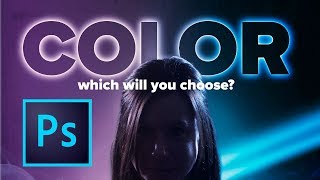
How to Use Color for Mood and Effect in Photoshop
Learn to enhance photos and composites with dramatic color effects in Photoshop. Master color theory, blending modes, and advanced techniques for impactful visual storytelling.
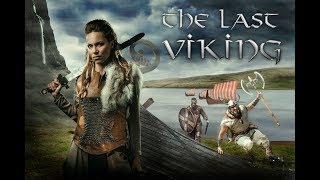
Vikings Poster with Photoshop - Combining Stock Photos to Make a Cool Composite
Create a Vikings-inspired composite using stock photos in Photoshop CC. Learn techniques for blending images, adding visual interest, and enhancing atmosphere through color toning and shadows.
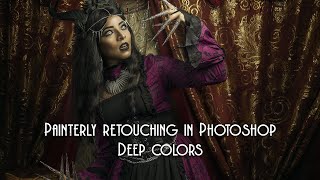
Painterly Retouching in Photoshop with Deep Colors
Learn advanced Photoshop techniques for creating deep-colored painterly images, including retouching, masking, oil painting effects, and color correction. Enhance your digital art skills with professional tips.
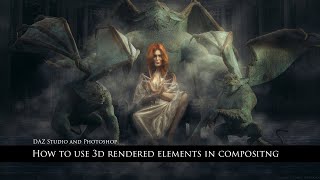
How to Use 3D Rendered Objects in Compositing
Learn to seamlessly integrate 3D rendered objects into composites using Daz Studio and Photoshop. Master techniques for model setup, rendering, masking, retouching, and creating realistic shadows and lighting effects.
Creating Texture from Photo in Photoshop to Use in Vue
Learn to transform photos into textures for Vue using Photoshop. Master techniques for enhancing, editing, and adding randomness to create realistic and visually appealing 3D renders.
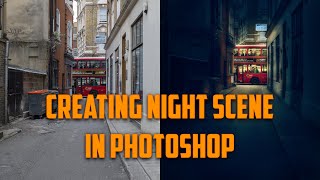
Changing Photos from Day to Night - Making a Dark City Street in Adobe Photoshop CC
Learn to transform daytime street photos into captivating nighttime scenes using Adobe Photoshop CC. Master techniques for adding focal points, adjusting lighting, and creating atmospheric effects to enhance urban photography.