
Dune Part Two Style Poster Creation in Photoshop
Learn to recreate the Dune Part Two movie poster in Photoshop, mastering techniques like gradient maps, film grain, skin smoothing, and dodge and burn for a professional cinematic look.

How to Create a Spiral Engraving in Photoshop
Learn to create a unique spiral engraving effect in Photoshop using illustrator-generated spirals, Hard Mix blend mode, gradient maps, and paper textures for a realistic vintage look.
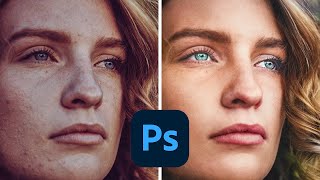
How to Make Colors Pop in Photoshop
Learn advanced Photoshop techniques to enhance colors, adjust skin tones, and create vibrant images. Master tools like Curves, Selective Color, and Neural Filters for stunning photo edits.

Creating a Shogun-Style Poster in Photoshop - Western Twist
Learn to design a Shogun-inspired poster with a Western twist using Photoshop. Master compositing, gradient maps, blending techniques, and layer styles to create a striking visual with gold titling and red oil splotch effects.
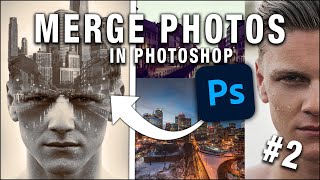
How to Merge Photos in Photoshop
Learn various techniques to merge photos in Photoshop, including blend modes, layer masks, adjustment layers, and gradient maps. Enhance your photo editing skills with practical examples and downloadable images.
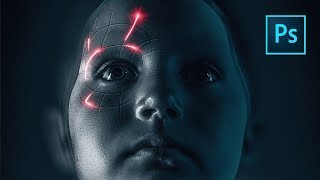
Perfect Movie Poster Tutorial
Learn advanced Photoshop techniques to recreate a movie poster, covering tools like frequency separation, gradient maps, and Camera RAW filter. Enhance your photo editing and design skills through practical application.
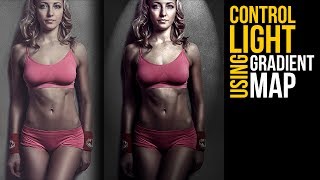
Control of Light in Photoshop Using Gradient Maps
Master light manipulation in Photoshop using Gradient Maps. Learn to control brightness levels, remove hotspots, adjust harshness, and add dramatic effects for enhanced depth and dimension in your images.
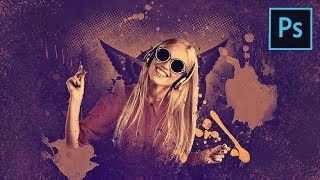
How to Create a Fun Wallpaper Style Composite in Photoshop
Create a fun poster-style composite using gradient maps, custom brushes, and halftone effects in Photoshop. Learn to blend elements seamlessly and add eye-catching splash and scatter effects.
Updates to PiX Compositing You Asked For
Explore 15+ updates to PiXimperfect Compositing Panel for Photoshop, including faster color matching, improved alignment, and new features like PiX Grain. Enhance your compositing skills with real-world examples.
How to Prep Photoshop Files for After Effects
Learn essential techniques for preparing Photoshop files for After Effects animation, including file structure, layer management, and preserving editability, to streamline your workflow and enhance your motion design projects.
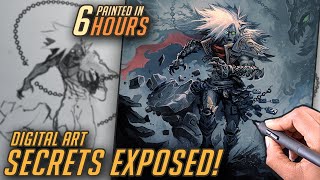
Time Saving Layer Effects - Doomed Raziel Layer Breakdown
Efficient layer effects in digital painting: breakdown of Doomed Raziel artwork, revealing time-saving techniques and Photoshop tricks for faster, more effective digital art creation.
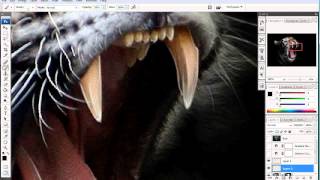
How to Enhance Photos with a Pen Tablet - Part 2
Discover pen tablet techniques to enhance photos with artistic highlights, shadows, and gradient maps for a subtle, professional look.
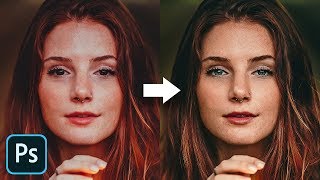
The Master Guide to Reconstructing Skin Tones - Photoshop Tutorial
Advanced Photoshop techniques for reconstructing skin tones, including color matching, curves adjustment, gradient maps, and retouching eyes. Learn to create realistic skin from scratch.
Creating Spooky Halloween Animations in Photoshop - Tutorial
Master spooky photo manipulation techniques in Photoshop by transforming daytime scenes into haunting nightscapes with animated elements, gradient maps, and eerie lighting effects.